Page 60
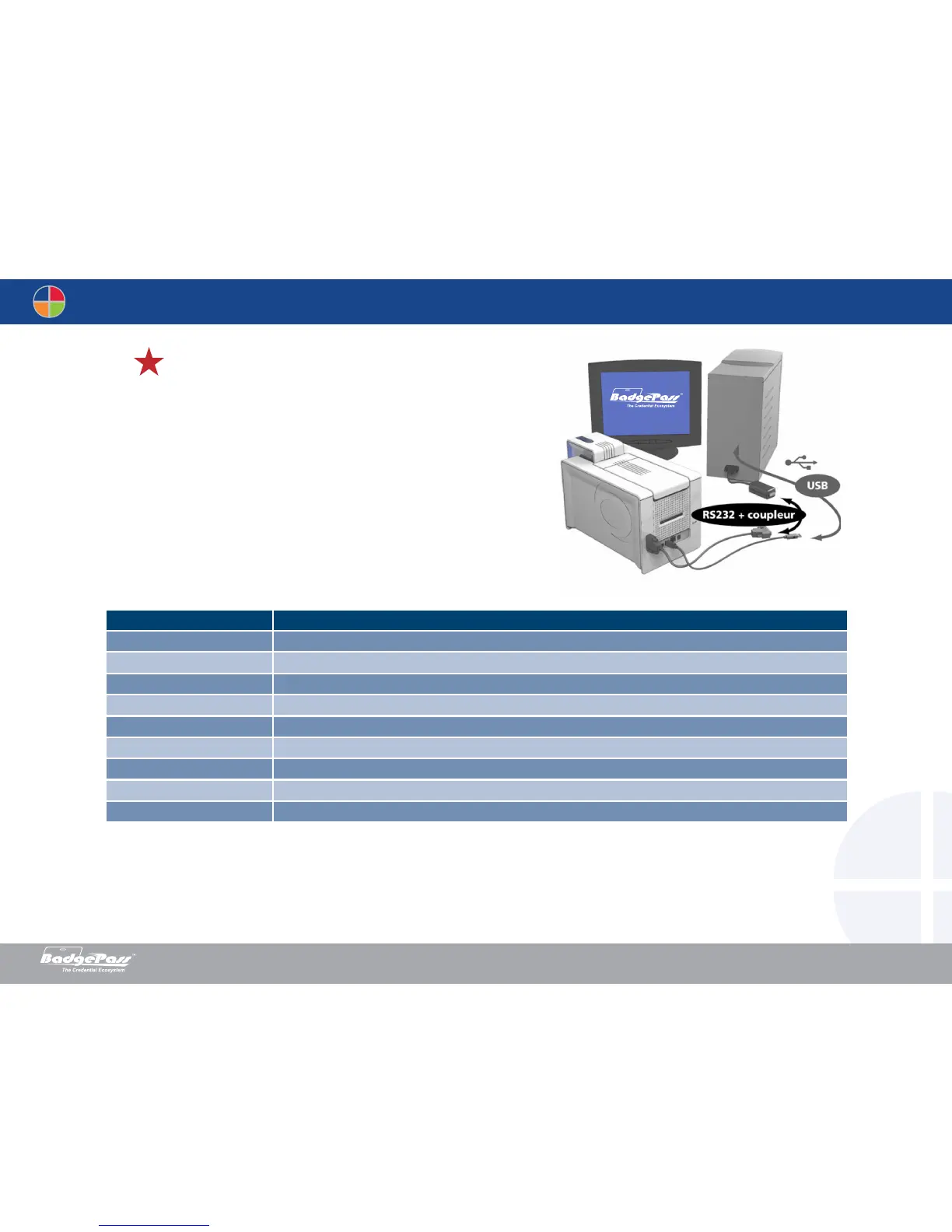
Printers fitted only with a smartcard contact station (without integrated encoder) are fitted with a
female DB-9 connector which is found on the back of a printer. This connector, directly connected
to the contact station inside the printer, is also connected to an external coupler to program the chip.
Contact station interface
DB-9 connector pins Smartcard contact points
1 C1 (V c.c.)
2 C2 (reset)
3 C3 (clock)
4 C4 (reserved)
5 C5 (ground)
6 C6 (Vpp)
7 C7 (I/O)
8 C8 (reserved)
9 Card present signal
A sequence of commands must be sent via the printer’s interface to insert a card into the printer then position it under the station and establish contact.
Document History
BadgePass NXT5000 USER GUIDE



 To Next Page