5
BF-UM-C-DP C010.CN-EN June 2024
USER MANUAL FOR DISPLAY
7.6 NORMAL OPERATION
7.6.1 Power ON/OFF
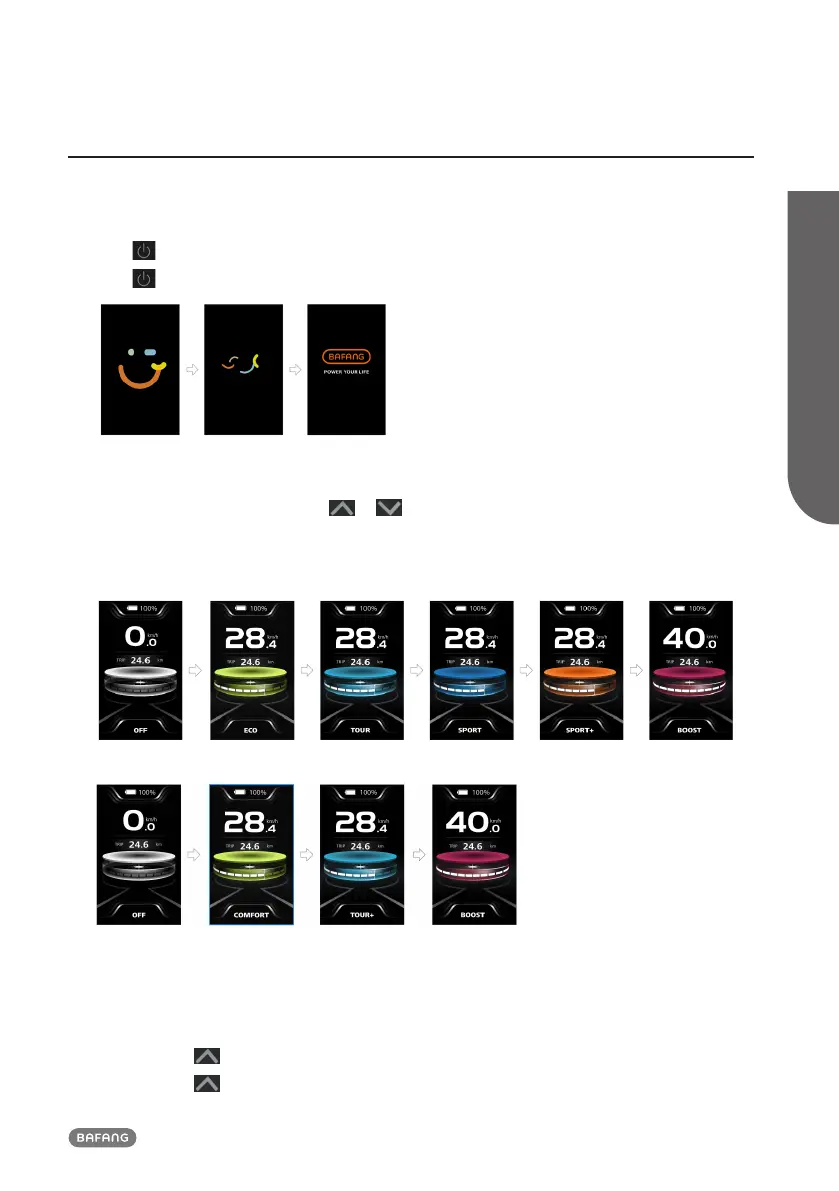
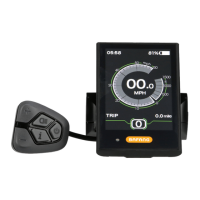
Press and hold (>2S) to power on the HMI, and the HMI displays the boot up LOGO.
Press and hold (>2S) again to power off the HMI.
7.6.2 Power-Assisted Mode Selection
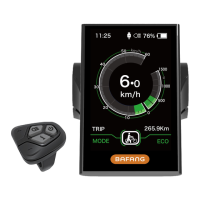
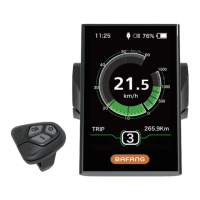
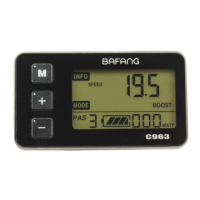
When HMI powers on, briefly press or (<0.5S) to select the power-assisted mode and
change the output power of motor. 4 Modes or 6 Modes can be selected, but the default selection is
6 Modes of which the lowest mode is ECO and the highest mode is BOOST. The default mode is ECO
after HMI powering on, mode OFF means no power assistance.
(6 Modes)
(4 Modes)
7.6.3 Headlight / Backlight
The headlight can be switched on manually or automatically. When the HMI powers on, the auto
light function works.
Press and hold (>2S) to turn on the headlight and reduce the brightness of backlight.
Press and hold (>2S) again to turn off the headlight and increase the brightness of backlight.



 To Next Page