16
Setting up the SG200 for the First Time
When the SG200 Display is rst powered up, a splash screen is shown.
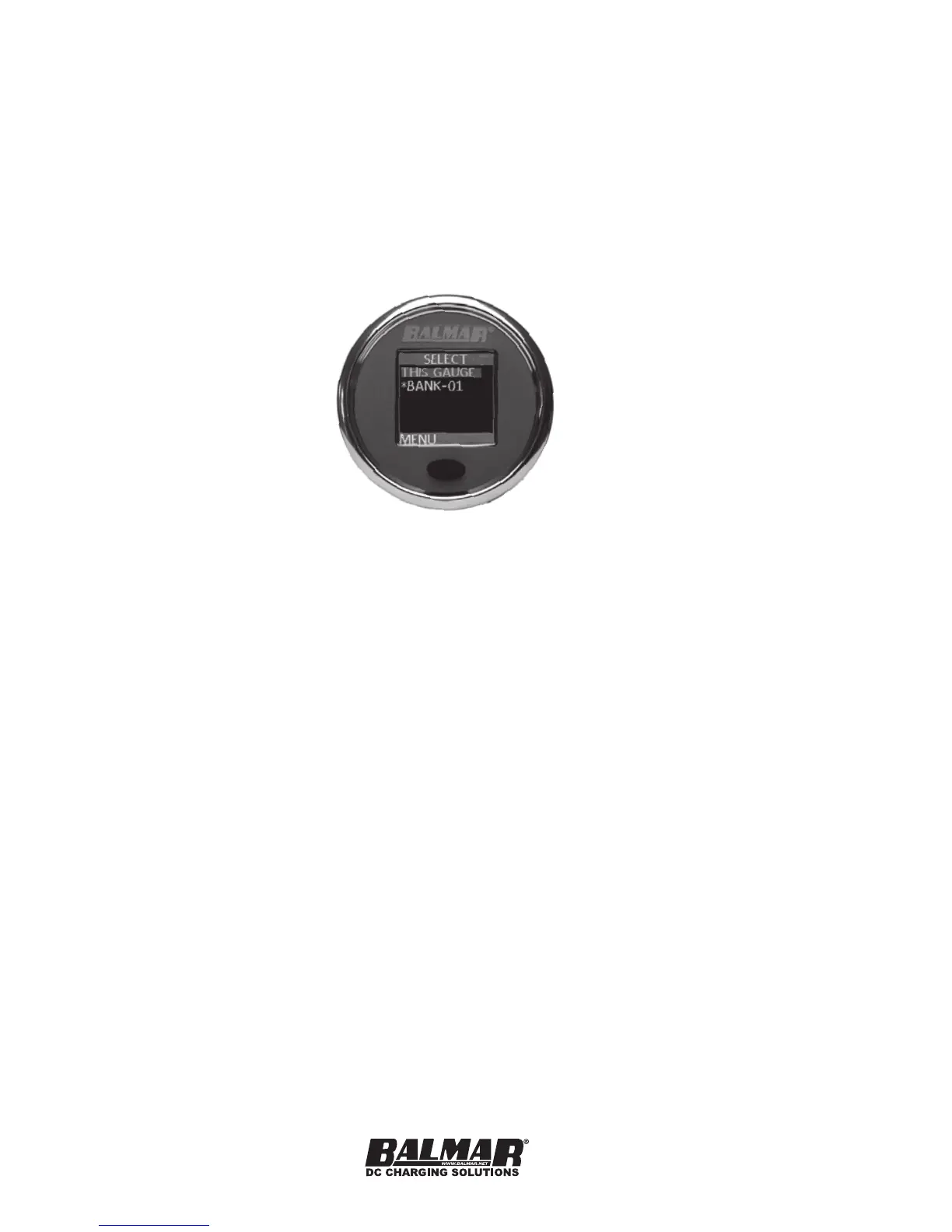
Pressing the button once will take you to either a screen where you can select
the device to be monitored (If two SmartShunts are installed, for instance), or
directly to the Real-Time Data if the only devices on the network are a single
Display and a single SmartShunt. Before the SG200 can be used, you must
congure the bank for the correct battery chemistry and the capacity of the
battery bank.
Each SmartShunt on a SmartLink Network has it’s own menu. If you only have
one SmartShunt, it is automatically selected for you. Otherwise, select the
SmartShunt that you wish to congure (Using the long-press method) and then
select MENU, and then CONFIG. A complete description of the conguration
options can be found in the CONFIG section later in this manual.
Initial conguration of the SmartShunt consists of setting the following
parameters:
Battery Chemistry
Battery Capacity
Charge Termination Current and Voltage
The default chemistry is FLOODLA with a capacity of 100Ah.


 To Next Page