18
History
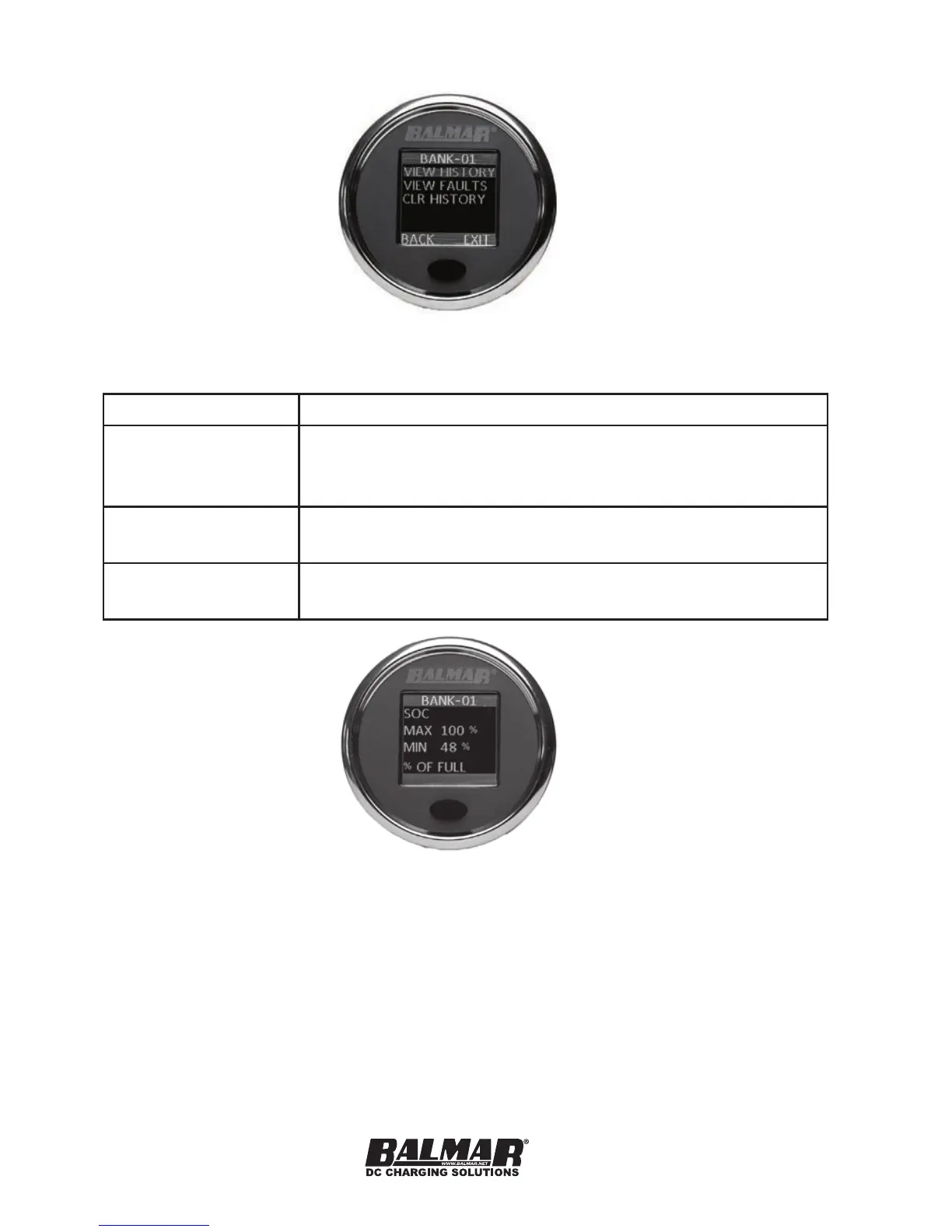
The HISTORY sub-menu shows the following
MENU OPTION DESCRIPTION
VIEW HISTORY Displays minimum and maximum values for the
following parameters:
Voltage, Current, SoC, SoH, Power (Watts)
VIEW FAULTS Displays details on all faults recorded on the
device.
CLR HISTORY Reset the min-max values in HISTORY to the
current values of those parameters.
Viewing HISTORY steps the user through the minimum and maximum values
recorded of the real-time data parameters. An additional set of values is shown
here for POWER, expressed in watts.
When selecting FAULTS, you can select to view either current faults (if the con-
dition leading to a fault is still present) or view information about the last fault
of each type, as well as a counter showing how many times that particular fault
has been triggered. See faults in FAULTS AND ALERTS for more information
on faults.


 To Next Page