HB-0502-03
6
THE ANALOGUE DIAL AND POINTER
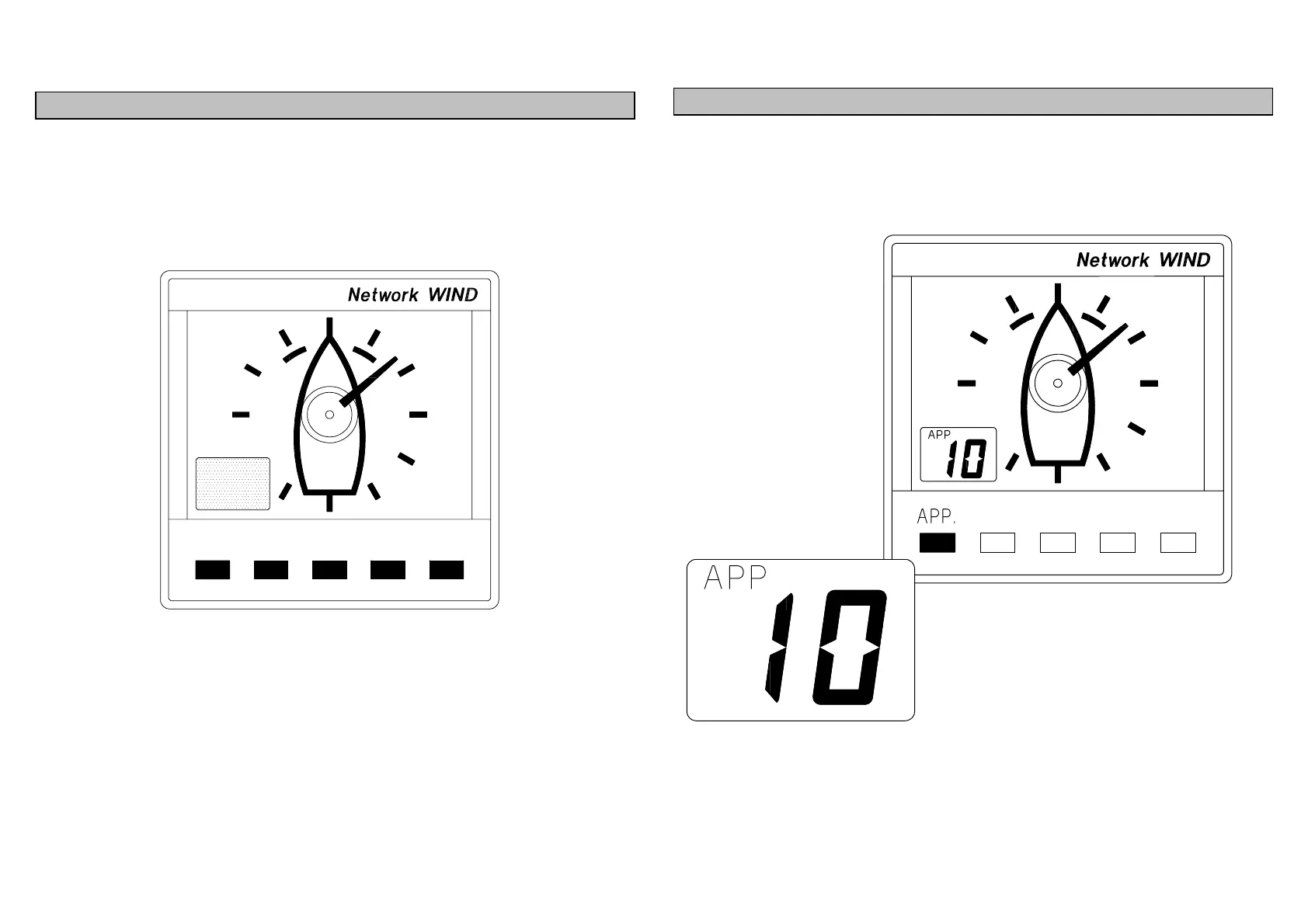
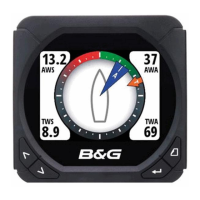
The analogue pointer always indicates Apparent Wind Angle
on the 360
0
dial. Each division marker is at 30
0
intervals. The
LCD is offset to the left so when running with the wind astern
the wind angle can still be read clearly.
USING THE APP. KEY
Press the APP. key to display Apparent Wind Speed on the
LCD. The LCD APP legend will be displayed.



 To Next Page