R5900120 /03 ClickShare CX-50 Gen2136
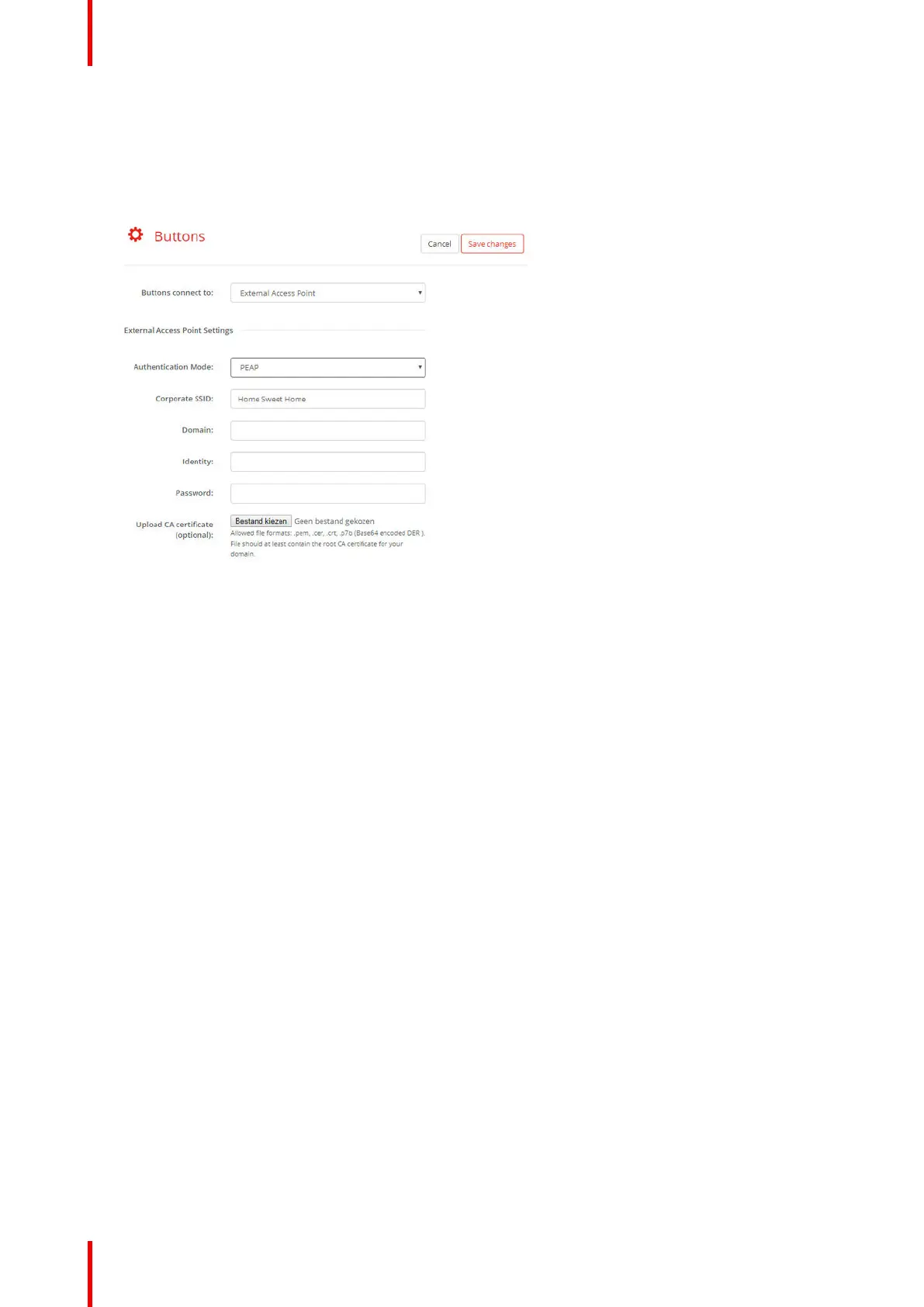
5.36 Buttons, External access point, mode PEAP
How to fill out the settings
1. Fill out a Corporate SSID.
Image 5–56 Buttons, External access point, mode PEAP
The SSID of your corporate wireless infrastructure to which the ClickShare Buttons will connect.
2. Fill out the Domain and Identity.
3. Enter a Password.
4. Upload CA certificate. Click on Choose file and browse to the desired file.
The following formats are allowed:
• .pem
• .cer
• .crt
• .pb7 (Base64 encoded DER)
File should at least contain the root CA certificate for your domain.
5. Click Save Changes to save the settings.
CX-50 Gen2 Configurator














 To Next Page