R5900120 /03 ClickShare CX-50 Gen252
3.22 Preferred way to start up
What will be done?
After an optional firmware update check, the configuration wizard should be started to configure the Base Unit.
To finalize the complete startup, the Base Unit can be registered to XMS Cloud to get your SmartCare
package. That package contains a 5-year coverage for hardware, increased service levels, 5-year analytics
and XMS for management.
How to handle
1. Connect the device’s WiFi with the given instructions.
The default SSID is ClickShare-<serial number>.
Password : clickshare
2. Once your WiFi connection is made, continue with the network setting of your device.
Browse to
http://192.168.2.1
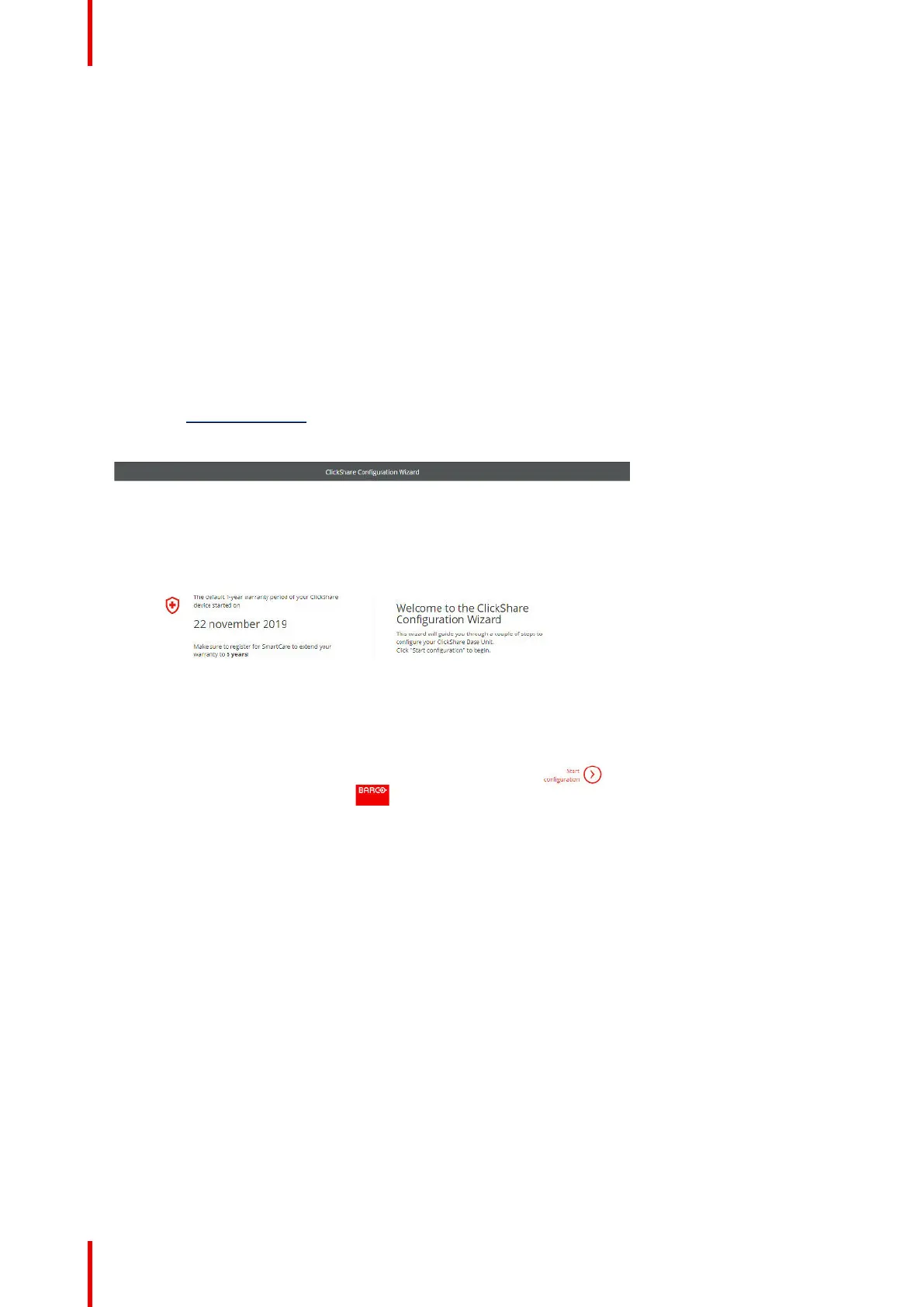
The ClickShare Configurator wizard starts up.
Image 3–17
3. Click Start configuration.
The Firmware update window opens.
CX-50 Gen2 Installation














 To Next Page