143R5900120 /03 ClickShare CX-50 Gen2
5.41 Support & Updates, Troubleshoot, log settings
About logging
Both Button and Base Unit log data is saved in log files on the Base Unit. These log files can contain
debugging information. They can be downloaded on a local computer and cleared on the Base Unit. Debug
logging covers only a few hours before it will be overwritten. Therefore, it is important if you discover a
problem with your system to download the logging immediately.
How to use
1. Log in to the Configurator.
2. Click Support & Updates → Troubleshoot.
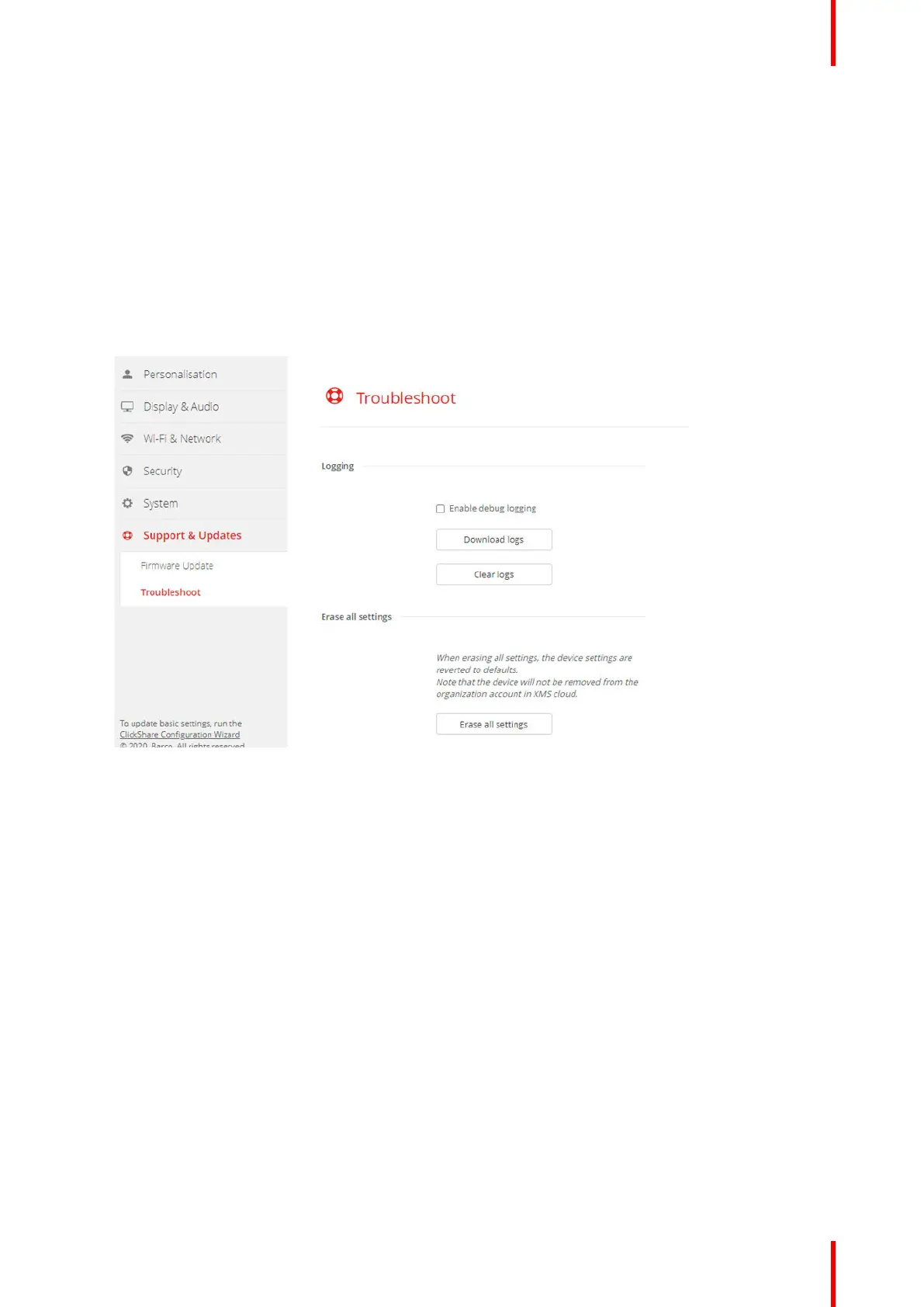
Image 5–62 Troubleshoot, logging
3. To create a debug log, check the check box next to Enable debug logging.
4. Reproduce the issue you want to report.
5. To download the current log file, click on Download logs.
6. To clear the current log file, click Clear logs.
CX-50 Gen2 Configurator














 To Next Page