95R5900120 /03 ClickShare CX-50 Gen2
5.8 Display setup, Inputs
Input mode setup
1. Log in to the Configurator.
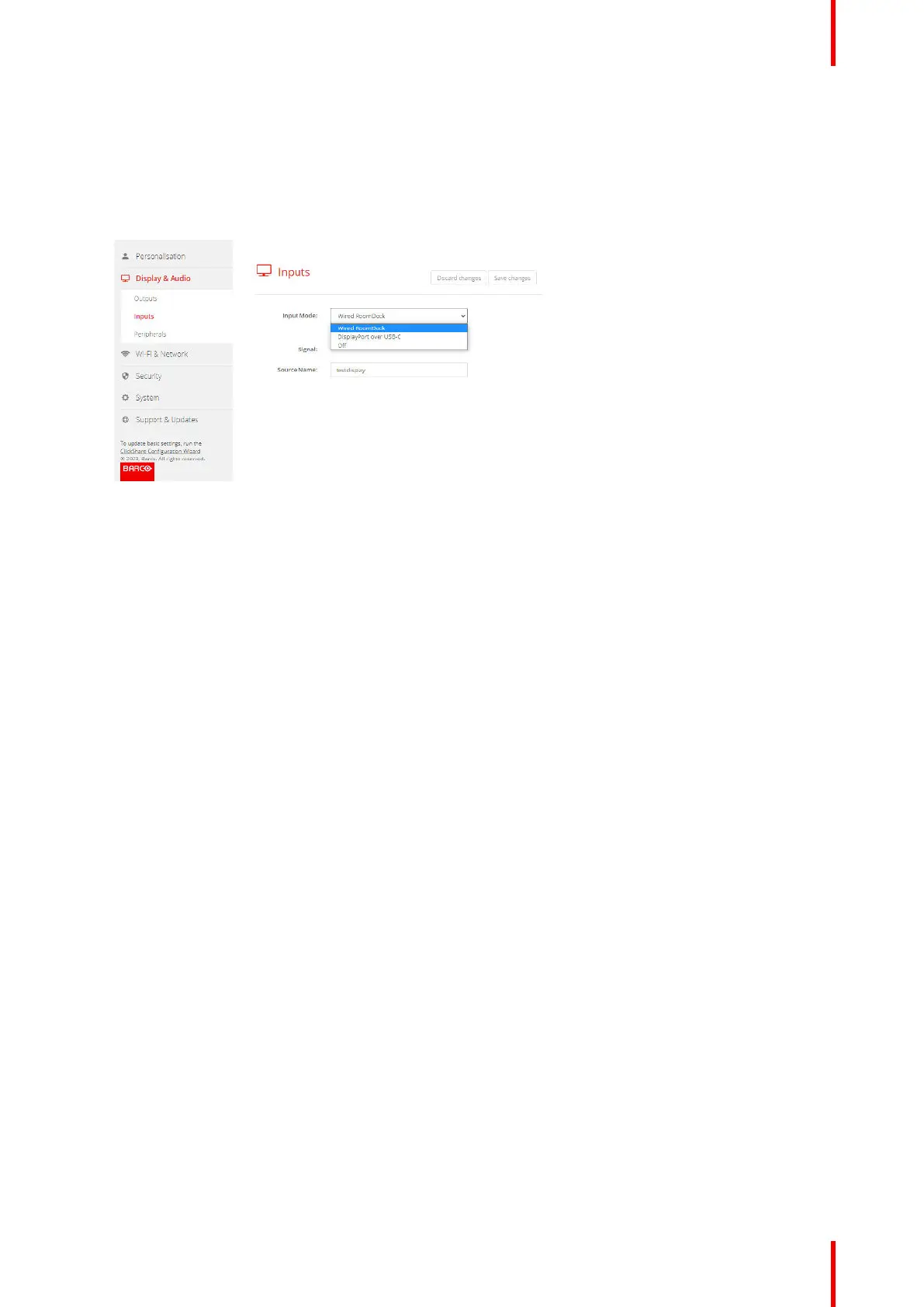
2. Click Display & Audio → Inputs
Image 5–15 Display, Inputs
3. To change the input mode, click on the drop down next to Input Mode and select the desired option.
The following option are possible:
• Wired RoomDock: display screen will be displayed on local device.
• DisplayPort over USB-C: input from HDMI device via convertor to DisplayPort over USB-C
• Off: no input allowed
When there is a signal available, the led next to Signal lits up green.
4. Enter a source name. Click in the input field, select the current name and enter a new name.
5. Click Save Settings.
CX-50 Gen2 Configurator














 To Next Page