1. Introduction
The U ser Guide describes how to use your CS-100. It also contains a basic troubleshooting part where you can s earch for a solution
when a problem occurs.
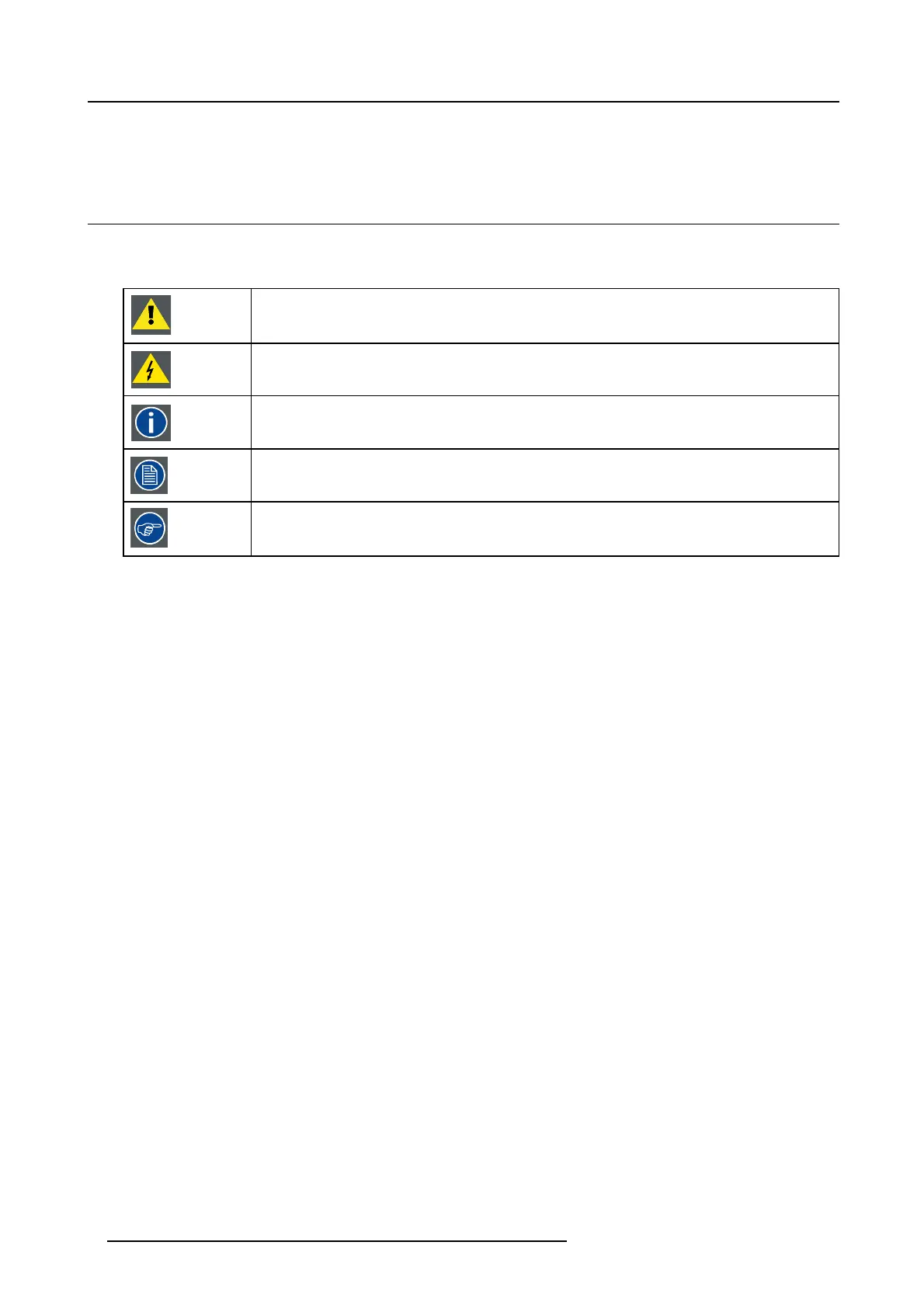
1.3 Symbols and fonts
Symbol overview
The following icons are used in the manual :
Caution
Warning
Info, term definition. G eneral info about the term
Note: gives extra information about the desc ribed subject
Tip: gives extra advice about the described subject
Font ov erview
• Buttons are indicated in bold, e.g. OK.
• Menu items are indicated in italic.
• Step related notes, tips, warnings or cautions are pr inted in italic.
• Procedure related notes, tips, warnings or cautions are printed in bold between 2 lines preceded by the corresponding icon.
4
R5900024 CLICKSHARE CS-100 24/07/2017














 To Next Page