26 Display Controller
1 Insert the BARCO Display System Installation CD-ROM into your CD/
DVD drive. When the Barco Product Installation Wizard starts click
Cancel.
2 Click the Start button in the task bar.
3 Click Run.
4 Click Browse and
a Browse to the root directory of the B
ARCO Display System
Installation CD-ROM.
b Click on the file, Setup.exe, and click Open.
or
a Browse to the root directory of the location where you saved
the contents of your B
ARCO Display System Installation
CD-ROM.
b Click on the file, Setup.exe, and click Open.
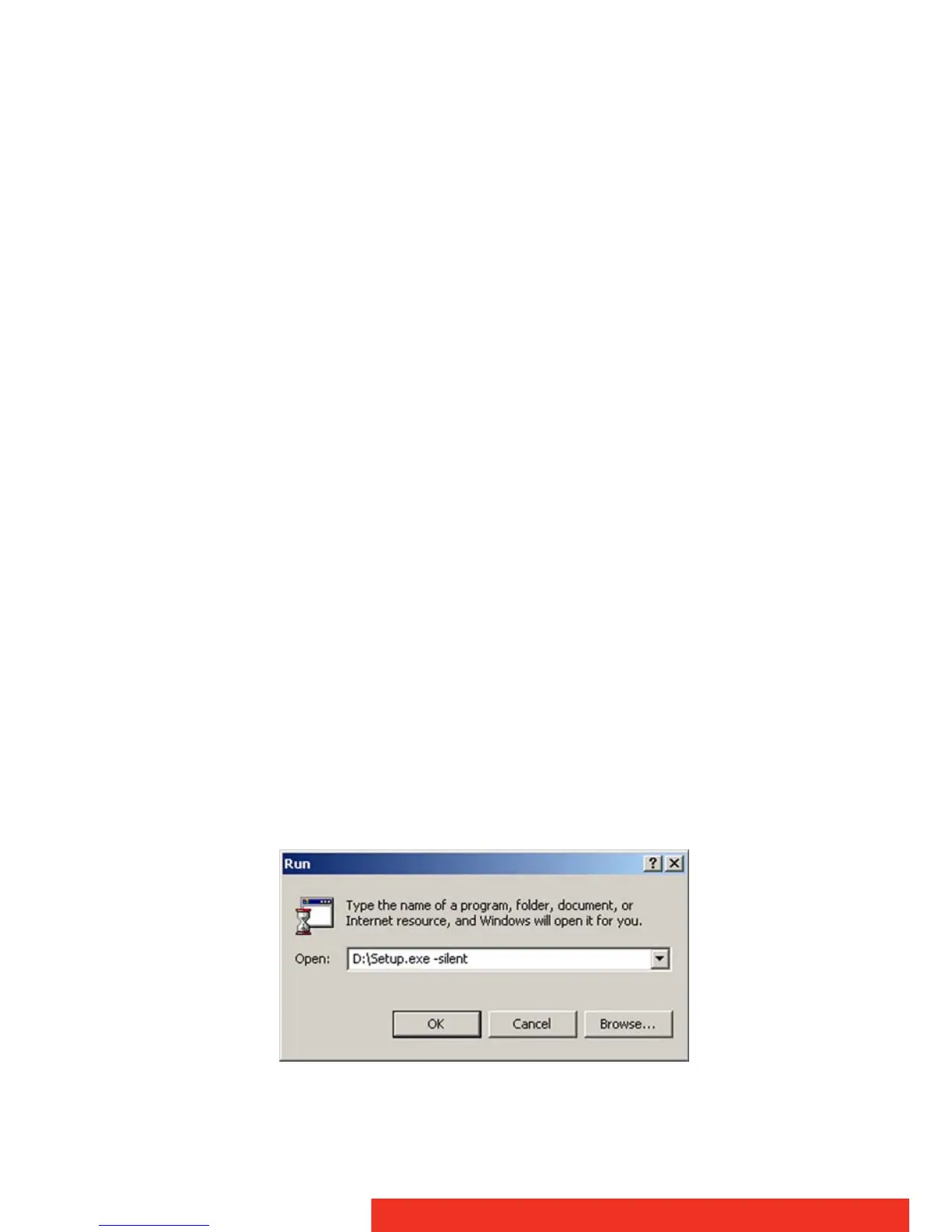
5 In the Open address window, place your cursor at the end of the
line of text that appears and add the following text after Setup.exe,
a space and -silent. Click OK.
Example (where D is the name of your CD/DVD drive):
D:\Setup.exe -silent
See below for an example of how the command line window
should look when using the silent install from the B
ARCO Display
System Installation CD-ROM.
Command line installation



 To Next Page