Display Controller 31
Uninstalling the drivers and software
To uninstall the Barco drivers, software or documentation for your Barco
Display Systems, please use the Windows Add/Remove Programs or
Uninstall utility. This can be found in the Windows Control Panel.
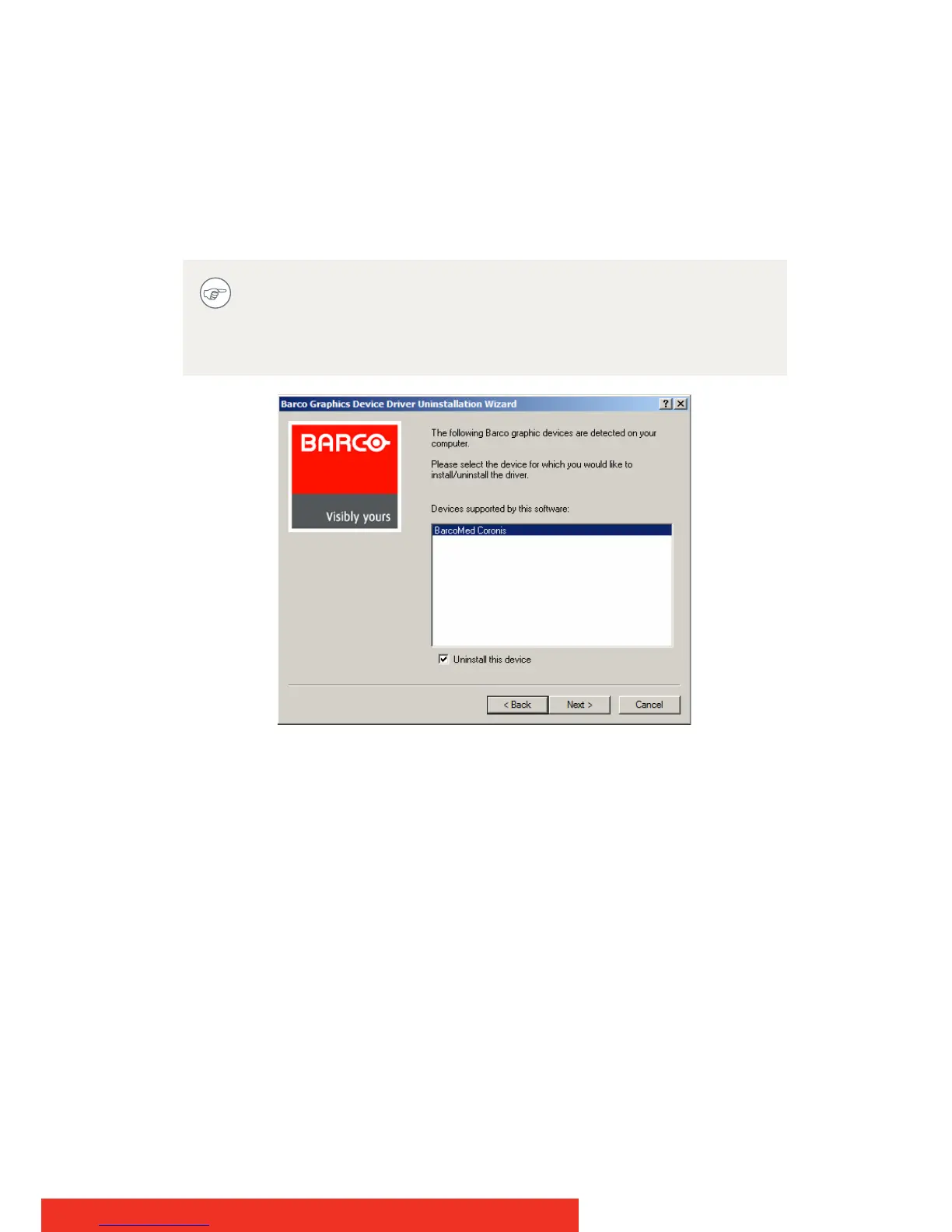
Barco Driver Removal Wizard
If you installed your BarcoMed Coronis or Nio drivers with
DualView enabled, the wizard will warn you that DualView
must be disabled before the drivers can be uninstalled. This is
normal, please follow the prompts from the wizard.



 To Next Page