4. Operation
4.3.5 Identification button
Identification of a device
1. Press the identification button on a device:
The device is put in Identification mode. The blue light bulbs in the table above (image 4-6) will be blue
for all devices currently in Identification mode.
Tip: You might need to refresh the table by pressing
, to update the data to the current status.
4.4 Device info
4.4.1 Introduction
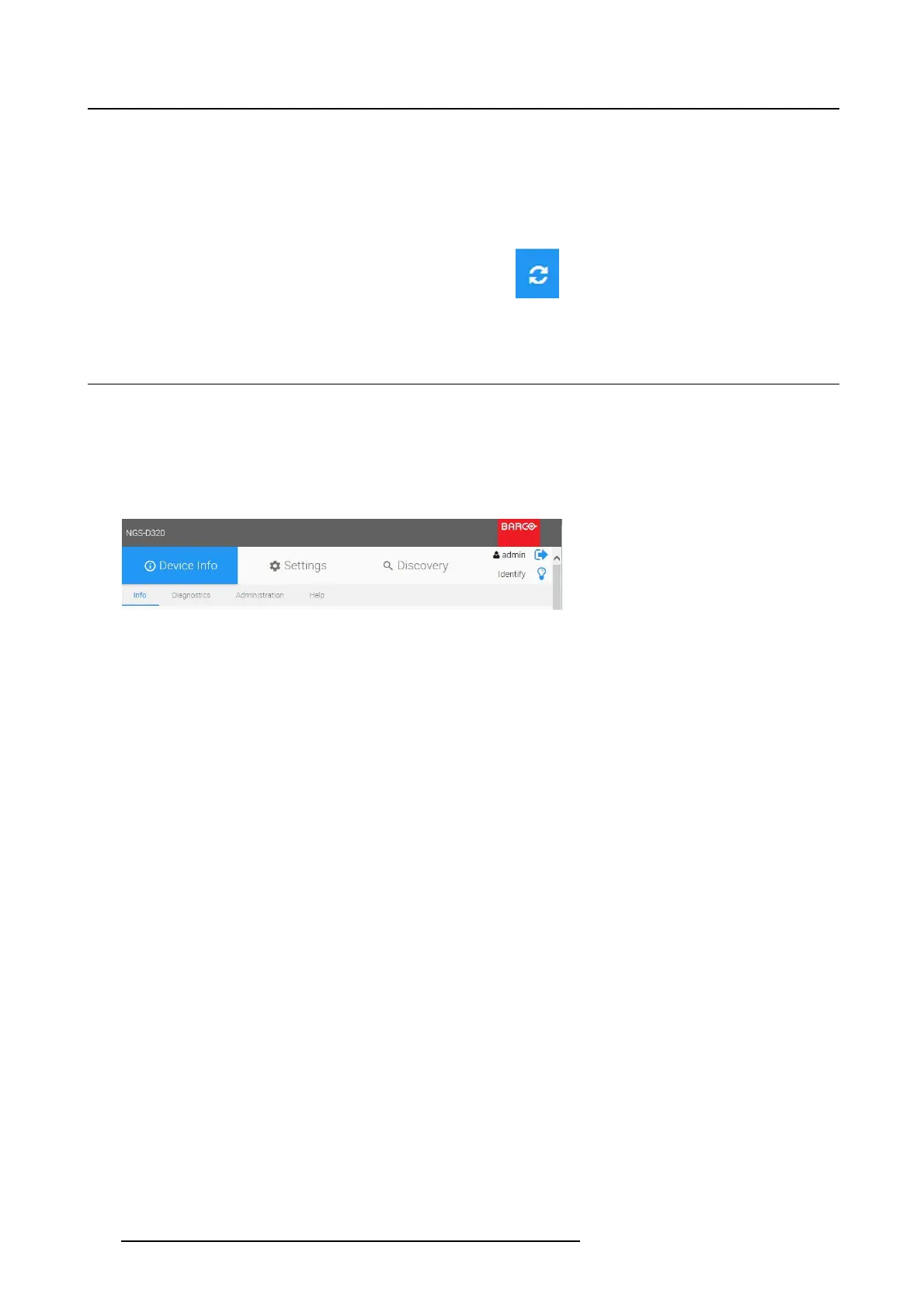
Device Info menu
In this menu you can perform a general device setup.
1. Select the tab Device Info to start.
Image 4-7
Device Info _ Menu
2. You can choose one of these tabs to modify the settings:
-Info
- Diagnostics
- Administration
-Help
26
K5903129 NGS-D320 29/09/2016



 To Next Page