7. Service activities
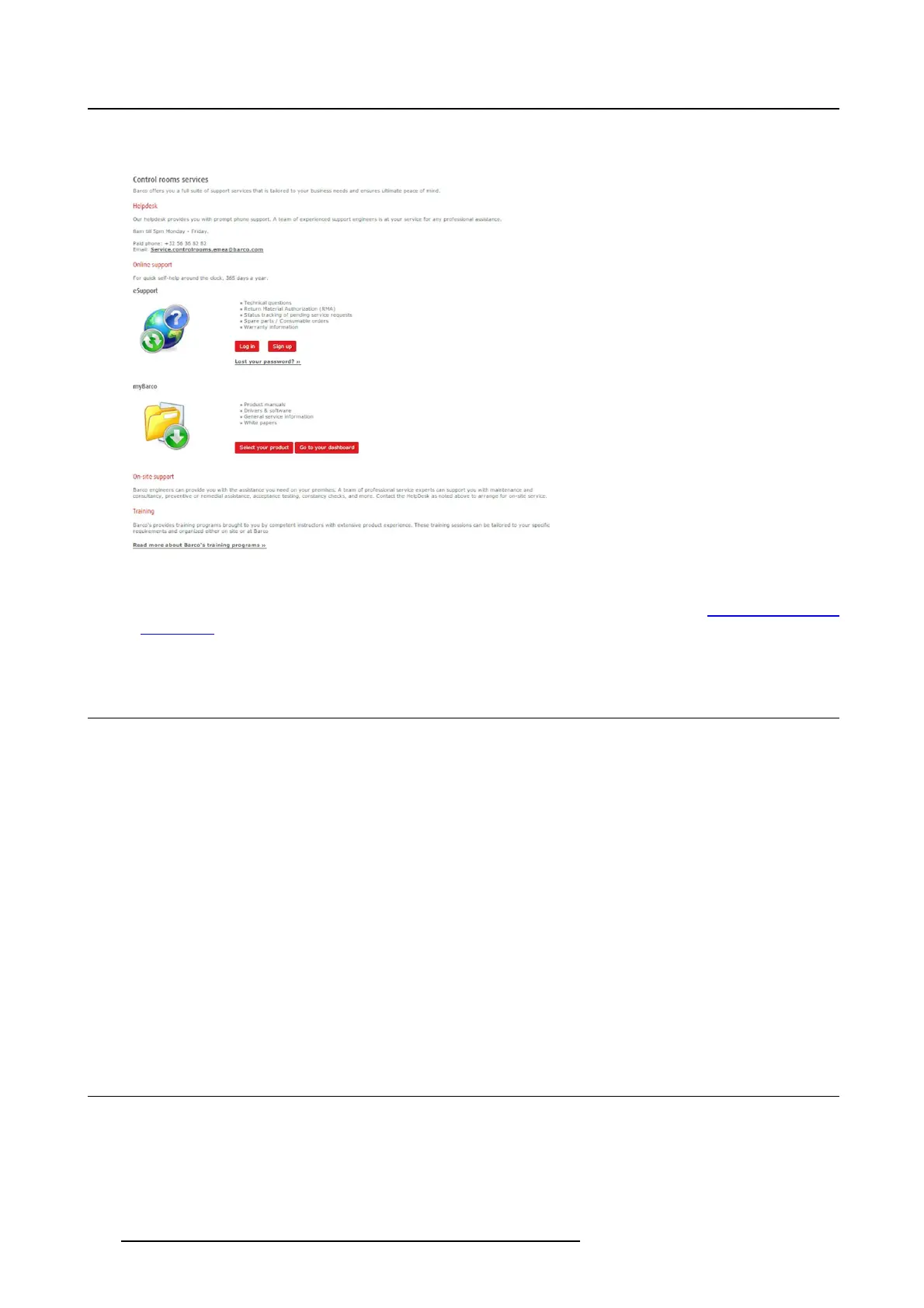
The local service contact page is displayed.
Image 7-3
Local s ervice contact page
5. Click Log in (you m ay first need to Sign up) and the SalesForce.com page appears (https://emea.sa les-
force.com/).
7.2 O nline product suppo rt
Contents
The online product support provides:
• Software & drivers
• Manuals & documentation
• Knowledgebase
• Spare parts
• Training
Download software
1. In myBarco, click Select your product and choose your product.
The window Product Support appears.
2. Select the tab Software & drivers and download your software.
7.3 Reporting an issue in SalesF orce.co m
How to report
1. Login by entering your user name and password.
2. Create a new request by selecting Swap/part delivery request.
46
K5903129 NGS-D320 29/09/2016



 To Next Page