7. Service activities
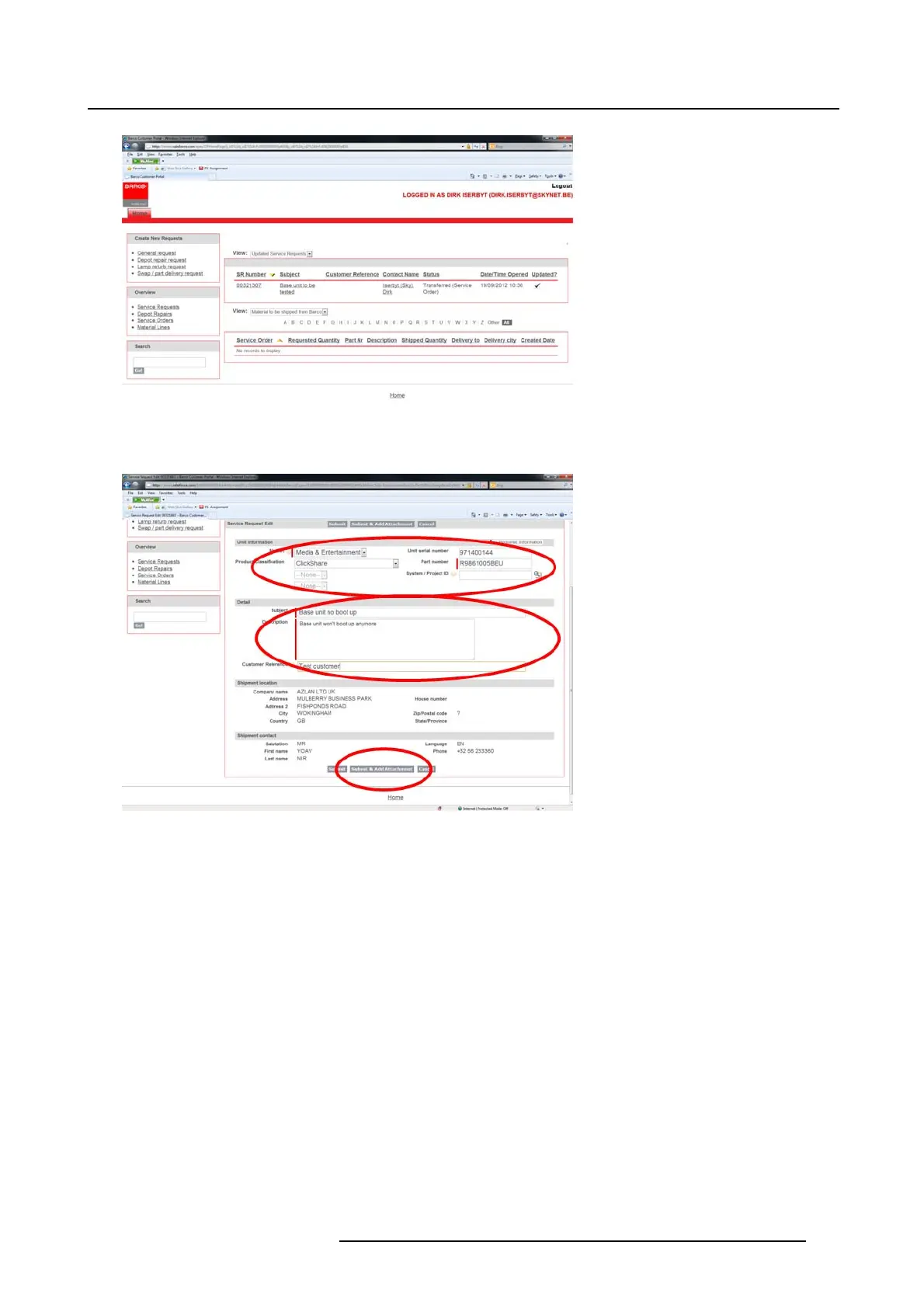
Image 7-4
Swap / part delivery request
3. Fill out the service request form
Image 7-5
Service request form
4. Click Submit & Add Attachment.
5. Click Choose File andbrowsetothefile to attach.
6. Click Attach fi le.
7. To add extra files, repeat the Choose File and Attach file action.
When all files are attached click Done.
K5903129 NGS-D320 29/09/2016
47



 To Next Page