4. Operation
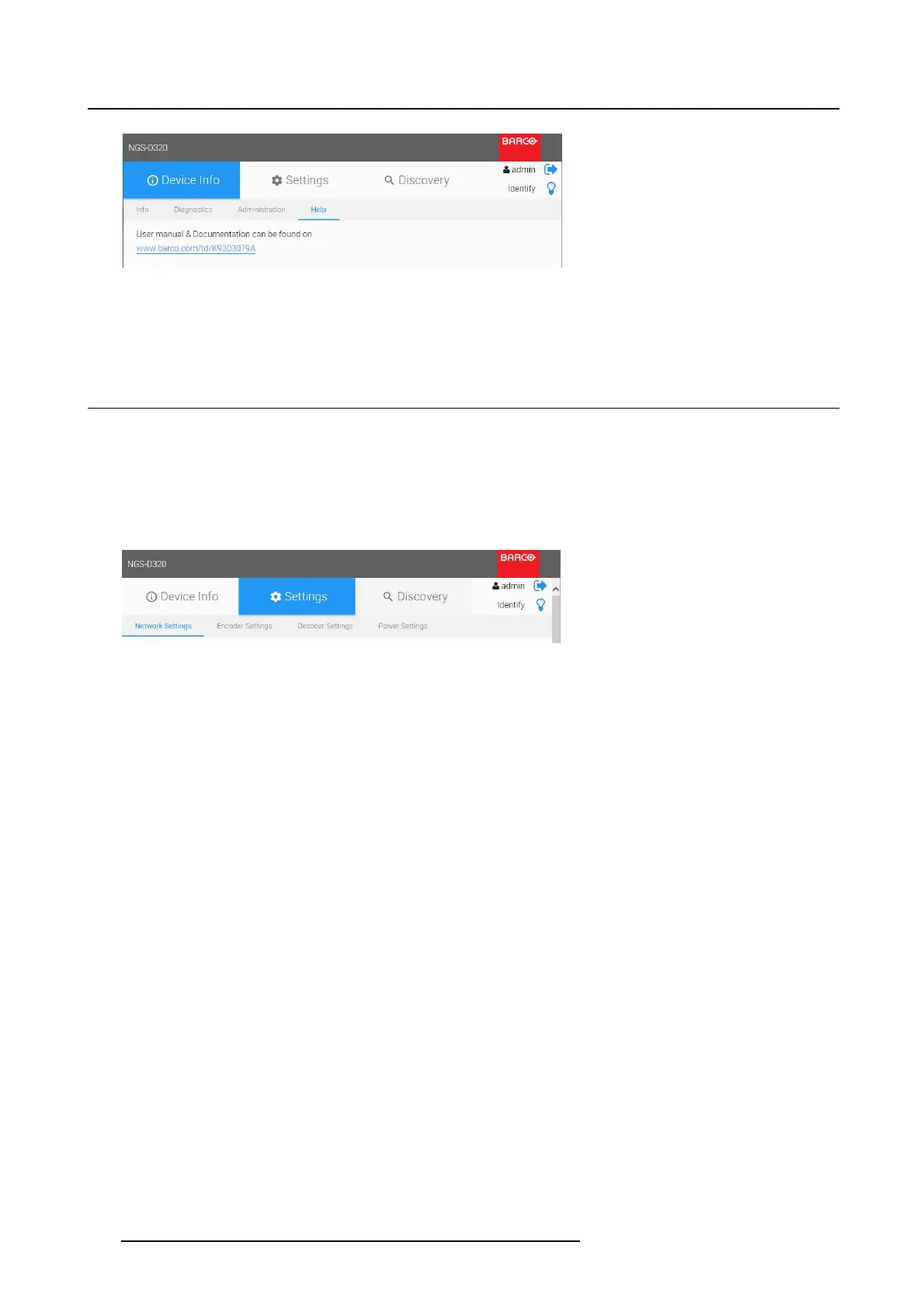
Image 4-13
Device Info _ Help
The Help page provides a link to the mybarco website where the product documentation can be found.
4.5 Setting s
4.5.1 Introduction
Settings menu
In this menu you can configure the device’s operational behavior on the network.
1. Select the tab Settings to start:
Image 4-14
Settings _ M enu
2. You can choose one of these tabs to modify the settings:
-NetworkSettings
- Encoder Settings
- Decoder Settings
- Power Settings
4.5.2 Network settings
Overview
Select the tab Network Settings.
32
K5903129 NGS-D320 29/09/2016



 To Next Page