4. Operation
4.5.2.3 Unmanaged mod e
HowtoswitchtoUnmangedMode
To use the device only in Unmanaged Mode, and prohibit the use of Managed Mode, switch off (slide the
bullet to the left).
Press Apply to save the settings.
Unmanaged control mode is described in "Control modes", page 7 .
4.5.2.4 SNMP settings
Configure
1. Fill in the IP address or hostname of the host machine which is running your SNMP monitoring software.
SNMP traps like reboots and temperature alarms will be sent to this host.
4.5.3 Encoder settings
4.5.3.1 Overview
Encoder settings tab
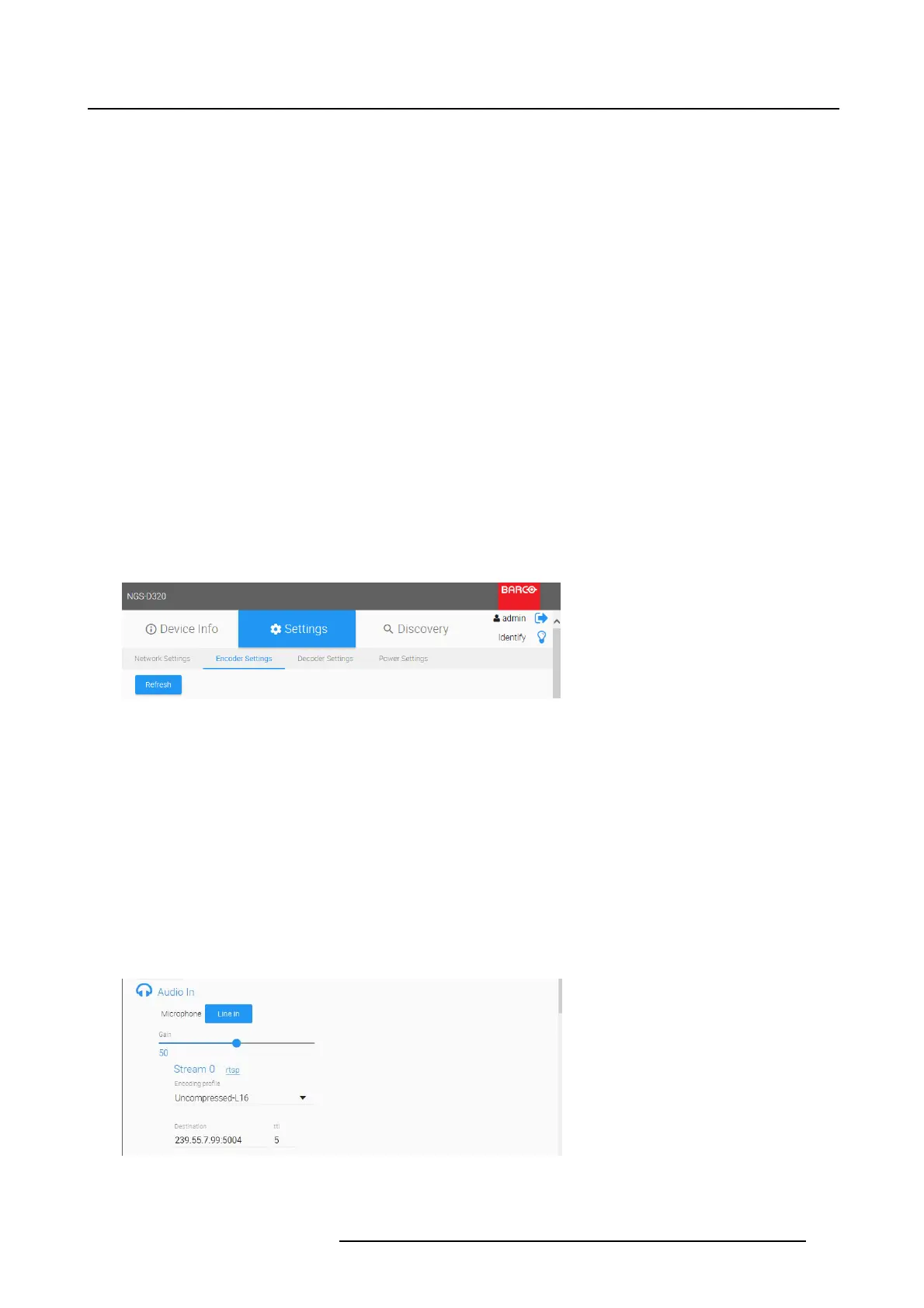
1. Select the tab Encoder Settings
Image 4-16
Settings _ Encoder settings
The Encoder Settings page allows to set up the device for encoding & streaming media.
2. Press the Refresh button to ensure you have the latest device status displayed correctly before mak-
ing any changes.
All available input connectors on the device will always be listed, even if no active connection is
present. Configuration changes can be made at any time, they will be applied when the connec-
tion is live. This allows to pre-configure the device in advance.
4.5.3.2 Audio
Microphone In / Line In
1. Select Microphone or Line In to be configured for streaming.
Image 4-17
Encoder settings Audio In
K5903129 NGS-D320 29/09/2016 35



 To Next Page