4. Operation
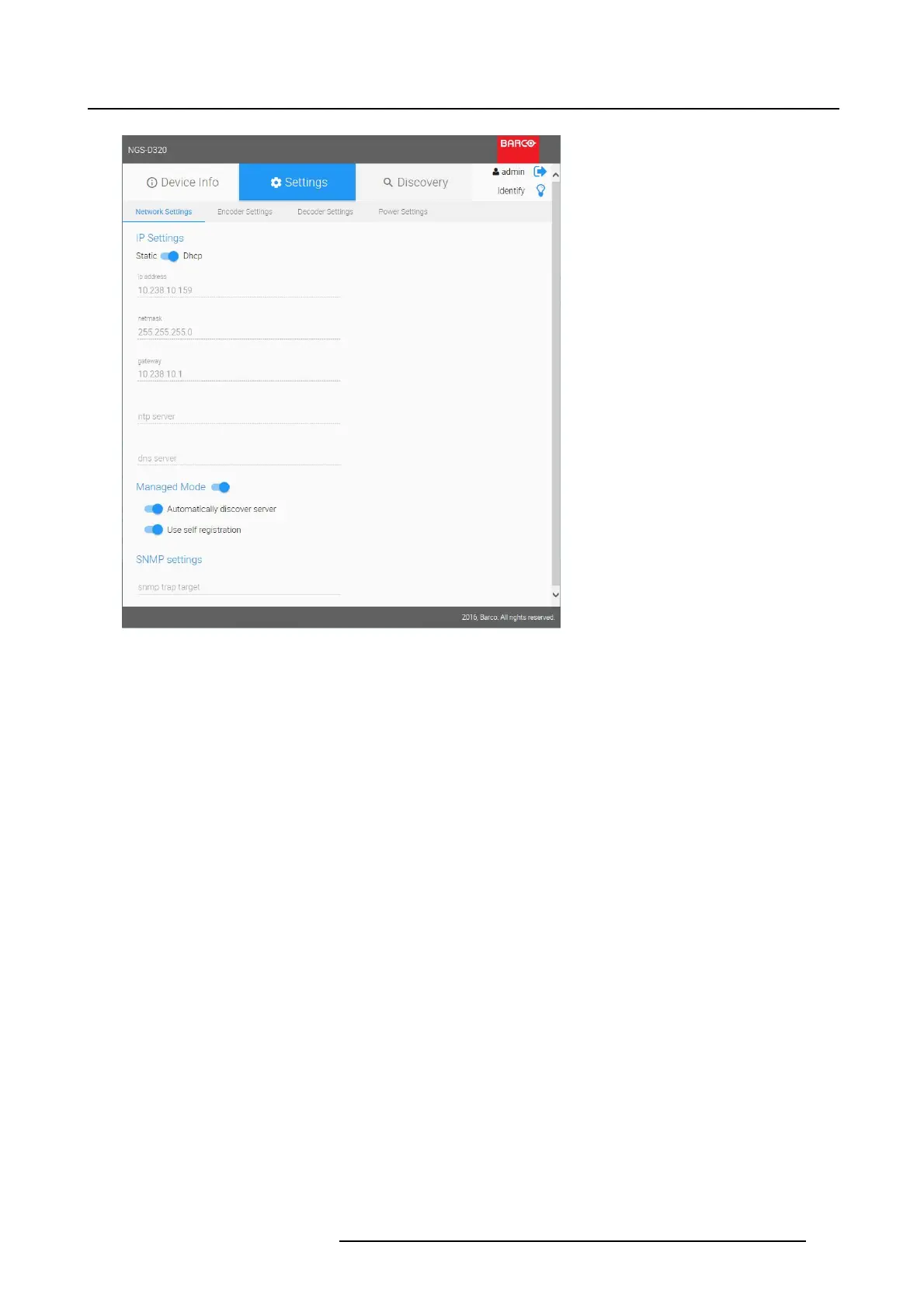
Image 4-15
Settings _ Network settings
1IPSettings
2 Managed Mode
3 SNMP settings
Here you can configure your device on the network.
The NGS-D320 is designed to operate on standard IPv4 networks. The device can be added to any IPv4
network, following standard network setup practices.
4.5.2.1 IP settings
Default
By default, the device is configured to Dynamic IP addressing using DHCP.
• The DHCP server will automatically provide the device with the following network configuration:
- IP address
- Subnet mask
- Gateway address
- NTP server address (if available)
- DNS server address (if available)
• The settings will be grayed out, and are non-changeable.
Configure
To c onfigurethedevicetoStaticIPaddressing:
1. Select Static
2. Fill in the
K5903129 NGS-D320 29/09/2016
33



 To Next Page