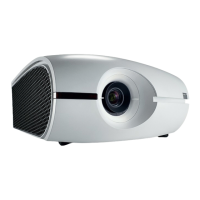
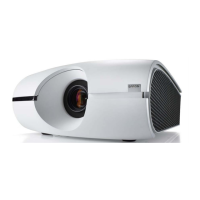
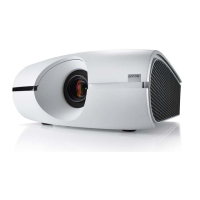
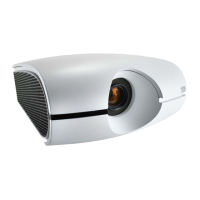
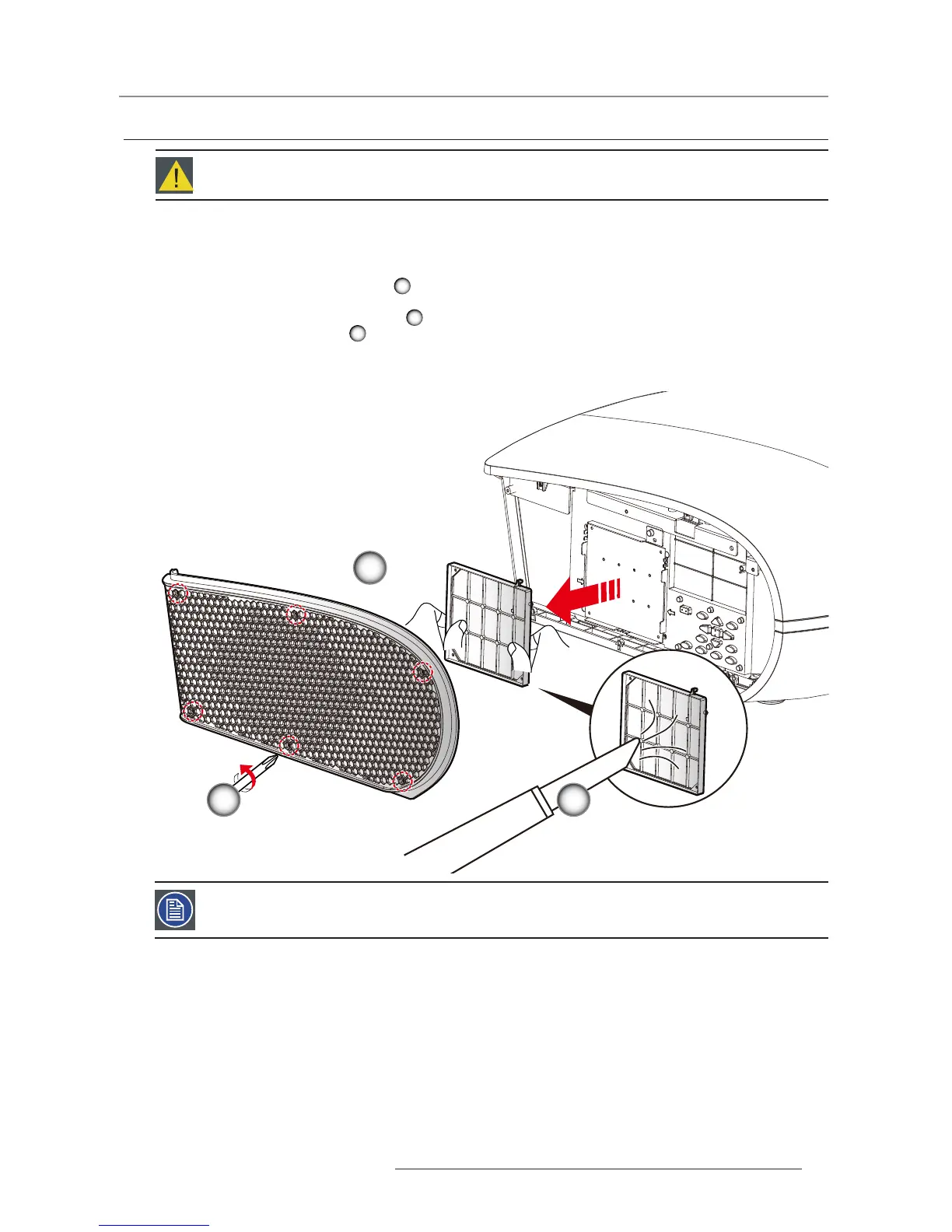
Turn the projector off and unplug the power cord. 1.
Allow the projector to cool down for at least 30 minutes.2.
Unscrew the sixscrews on the cover. 3.
1
Lift up and remove the cover.4.
Lift up the air lter slowly and carefully. 5.
2
Clean or replace the air lter. 6.
3
To install the air lter, reverse the previous steps.7.
6.2 Replacing the Air Filter
Procedure:
1
2
3
Warning: This procedure may only be performed by qualied technical service personnel.
Note: We recommends cleaning the Air lter every three months; clean it more often if the projector is used in a
dusty environment.


 To Next Page
 Loading...