56-101-01501_01502 Revision D Page | 26
(3) Press ENT to accept last used Frequency or key in new frequency, then press ENT.
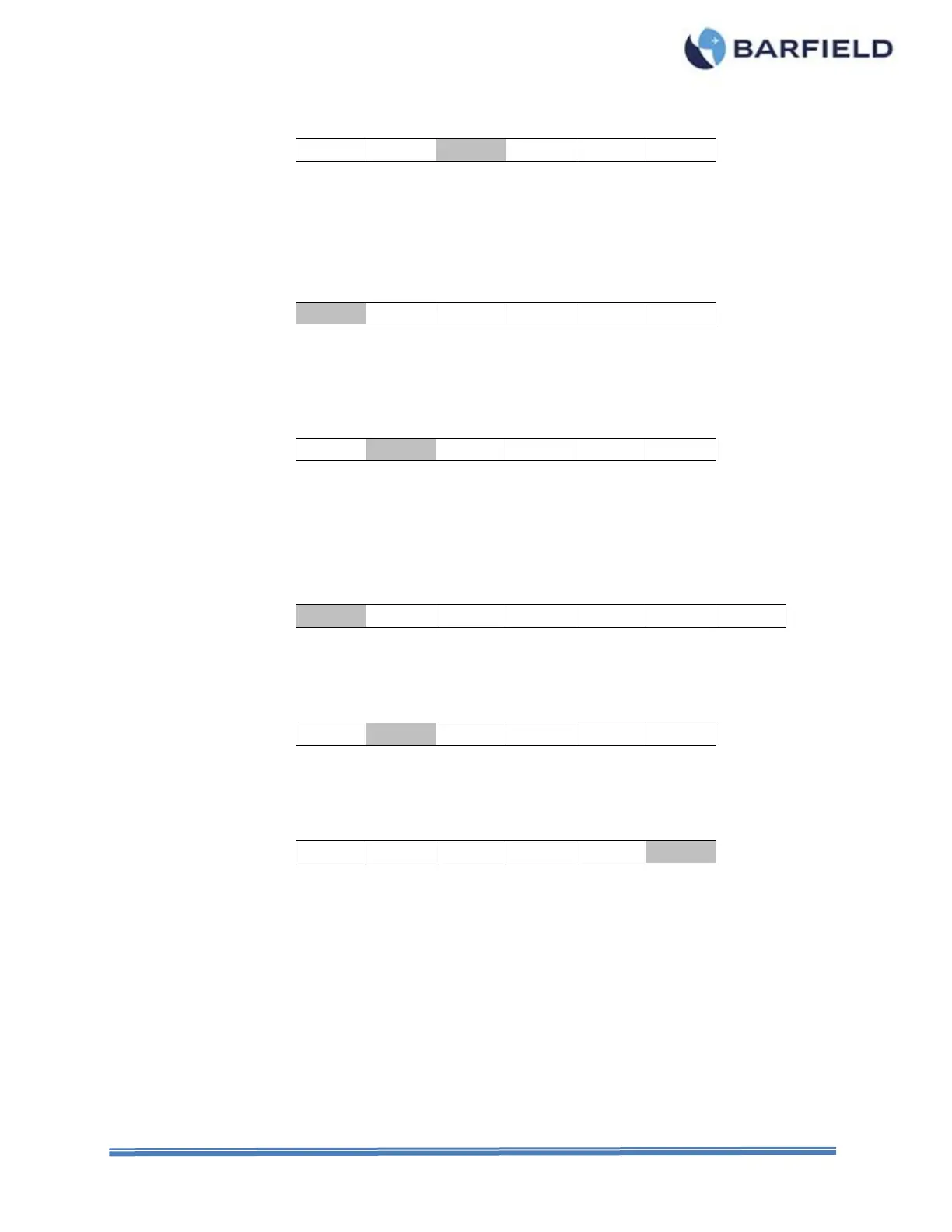
(4) Press F3 to select INSulation Measure.
(5) Press MODE to select 3T (default) or 2T as desired.
(6) Press RANGE to select AUTO ranging (default) or 40M, 400M, 4,000M or 20G
range.
(7) Press F1 for L/H (default), if not already highlighted.
(8) Observe the LCD display until it displays its highest value or a value exceeding the
minimum specified. The test is considered satisfactory if this minimum is reached.
(9) Press F2 for L/S.
(10) The test is considered satisfactory if the minimum specified is reached.
(11) Repeat the test by pressing F3 through F6 for remaining points of testing.
(12) Press NEXT to select COMPensator points of test.
(13) Press F1 for L/C, if not already highlighted.
(14) The test is considered satisfactory if the minimum specified is reached.
(15) Repeat the test by pressing F2 through F4.
(16) The test is considered satisfactory if the minimum specified is reached.
(17) Press F6 for Self-Test at any time to ensure proper operation.
(18) This completes the BENCH INSULATION TEST.
(19) Press PWR to turn test set OFF.
(20) Disconnect the leads from the Test Set.
(21) Disconnect the leads from the Probe.



 To Next Page