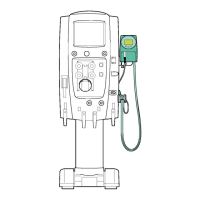
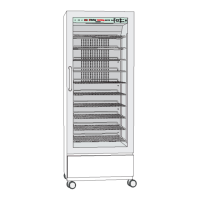
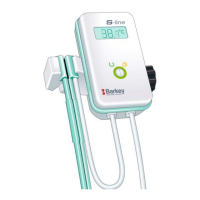
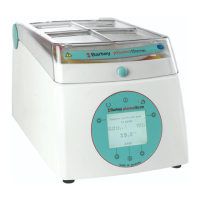
Description of the device
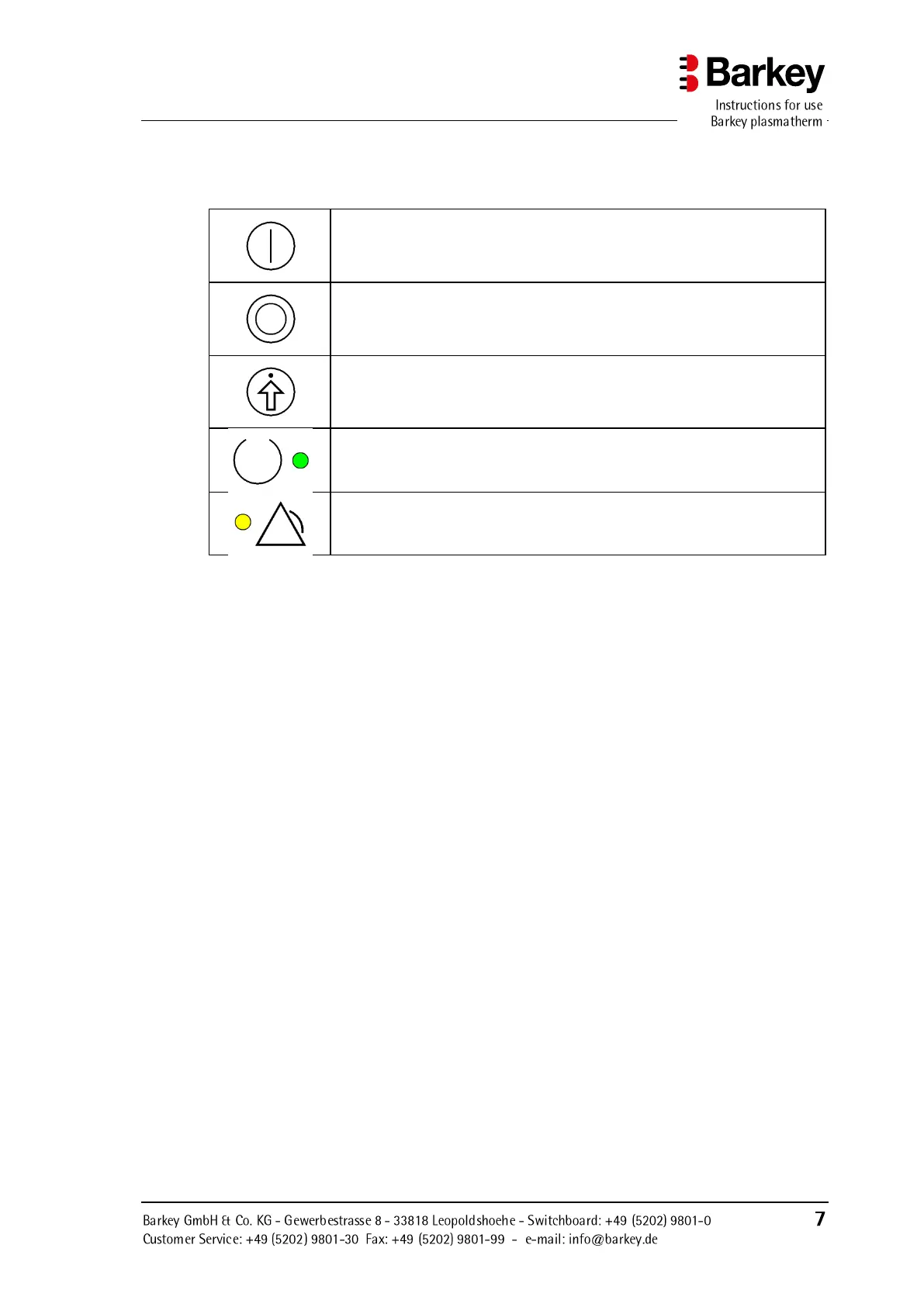
The display elements and controls are identified by symbols as described in the following
table:
Function button or selection button for menu navigation.
The button's particular function is indicated in the display.
Confirm button for menu navigation.
This button is used to acknowledge / confirm the function which cur-
rently appears in the display.
The green light (LED) shows that the device has been switched on.
The yellow light (LED) indicates a device malfunction.


 To Next Page