Description of the device
2.3 Symbols
2.3.1 Operating panel symbols
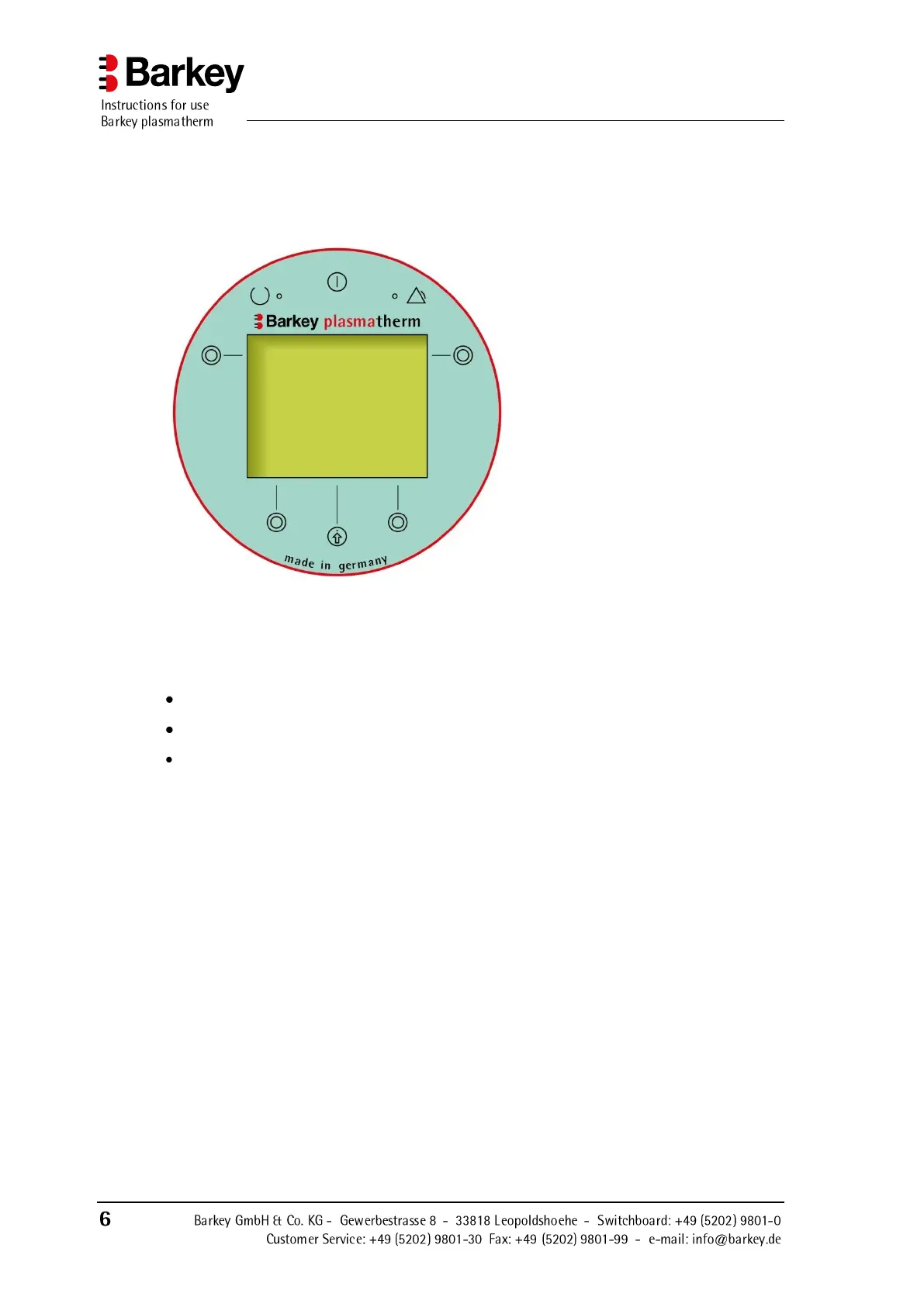
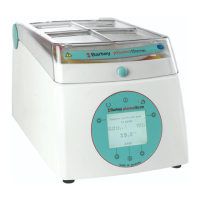
Figure 2: Operating panel
The Barkey plasmatherm has an operating panel on the front of the device with a multi-
line display, 6 buttons and 2 lamps (LEDs).
The display
displays the menu system for the operation of the device,
displays information about the currently running program and its status, and
outputs warning and error messages.
An audible signal draws your attention to the fact that a program has finished, warns of
operator error or indicates that an error has occurred. A message is additionally shown in
the display in the event of errors.


 To Next Page