Operation
4.4.1 Selecting and starting the "PLASMA" program
► In the main screen, press the confirm button ("Menu") to start the menu system.
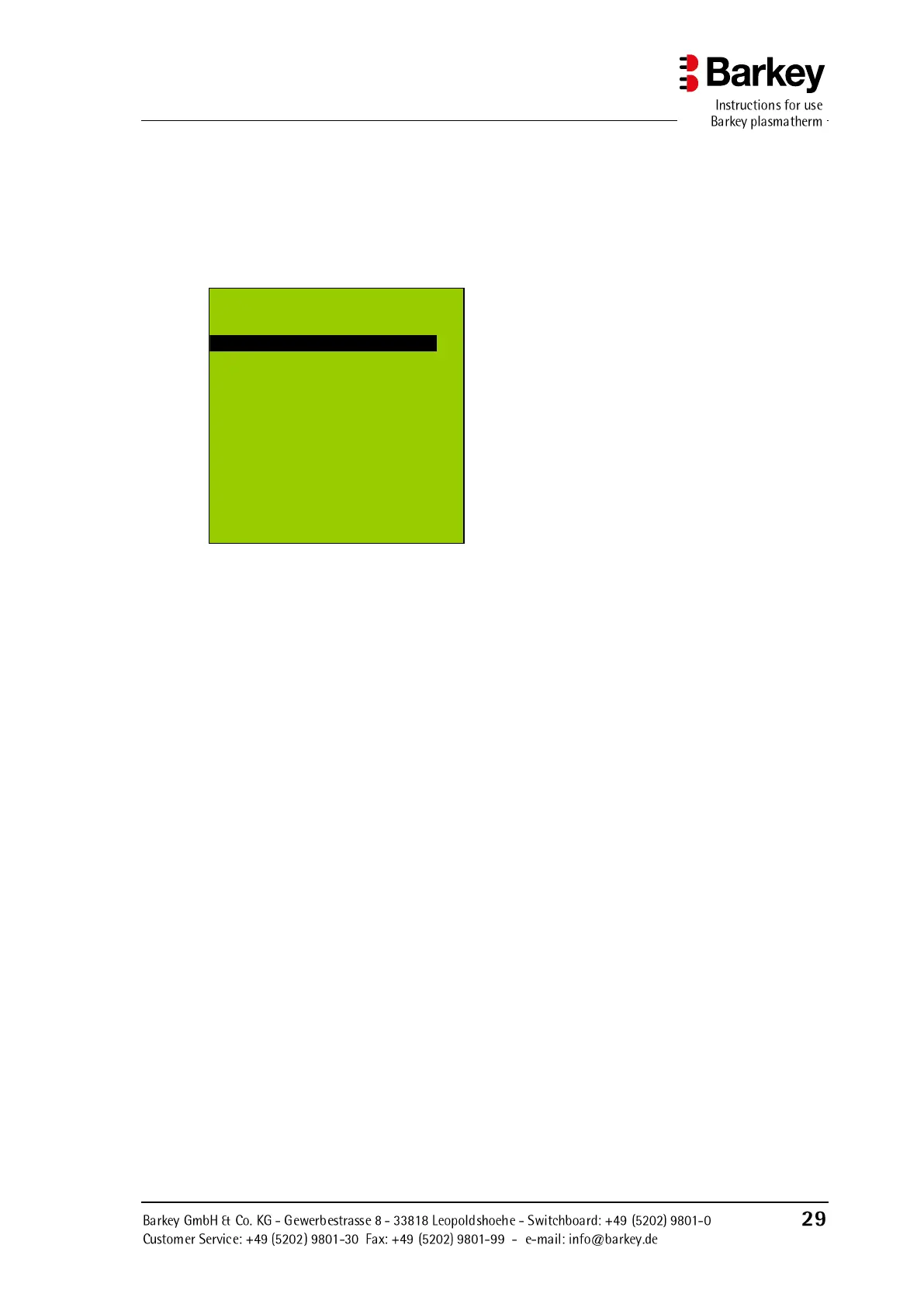
► The main menu of the user menu provides 4 options.
► Using the left or right-hand selection
button ("▼" or "▲"), select "Pro-
gram", then press the "OK" button to
confirm your choice.
Figure 12: Main menu of the user menu
You will now see the "Program" submenu; the user has a choice of 5 programs:
for heating blood or EC´s
a user-configurable program for
clinic-specific standards
for heating and keeping warm non-
denaturable infusion solutions
The selection of the "PLASMA" program is described here by way of example; to select
the "BLOOD", "HPC", "USER" and "CONTINUOUS" programs, proceed as described
for the "PLASMA" program
U se r m en u
Back
P r o g r am
H e a t i ng d u ra t i o n
F u n c t io n b ut t o n s
F i l l le v e l
▼ O K ▲


 To Next Page