Operation
4.2 Opening the heating chamber
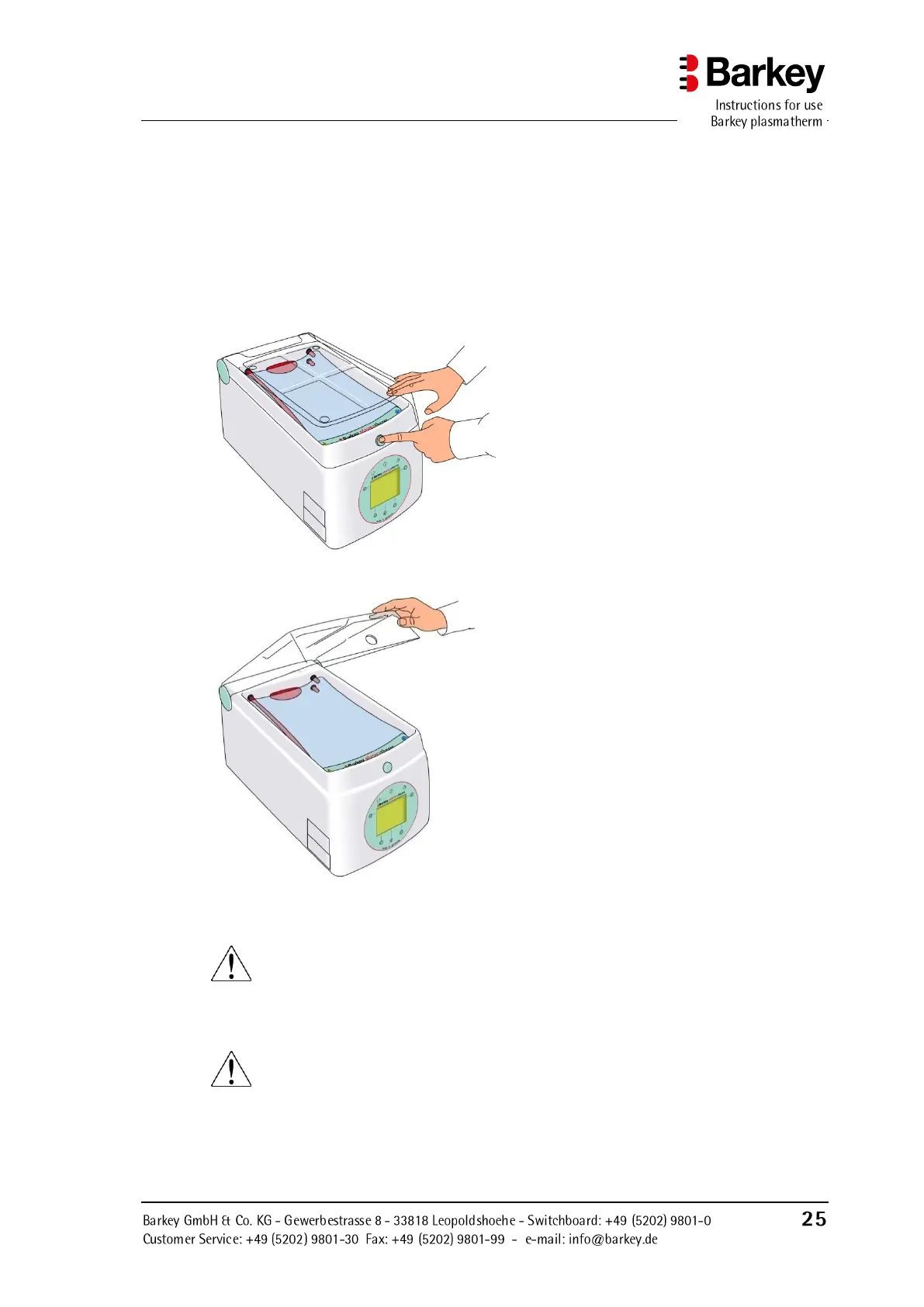
► Press the green button on the front of the device above the operating panel to open the
heating chamber, and guide the automatically raised heating chamber cover until it
stops.
The cover should remain closed when the device is not in use.
Press the button to open the heating
chamber. The cover lifts automatically, so
should be guided with one hand to its end
stop as shown.
Figure 8: Cover locking/release button
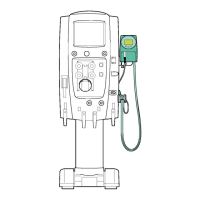
To close the heating chamber, press the
cover down until you hear the button en-
gaging in the hole in the cover.
Figure 9: Cover open
WARNING
Keep your fingers away from the edge of the cover! There is a danger of crushing.
CAUTION
Programs will only run when the heating chamber cover is closed. Otherwise the
device will sound an intermittent acoustic signal and display a warning message
(see the Chapter Selecting and starting the “PLASMA” program).


 To Next Page