Code: IU.01.09.0045
Version/Revision: 2.000
Page: 30 - 55
Drying cabinet
Model: EA-34-03
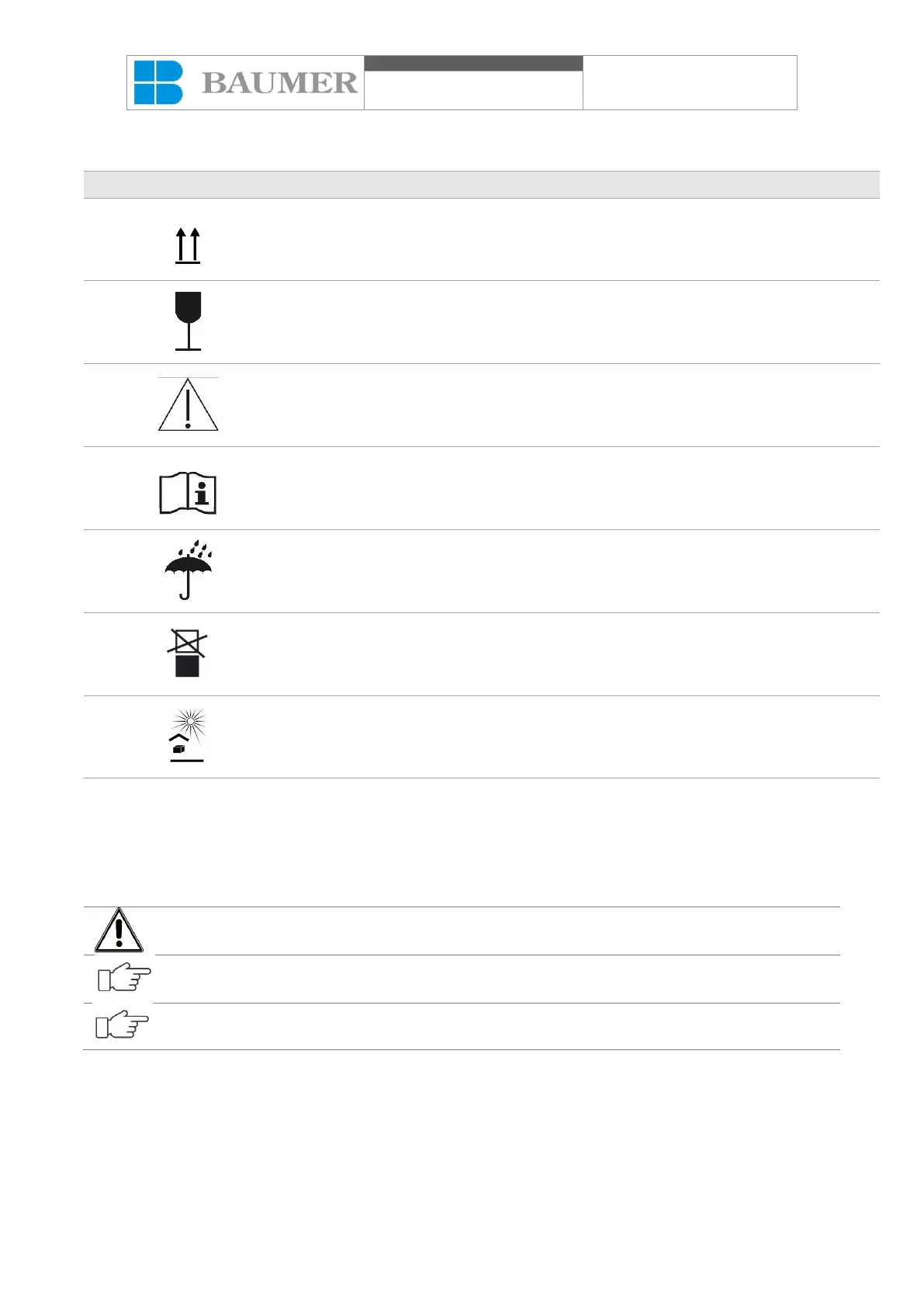
Symbols used on equipment packaging:
Fragile, handle with care.
Attention, consult accompanying documents.
Consult operating instructions.
Keep protected from the sun.
8. Operation
8.1. Before starting the operation:
Check that all required supplies (electricity and exhaust) are connected and in operating condition.
If any of the supplies fail, the cycle cannot begin until the cause has been repaired. For correct
installation, follow the information indicated in the Installation Guide.
The Endoscope Washer and Disinfector has information described on the display, making it
easier to use, however, these do not replace the information contained in the manuals.
Supplies must comply with the specifications presented in the Installation Guide.
8.2. Operation panel
The main operation panel is in the front cabinet of the equipment and contains the instruments that interface
with the operator.



 To Next Page