NE214
36 www.baumer.com
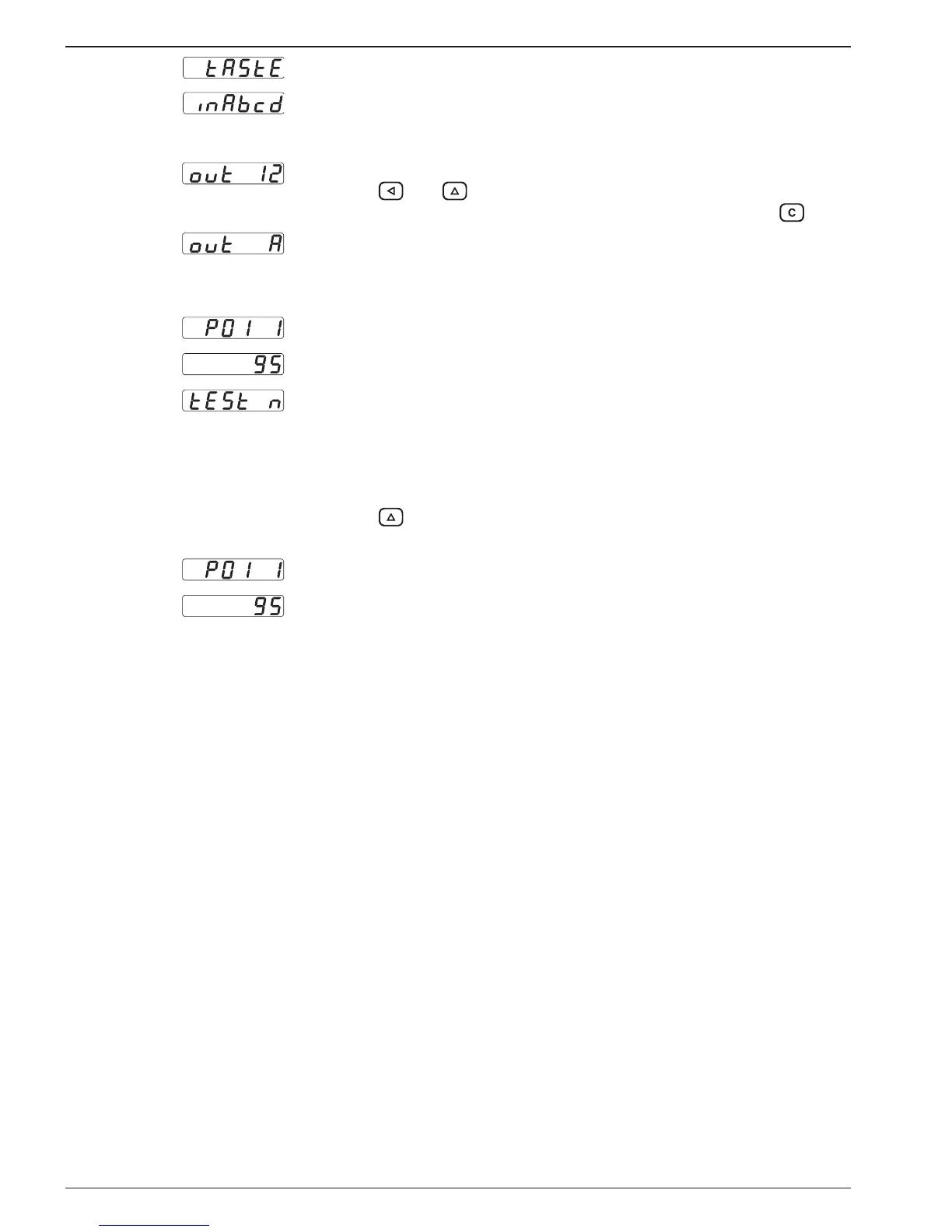
Keyboard test
Input test
Inputs can be controlled simultaneously or individually. A display is
only provided when a signal is applied.
Output test
Press the and keys.
The outputs are now activated. Reset the outputs using the key.
Analog output test
(option: only by analog output)
Typical displays:
Display: program number and version number.
Display: program date.
Test for various input levels (operating points), signal forms and the
phase discriminator (test numbers 1-8).
Test end The test routine can only be terminated by switching off the instru-
ment. A soon as the power supply has been switched on again, the
counter is in operating mode.
Test program version
Press the
key, switch on the counter (holding the key down at
the same time).
Display: Program number and version number.
Display: Program date.


 To Next Page