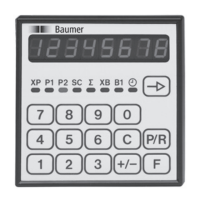
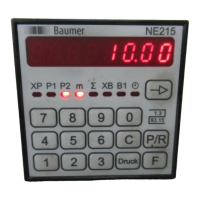
NE214
www.baumer.com
37
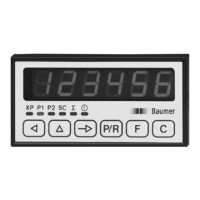
4 Operating mode
The operation and use of the counter are described in this section.
● As soon as the power supply has been switched on, the counter
is automatically set to the operating mode.
In the operating mode:
- the current counter status can be read and reset;
- the input preset values can be read and changed if required;
- the overall total can be read and reset;
- the start count value can be read and changed if required;
- the operating hours counter can be read and reset.
All the parameters can be disabled in the programming mode.
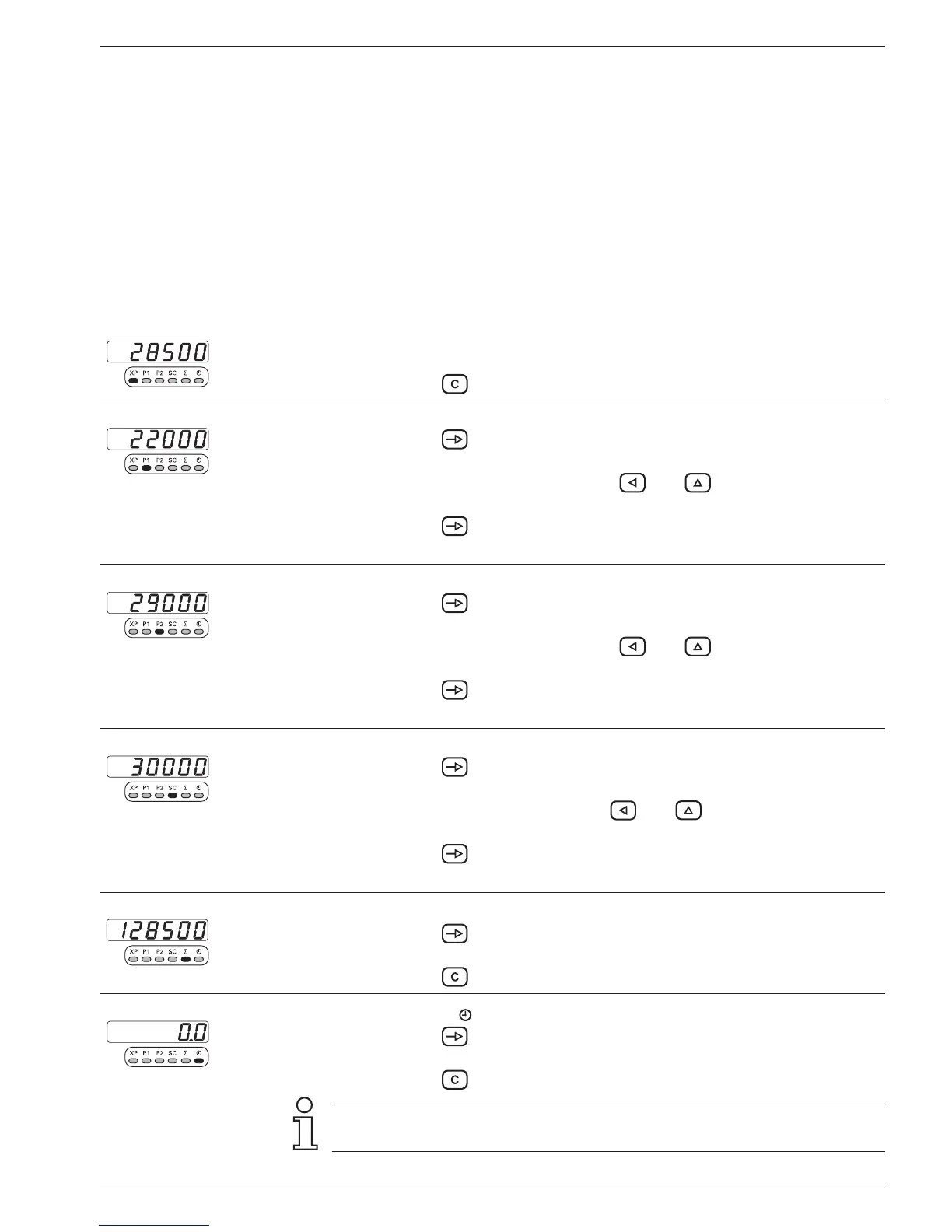
Reset
Current main counter status XP
➜ Read counter status „XP“.
➜ Press the key.
To change
Preset value P1
➜ Press the key.
The preset value P1 can be read off in the display.
➜ Enter preset value P1 with keys and .
Sign possible following release in line 38.
➜ Press the key.
● Change completed.
To change
Preset value P2
➜ Press the key.
The preset value P2 can be read off in the display.
➜ Enter preset value P2 with keys and .
Sign possible following release in line 38
➜ Press the key.
● Change completed.
To change
Start count value „SC“
➜ Press the key.
The current start count SC can be read off in the display.
➜ Enter start count SC with keys and .
Sign possible following release in line 38
➜ Press the key.
● Change completed.
Reset
Totalizer „∑“
➜ Press the key.
The current total value can be read off in the display.
➜ Press the key.
Reset
Hour counter „ “
➜ Press the key.
The hour counter can be read off in the display.
➜ Press the key.
If a key is not operated within 15 seconds, the previous value will
automatically be re-displayed.


 To Next Page