17
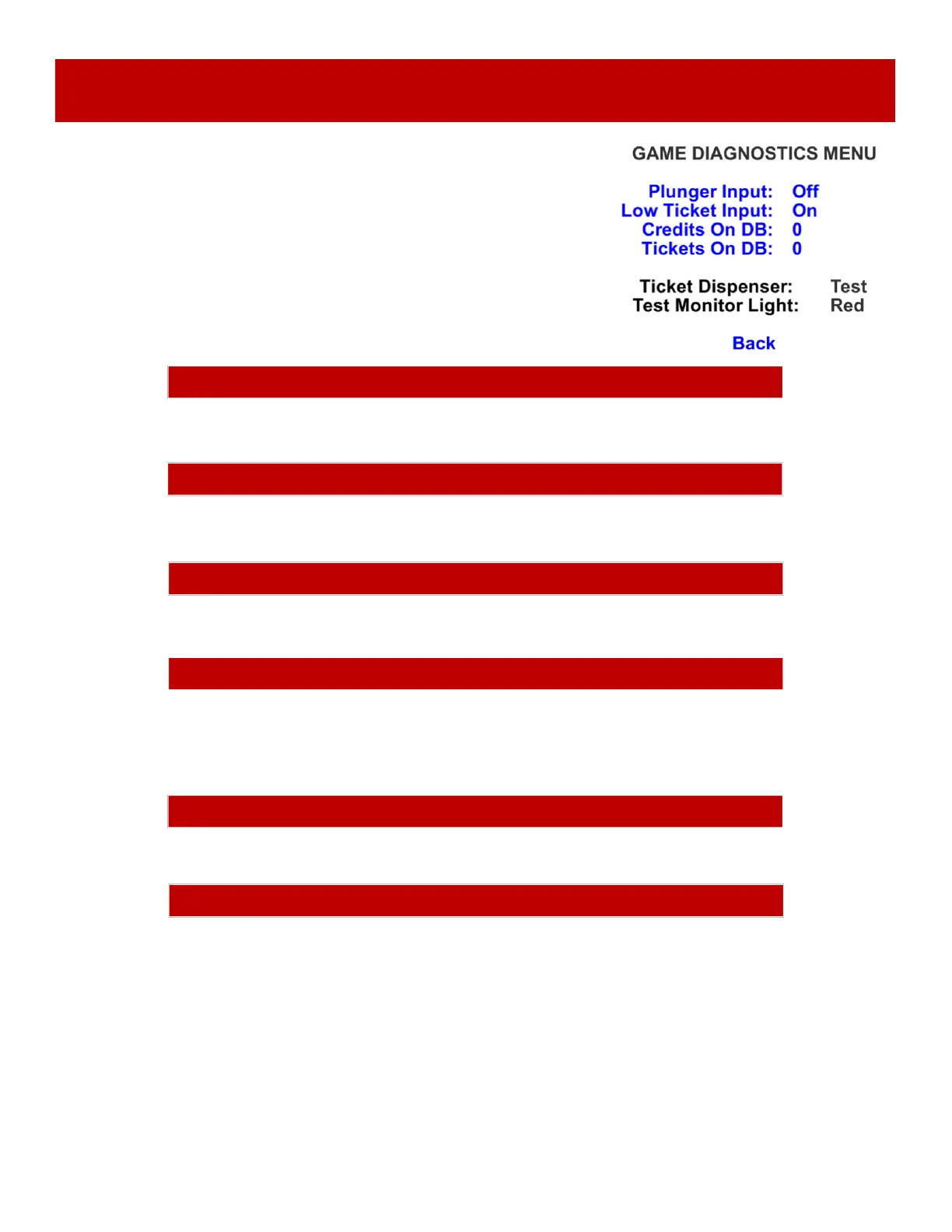
DIAGNOSTICS MENU
Scroll through the options by pressing the “MENU” button.
Change selection with the “SELECT” button.
Scroll to “BACK” and press the “SELECT” button to go back to
the main menu.
Default settings are highlighted in yellow below.
PLUNGER INPUT
Shows ON when plunger is down, and sensor beam is blocked. LED on sensor board will light.
Shows ON when tickets are sitting on top of the low ticket switch in the ticket tray. (Unless dipswitch # 5 is on)
CREDITS ON DB
Shows the amount of credits currently on the game.
LOW TICKET INPUT
Shows ON when tickets are sitting on top of the low ticket switch in the ticket tray. (Unless dipswitch # 5 is on)
TICKETS ON DB
Shows the amount of tickets to be dispensed on the game.
TICKET DISPENSER
Press MENU SELECT to test dispense a ticket from the ticket dispenser.
TEST MONITOR LIGHT
Press MENU SELECT to cycle through various colors showing around the perimeter of the monitor.


 To Next Page
 Loading...