TX1500 Manual Combined 1Oct03 PSC Page 25 of 31 Matrix
TX1500 USER GUIDE
Monitor outputs 1,2,3 & 4 have an On
Screen Display as shown on the left.
The Monitor number along with current
Camera number is shown permanently.
Kbd is displayed whenever a keyboard
is driving a camera.
‘locked’ is displayed when a keyboard
attempts a dis-allowed operation.
Monitor outputs 5,6,7 & 8 are not
equipped with On Screen Displays and are generally used as spot, park or public display monitors.
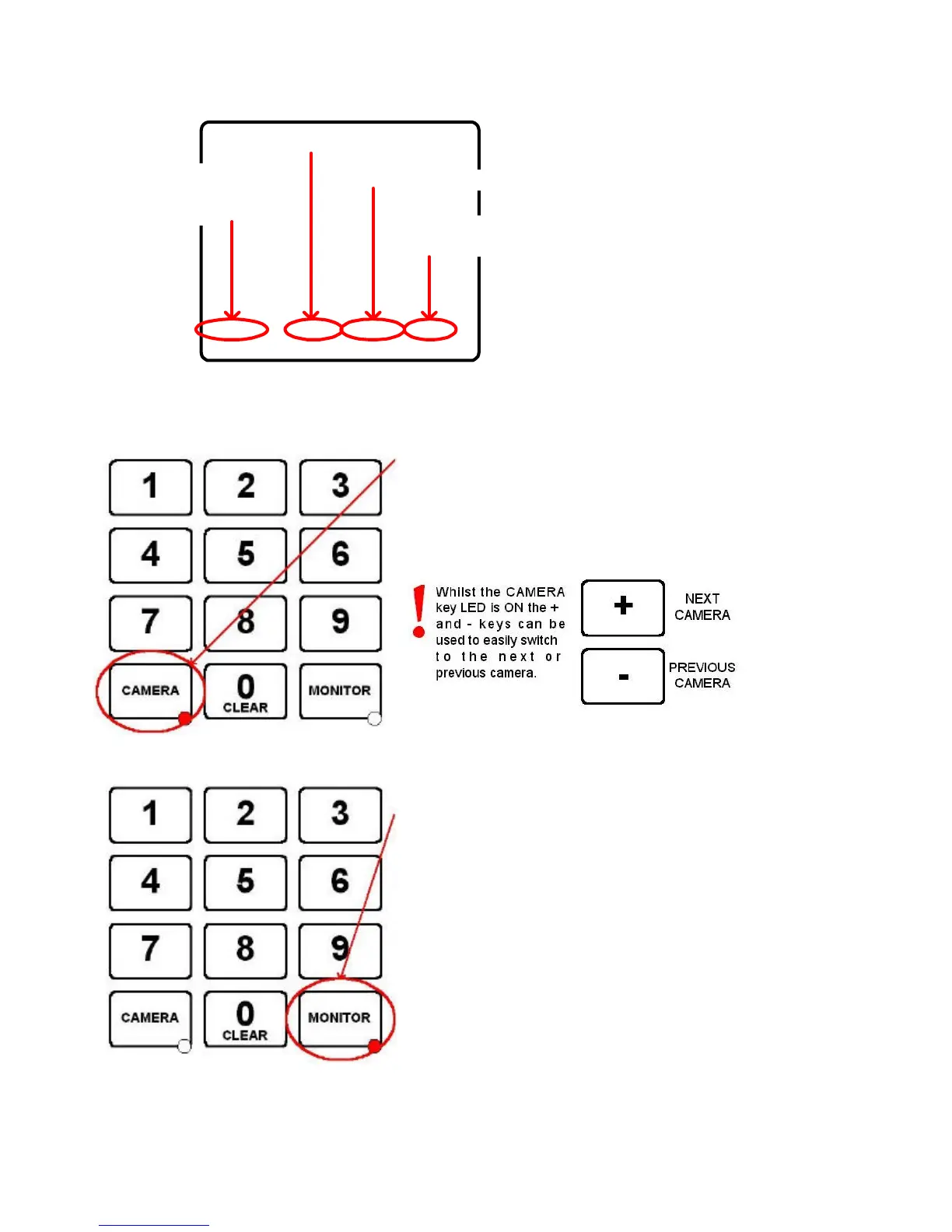
SELECTING A CAMERA
Use the number keys followed by the CAMERA key.
If the keyboard AND monitor are allowed to display the camera
then the current monitor will now display this camera.
If not then the current monitor will display ‘locked’ and the
keyboard will beep.
SELECTING A MONITOR
Use the number keys followed by the MONITOR key.
If the keyboard is not allowed to control this monitor then the
current monitor will display ‘locked’ and the keyboard will beep.
Otherwise the keyboard can now control the camera displayed on
the new monitor
locked Mon 1 Cam 01 Kbd 1
Monitor Number
Current Camera Number
Keyboard Number
driving camera
Displayed if keyboard
not allowed to select
monitor or drive camera.



 To Next Page