TX1500 Manual Combined 1Oct03 PSC Page 27 of 31 Matrix
GOTO PRESET POSITION
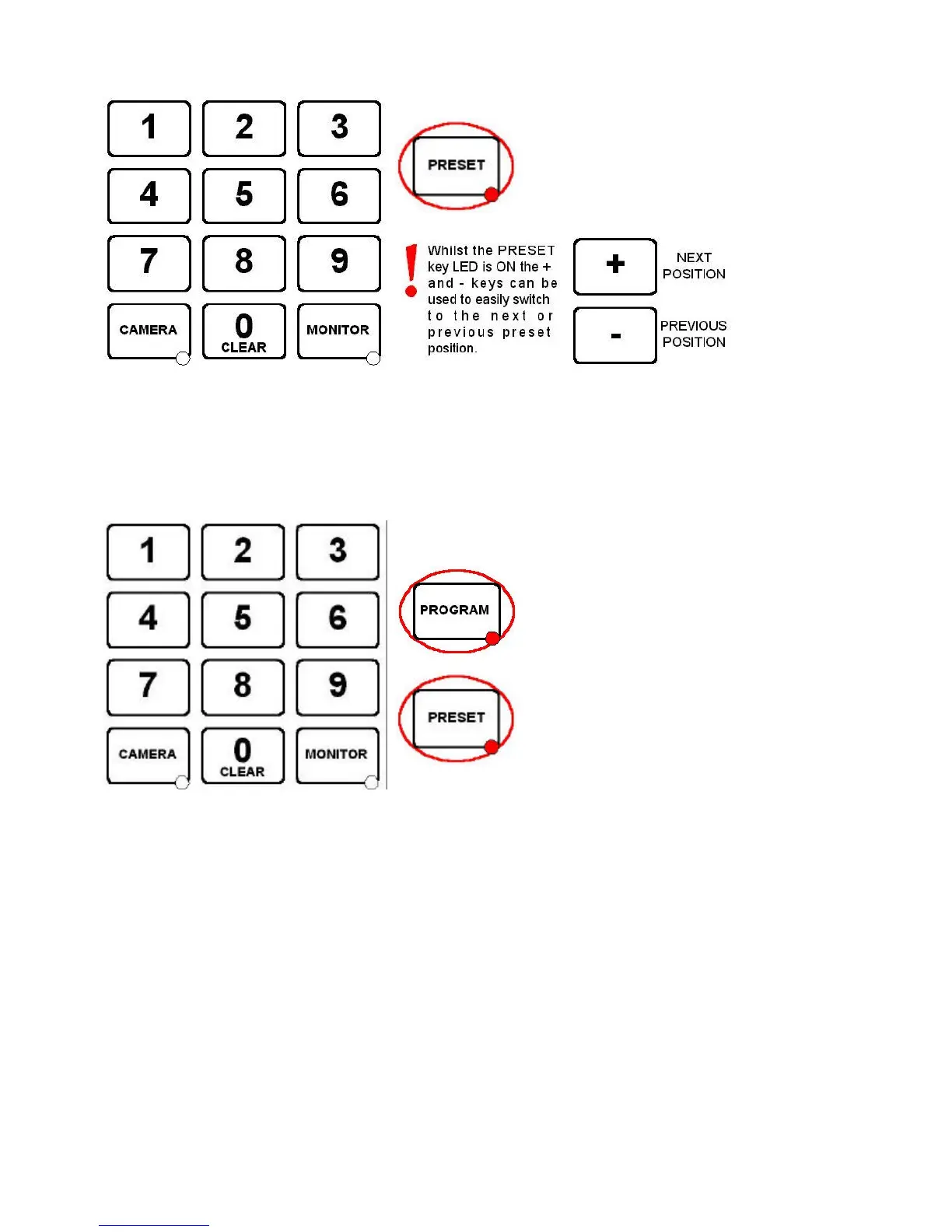
Use the number keys followed by the PRESET key.
Preset positions are only available on moving cameras that are equipped for presets. Most will accept presets 1
– 16 although the Tx1500 supports preset positions up to 99. This should be checked with your installing
company.
PROGRAMMING A PRESET POSITION
Press the PROGRAM key to turn the PROGRAM key LED ON.
The unit is now in preset programming mode.
If the LED doesn’t light then this keyboard has
been prevented from programming presets by
the installation company.
Use the number keys followed by the PRESET
key to program the new preset position.



 To Next Page