TX1500 Manual Combined 1Oct03 PSC Page 28 of 31 Matrix
STARTING A PRESET PATROL
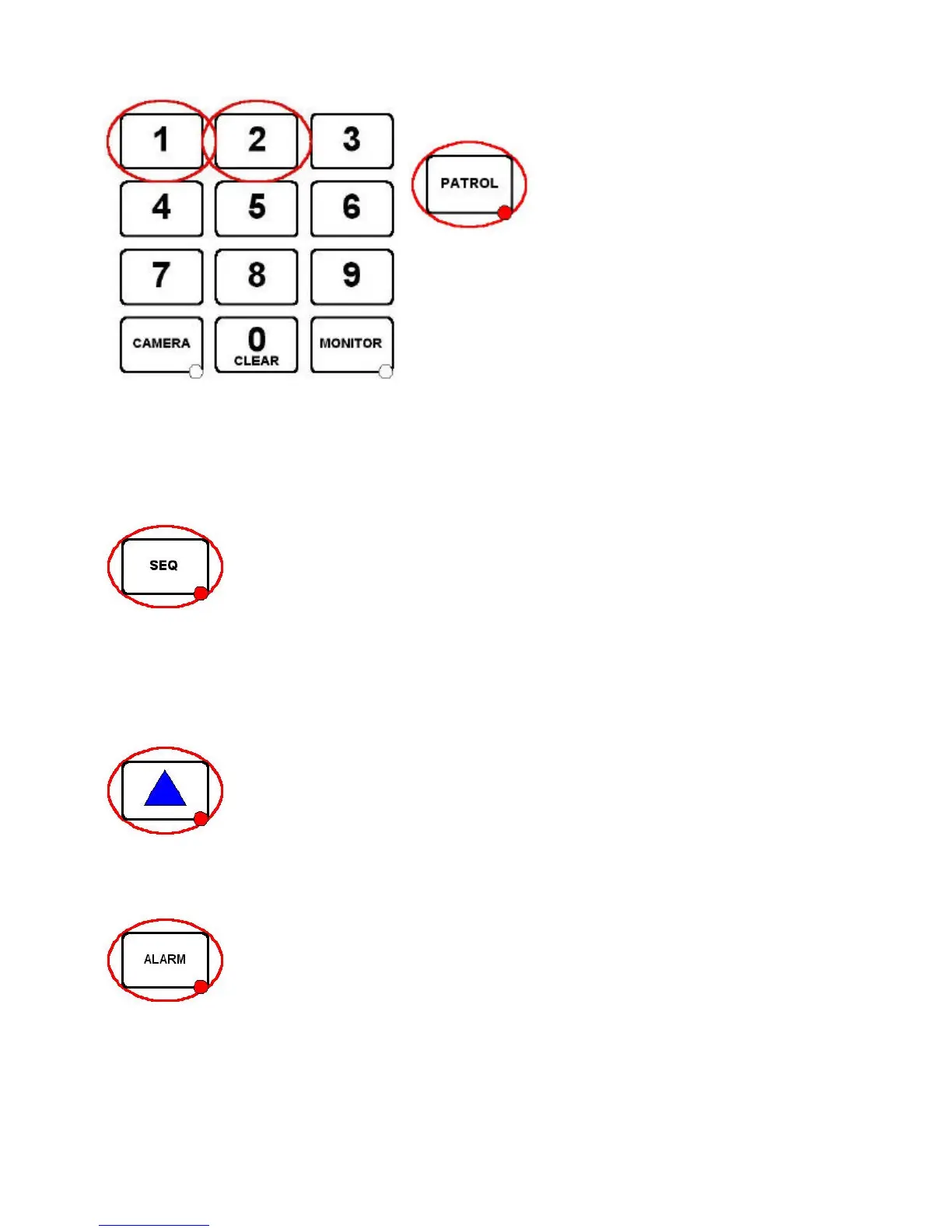
Press either 1 or 2 followed by the PATROL key.
The PATROL key LED will be ON whilst the current camera is
running a preset patrol.
To stop the camera from patrolling simply move the joystick. The
PATROL key LED will now be OFF.
As with presets, patrols are only available on moving cameras that are equipped for presets. Certain dome
cameras may offer enhanced patrol features that will be covered in the product addendum sheet for each
specific dome type.
STARTING A MONITOR CAMERA SEQUENCE
Pressing the SEQ key will start a camera switching sequence on the current monitor. The
SEQ key LED indicates if the current monitor is running a sequence.
Each monitor can sequence individually and simultaneously.
The monitor sequence is programmed by the installation company using the system configuration menu.
To stop the sequence either press the SEQ key again to toggle the LED OFF or select another camera.
TRIANGLE / RELAY KEY
The TRIANGLE key is used to drive the TX1500 change over relay. The relay can be used
for a variety of purposes. Your installation company will inform you of the specific function
for your site.
ALARM KEY
If the system has been configured for KEY PRESS alarms by the installation company,
following a site alarm the ALARM key LED will be ON, the alarm monitor will display ‘alarm’
and the alarm keyboard will beep.
The alarm is acknowledged by pressing the ALARM key. The alarm monitor/s will display
the camera/s programmed for this alarm.



 To Next Page