TX1500 Manual Combined 1Oct03 PSC Page 29 of 31 Keyboard
TX1500 System Keyboard
Software: V4
The keyboard requires 12Vac/dc < 100mA supply.
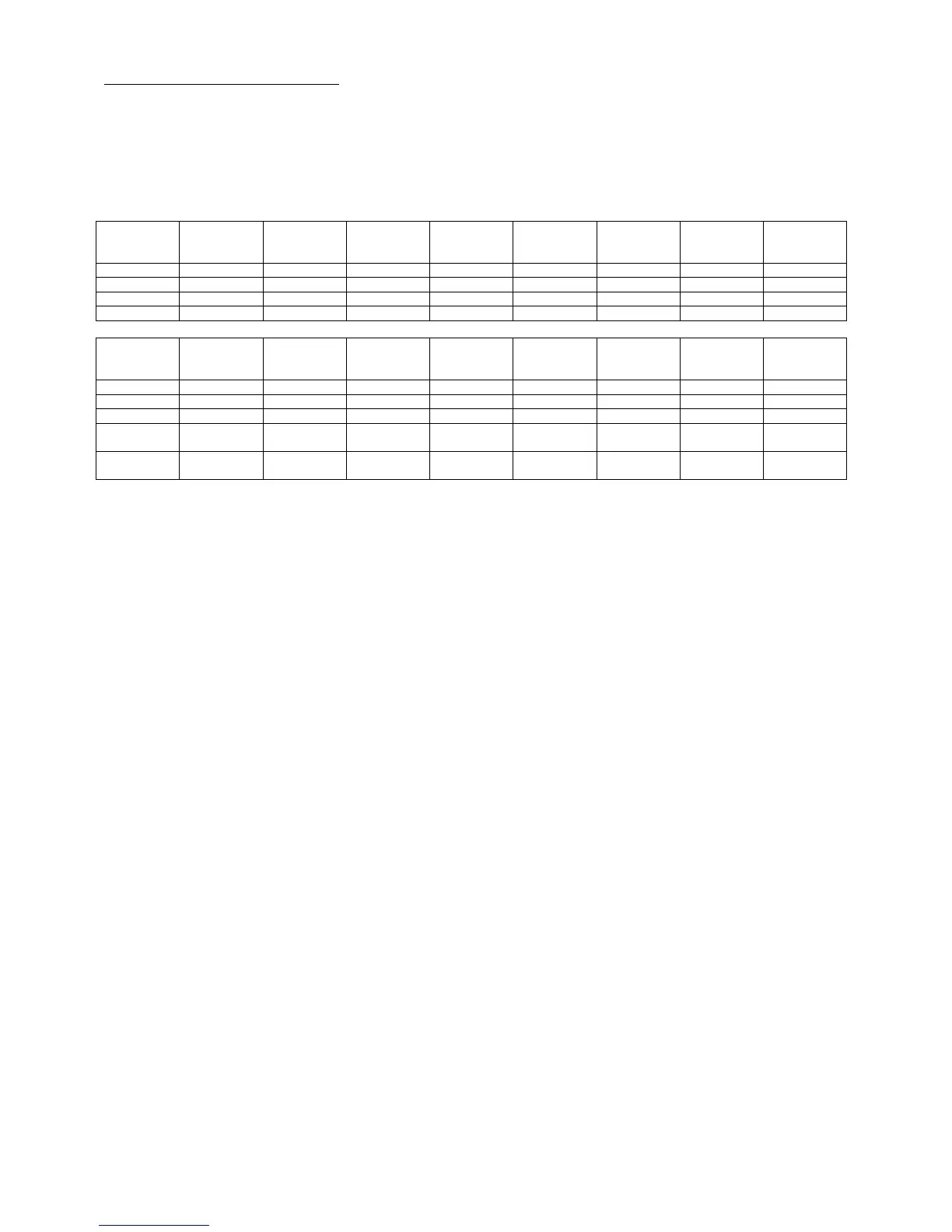
An internal 8 way DIP switch is used to set the keyboard address, RS422 termination and PROGRAM key
enable/disable.
Address
SW1
Addr 1
SW2
Addr 2
SW3
Addr 4
SW4
Addr 8
SW5
Addr 16
SW6
Rx Term
SW7
Tx Term
SW8
PROGRAM
ENABLE
0 – KBD1 OFF OFF OFF OFF OFF
1 – KBD2 ON OFF OFF OFF OFF
2 – KBD3 OFF ON OFF OFF OFF
3 – KBD4 ON ON OFF OFF OFF
Function
SW1
Addr 1
SW2
Addr 2
SW3
Addr 4
SW4
Addr 8
SW5
Addr 16
SW6
Rx Term
SW7
Tx Term
SW8
PROGRAM
ENABLE
LAST UNIT ON ON
MID UNIT OFF OFF
ENABLE
PROGRAM
ON
DISABLE
PROGRAM
OFF
Joystick Calibration Procedure
If the joystick is changed then this simple calibration procedure must be followed otherwise unpredictable
pan/tilt/zoom results may occur.
1. Power down the keyboard for 30 seconds to allow the internal capacitors to discharge fully.
2. Press and hold both the 1 and TRIANGLE keys and power up the keyboard.
3. The TRIANGLE led will then flash indicating that the keyboard is in calibration mode.
4. Press 5 to set the joystick zero position.
5. Move the joystick fully UP and hold in this position and press 2
6. Move the joystick fully DOWN and hold in this position and press 8
7. Move the joystick fully LEFT and hold in this position and press 4
8. Move the joystick fully RIGHT and hold in this position and press 6
9. Rotate the joystick knob fully clockwise (ZOOM IN) and hold in this position and press ZOOM IN
10. Rotate the joystick knob fully anti-clockwise (ZOOM OUT) and hold in this position and press ZOOM
OUT
11. Calibration is then complete. Power down the keyboard for 30 seconds before powering up. Check that
the TRIANGLE led is not flashing after power up if it is then power down again for 30 seconds.



 To Next Page