■ Hardware Setup
2-12
Important
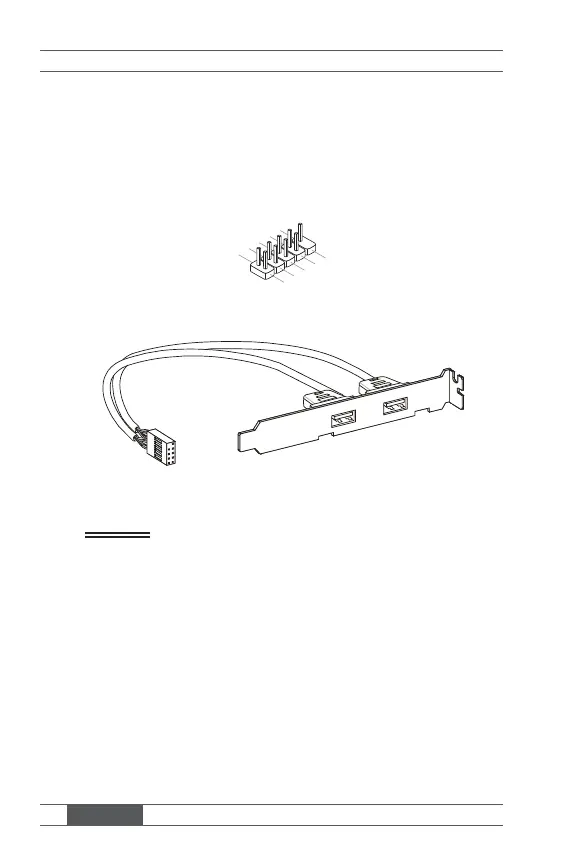
Front USB Pinheader: JUSB1, JUSB2
This connector, compliant with Intel I/O Connectivity Design Guide, is ideal
for connecting high-speed USB interface peripherals such as USB HDD,
digital cameras, MP3 players, printers, modems and the like.
1.VC
3.USB0-
10.NC
5.USB0+
7.Ground
9.No Pi
8.Ground
6.USB1+
4.USB1-
2.VCC
USB 2.0 Bracket (Optional)
Important
Note that the pins of VCC and GND must be connected correctly to avoid
possible damage.



 To Next Page