Icons
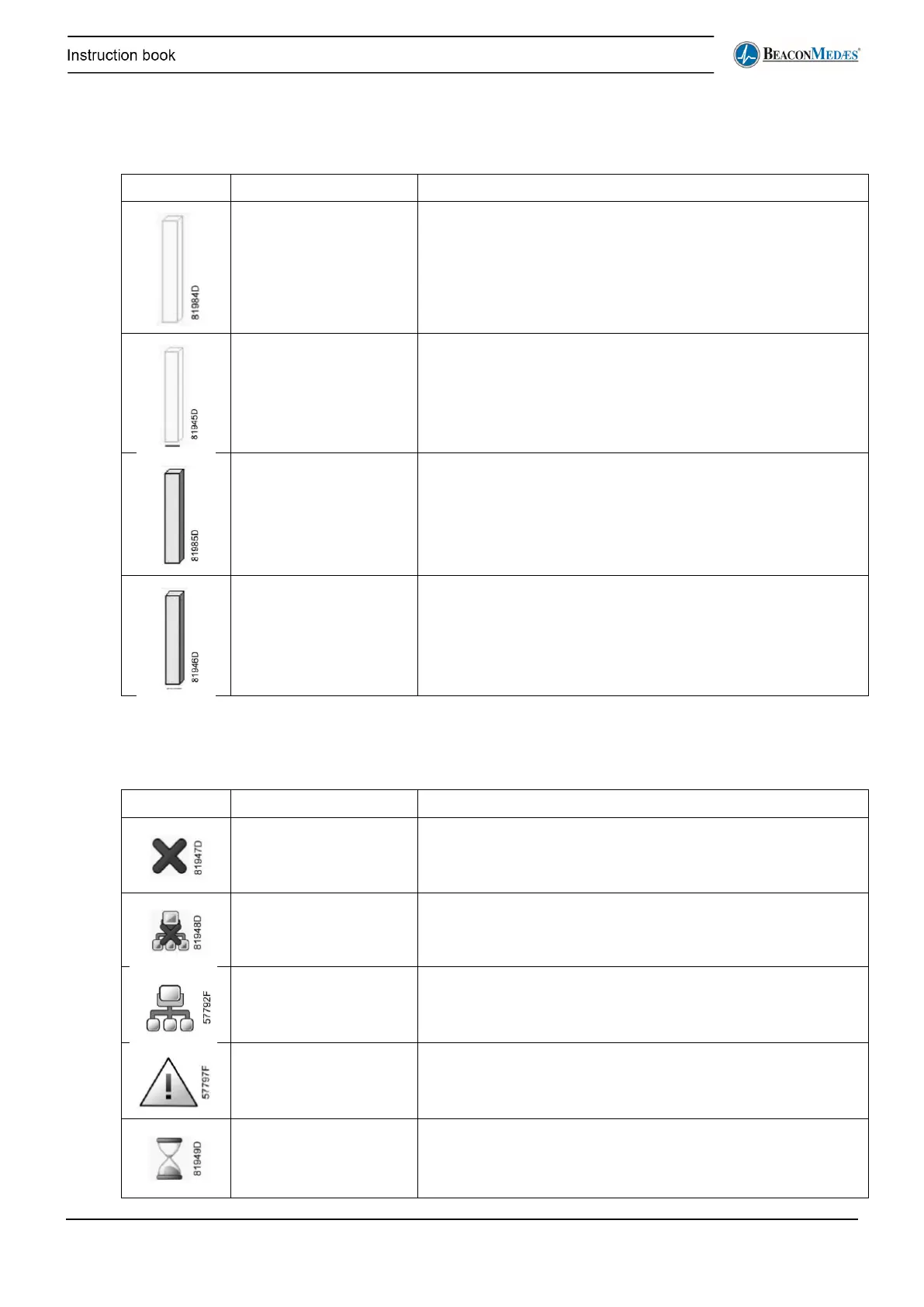
The symbols used in the Compressor overview screen (ES_4 - see paragraph Menu structure)
are as follows:
Idle compressor The compressor is idle and ready to be called. The bar graph
is blank.
The central controller has assigned this compressor to be the
next one to run. This is indicated by a full line underneath the
blank bar graph.
This compressor is running. The bar graph is coloured.
last one called.
This compressor has last started to run. This is indicated by a
dotted line underneath the coloured bar graph.
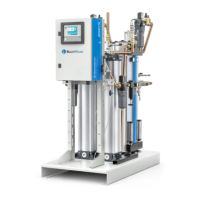
The table below describes the fault icons. More details in section Controller alarms and faults, paragraph
Plant fault.
No valid compressor A compressor controller is expected at this CAN address node
but not detected.
No communication No reply from the connected compressor controller within a
pre-defined time.
Blinking network icon The emergency forced local function is enabled on the
compressor due to the inlet pressure being too low. It will
operate independently until this function is reset.
No Answer Connected compressor controller is not responding correctly
to the commands (e.g. no reaction on a run command).
Not Available The compressor is stopped and is counting out the Minimum
Stop Time to prevent too many motor starts per hour. During
this time the compressor is not available to the ES control


 To Next Page