Installation
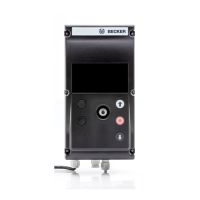
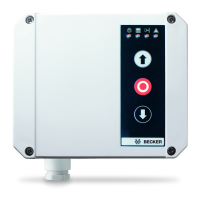
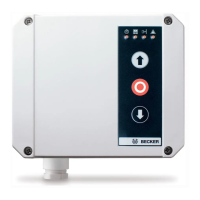
Install the control unit so that the control elements are easily accessible.
Caution
• Before installation, the control unit must be checked for any damage sustained in trans-
port or elsewhere. Damage to the interior of the control unit may lead to considerable
consequential damage to the control unit and jeopardise the safety of the operator.
• Touching electronic components, particularly parts of the processor circuit, is forbid-
den. Electronic components may be damaged or ruined by electrostatic discharge.
• Before opening the housing cover, you must ensure that any drilling chips or shavings ly-
ing on the cover do not fall into the housing.
• You must ensure that the control unit is installed distortion-free.
• Any unused cable entries must be closed off by appropriate means in order to maintain
the degree of protection of the housing.
• The cable entries must not be exposed to any mechanical loads, particularly tensile
loads.
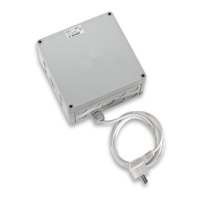
• The CEE plug (if any) must be highly visible and accessible from the control unit.
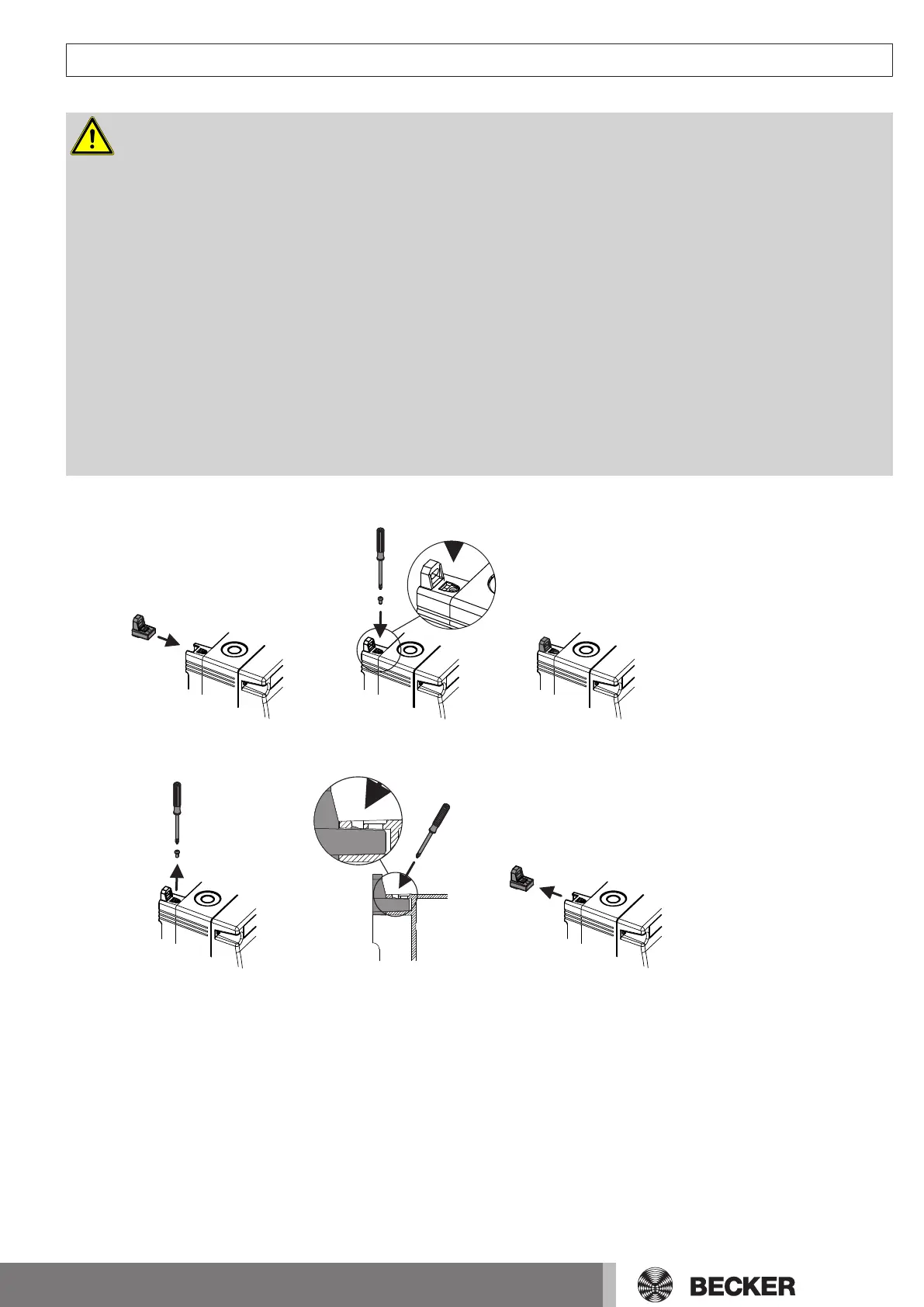
Attaching the fastening brackets
Removing the fastening brackets
7



 To Next Page