fr
en
de
nl
13
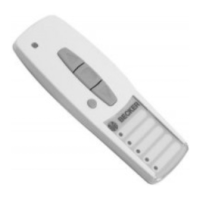
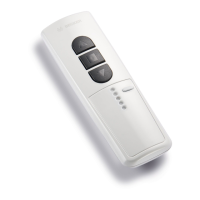
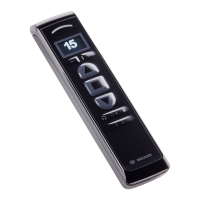
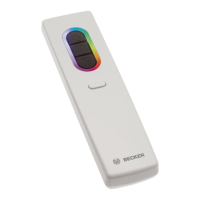
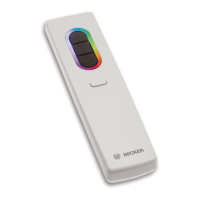
Group pushbutton
The group pushbutton may be used to select up to 5 channels. Operation of the
individual channels is indicated by the relevant LED lighting up.
An additional channel is reserved for the central command. This is allocated
automatically. Operation of the central command is indicated by all ve LEDs
lighting up.
Note
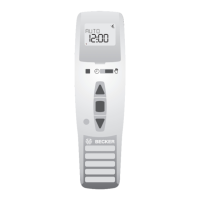
You can note the programmed groups on the label under the see-
through cover.
Programming the remote control
1) Learning the master transmitter
a) Put receiver into learn mode
Note
Please refer to the operating instructions for the receiver.
• Switch off the receiver’s power supply and reconnect after 5 seconds.
or
• Activate the “Learn” key or the radio-controlled receiver switch.
The receiver will then be in “Learn” mode for 3 minutes.
b) Learn master transmitter
When the receiver is in “Learn” mode, the learn button is to be pressed until the
receiver indicates that the learn process has been successfully completed.
The learn process is now complete.
2) Learning additional transmitters
a) Press the learn button of the master transmitter until acknowledgement is
given by the receiver.
b) Now press the learn button of the new transmitter until acknowledgement is
given by the receiver
c) Then press the learn button of the new transmitter to be learnt once again.
The receiver will indicate when the learn process has been successfully com-
pleted.
The maximum radio range is up to 25 m indoors and up to 350 m in the open.



 To Next Page