76 Bedrock SMxx operating manual © Bedrock Audio BV, 2019
17. Buttons, icons and symbols
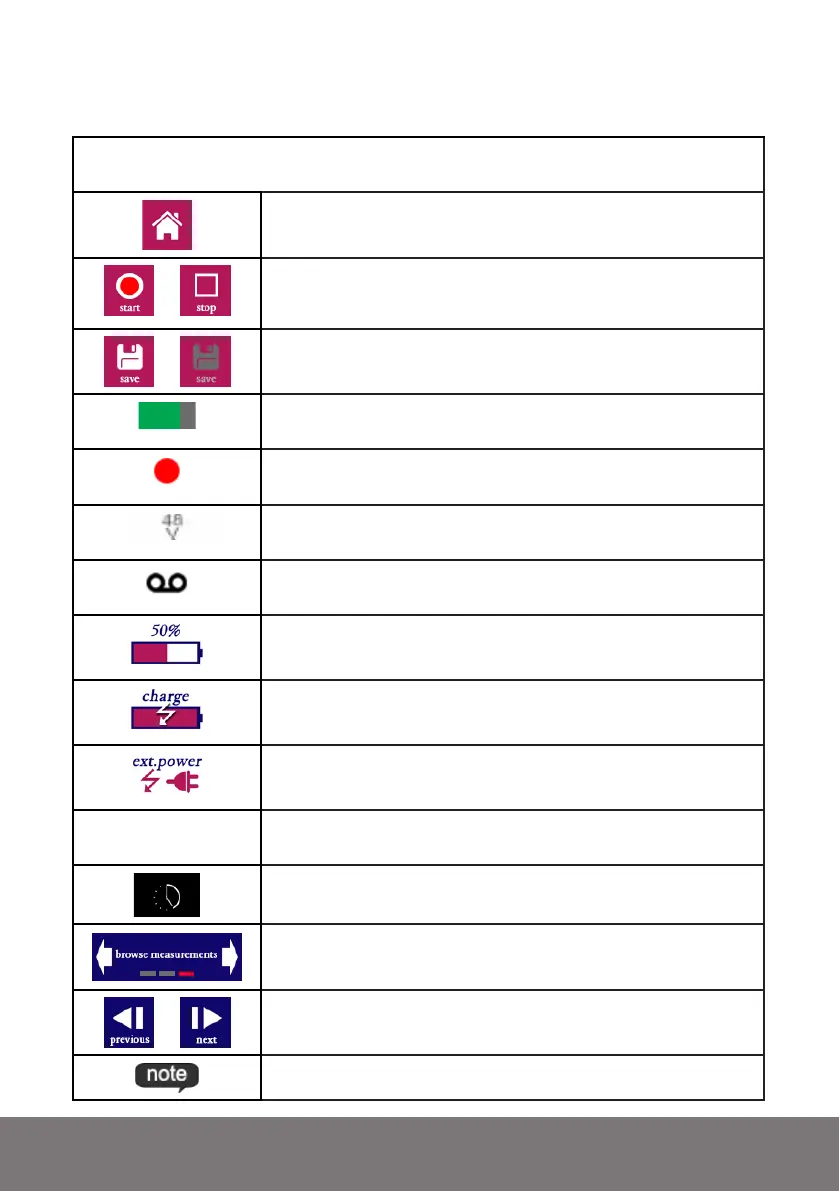
Common buttons, icons and symbols shared between modules
Home
Sends you back to the main menu of the SM50
/
Start /stop measurement
/
Save button
Disabled if grey (no data to save)
Progress meter. Shows progress of current measurement (fully
green = finished)
Measurement running
Showing while recording is running
This is showing if phantom power is enabled in “settings”
Turns from grey to black is phantom power is active
Audio recording indicator
Showing if audio recording is enabled (NB: tap “save” to store)
Remaining battery charge
Battery charging
Operating on external power
#0001
Measurement number
Serial number of current measurement
Instrument busy
Occurs when switching modules
Menu navigation. Tap arrows to flip through menus (red block
indicates position of current menu within menu structure).
/
Browse forward / backward through stored measurements
Text annotation stored for this measurement. Press to read



 To Next Page