82 Bedrock SMxx operating manual © Bedrock Audio BV, 2019
83
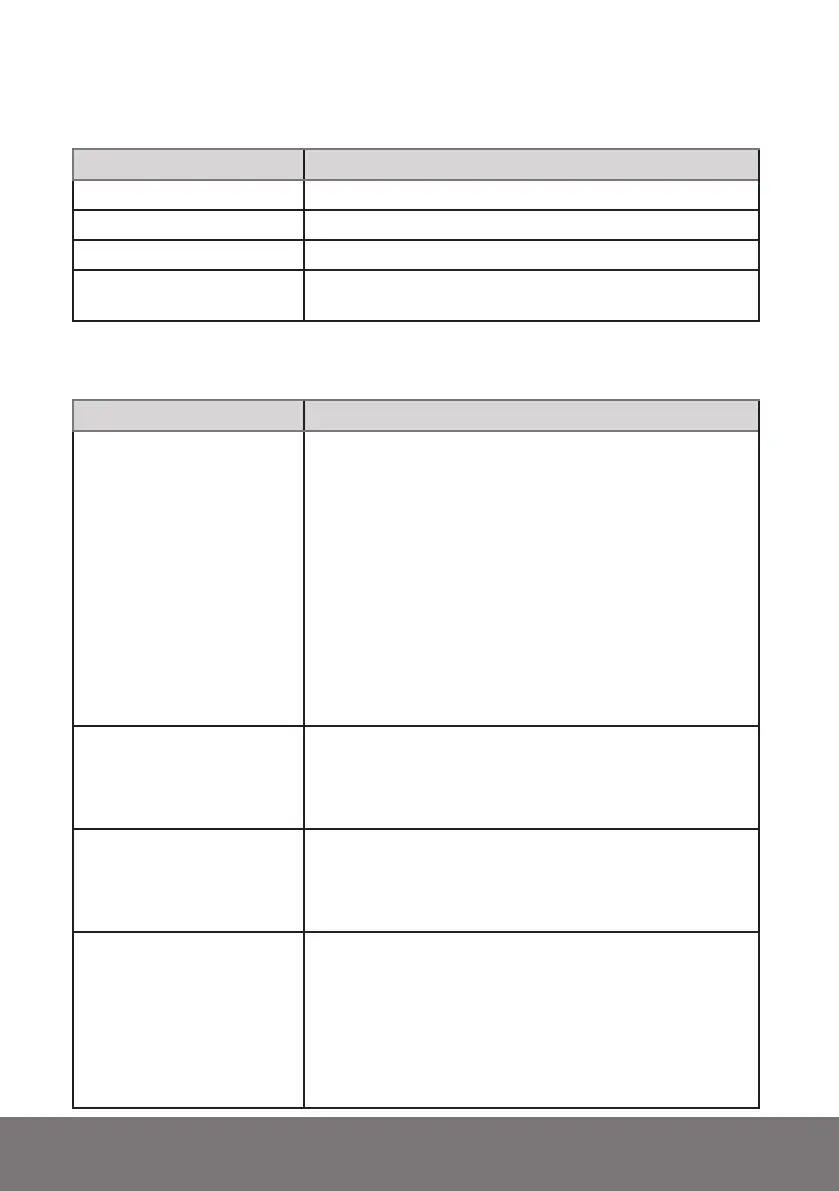
LED states
LED state Meaning
Burning green Device operating
Blinking red/green Device charging
Burning or blinking red DSP crash. Hard reset needed (keep power button pressed 10s)
Blinking red when booting System files missing or corrupt. System folder or system files
may have been moved, changed or deleted.
Firmware update error codes
LED state Meaning
Error 17
Not a valid file. The update package failed to produce
the correct checksum during the file verification proce-
dure. This is usually caused by a corrupted or incomplete
package download. If this error persists on Windows 7,
try this:
- Find the drive letter for the SMXX, and right click.
Choose “properties”
- Go to the hardware tab. Click on “properties”
- Click “change settings”
- Go to the “policies” tab
- Select “Better performance” instead of “Quick re-
moval”
Error 18
File transfer failure. The transfer of one of the packed
files failed. This may have various causes, but most likely
it is a (possibly temporary) issue with the internal file sys-
tem. If you keep getting this error, please contact support.
Error 19
Update package does not match device type. The update
package copied to your device is intended for a different
model. Please download an update package for your de-
vice model and try again.
Error 20
The update package does not contain device type info.
The update package copied to your device does not con-
tain device type information. Most likely, you are trying
to install an older firmware version on a newer device.
Try installing a package for version 1.8.0 or higher. If you
urgently need to roll back to an older firmware version,
contact support.



 To Next Page