6.6.5 Manufacturer
This menu is only accessible to Beisler service personnel. It is blocked
by a security code.
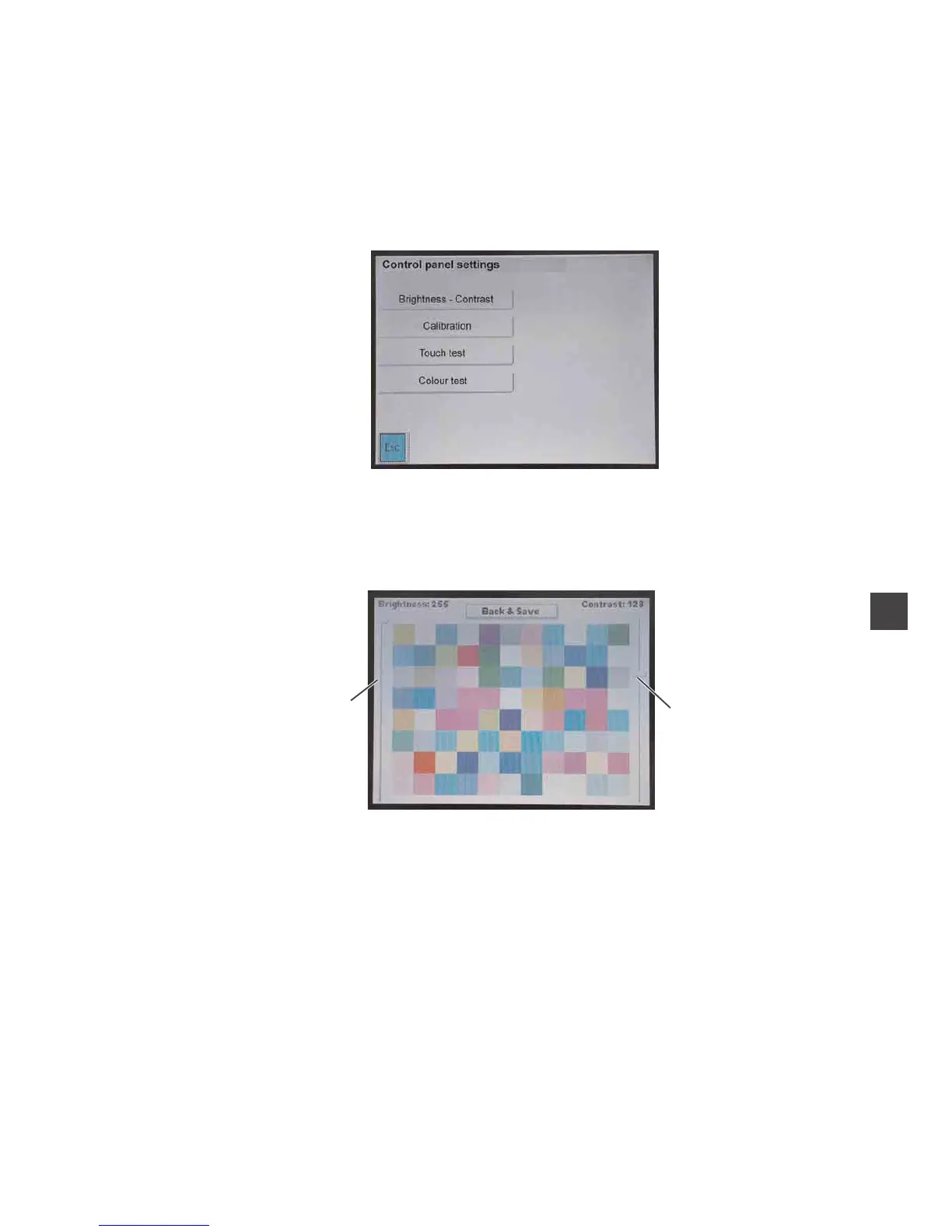
6.6.6 Control panel settings
Via this menu the display of the control panel is set.
6.6.6.1 Brightness and contrast
–
Adjust the brightness with the slide control 1.
–
Adjust the contrast with the slide control 2.
–
Tap the key “Back & Save”.
The settings are saved.
53
4
2
1


 To Next Page