3. User interface
3.1 Menu structure of the sewing and setting programs
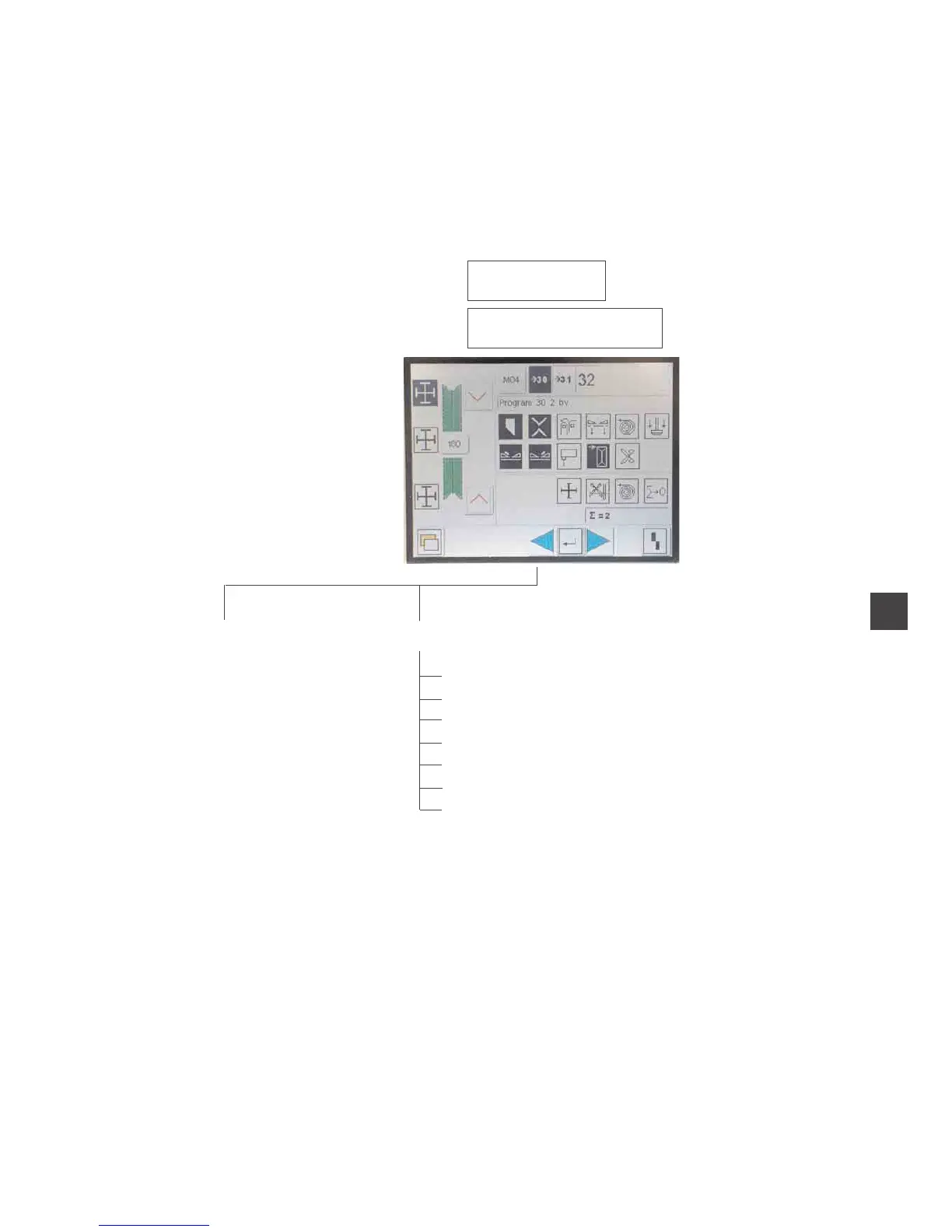
The user interface uses internationally comprehensible symbols.
In addition each function is briefly explained in an information line.
The individual parameters as well as the setting and test programs are
arranged in various groups.
Switch the
main switch on
Actuate the reset key
Main screen
Sewing programs Menu level 1
Seam sequence
Seam function
Copy seam programs
Seam parameters
Global parameters
Service
Version
5
4


 To Next Page