–
Switch the main switch on.
The control loads the machine program.
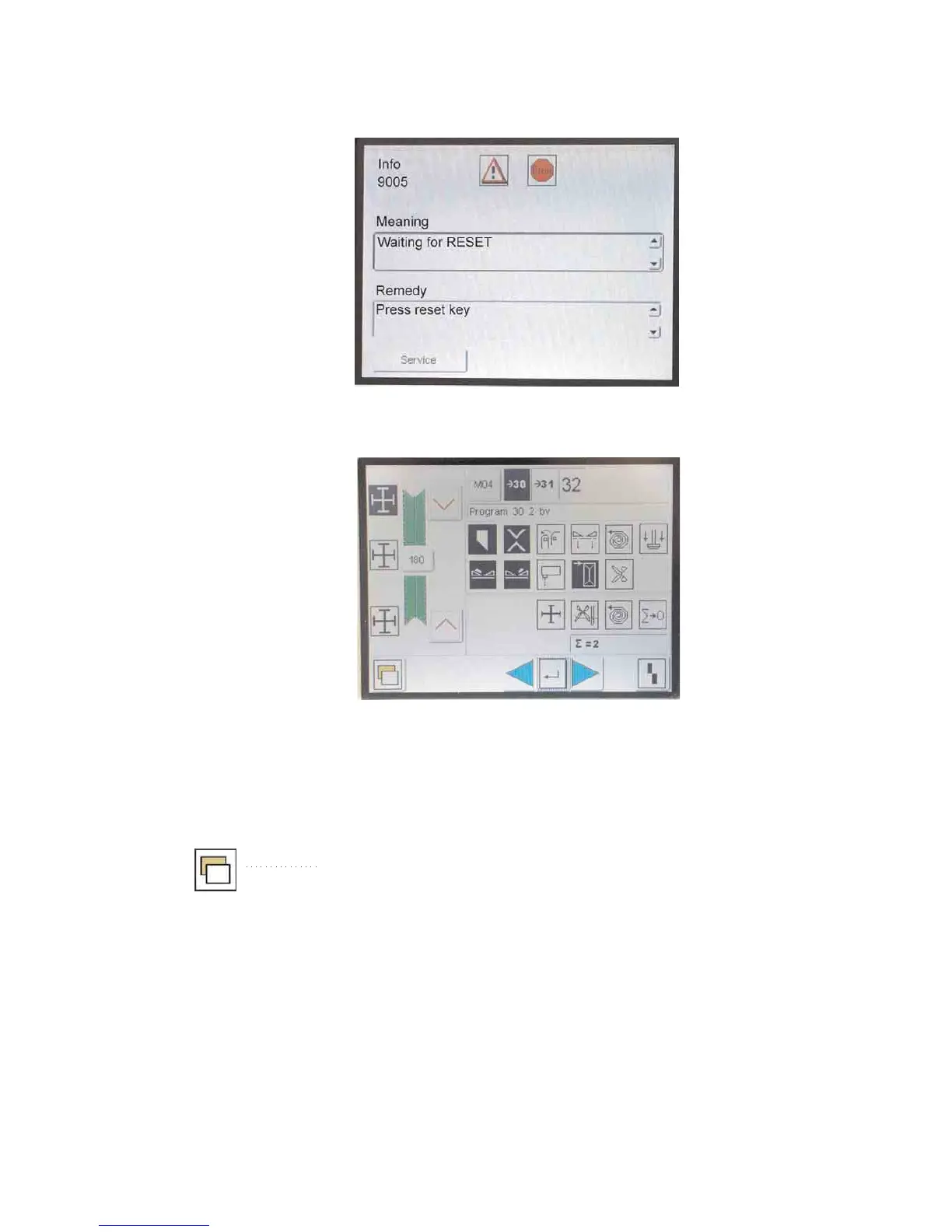
The start screen appears in the display of the touch screen
monitor.
–
Press the program stop switch at the control panel.
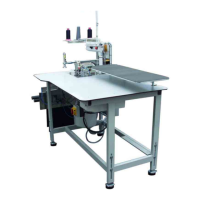
The display changes over to the main screen.
Calling up the menu levels
–
Switch the main switch on.
The control loads the machine program.
The start screen appears in the display of the touch screen
monitor.
–
Press the program stop switch at the control panel.
The display changes over to the main screen.
–
Press the symbol.
You get to the menu level 1.
6


 To Next Page