Installation EAGLE40
Release
02
08/2020
17
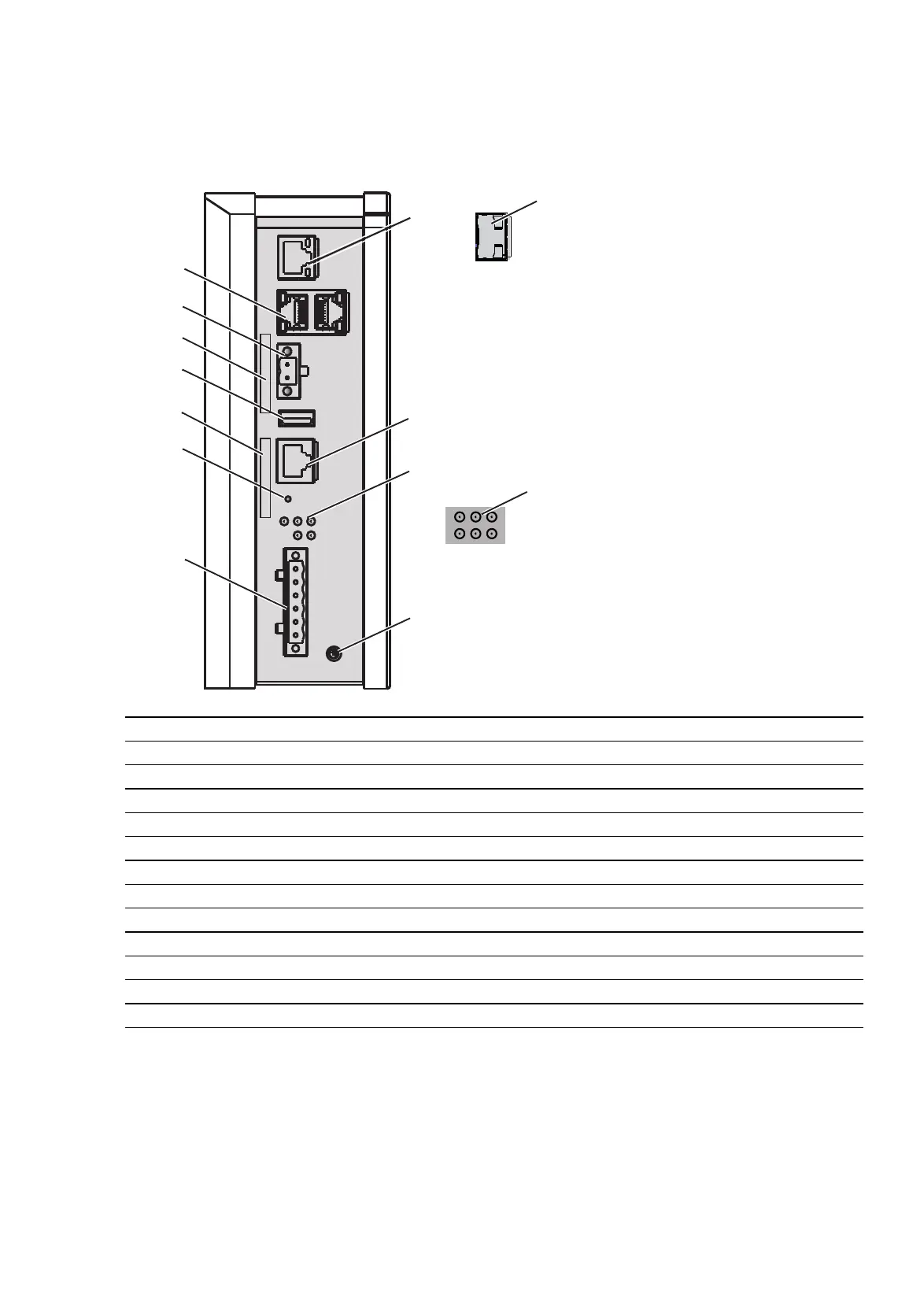
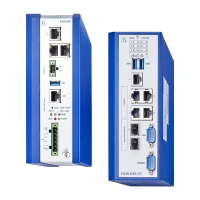
1.3 Device views EAGLE40-03
1.3.1 Front view
1a Ethernet port (RJ45) for 10/100/1000 Mbit/s Twisted pair connections
1b 1 × SFP slot for 1000 Mbit/s fiber optic connections
2 V.24 interface
3a LED display element (EAGLE40-033T1...)
3b LED display element (EAGLE40-03106...)
4 Grounding screw
5 6-pin terminal block connection
6 Save/Load/Reset button
7 Label area for MAC address
8 USB Interface
9 Label area for IP address
10 Connection for digital input
11 2 × Gigabit Ethernet ports (RJ45) for 10/100/1000 Mbit/s Twisted pair connections



 To Next Page