24
Installation EAGLE40
Release
02
08/2020
1.8 Management interfaces
1.8.1 V.24 interface (external management)
Note: EAGLE40-03 devices have a V.24 interface. For information about the
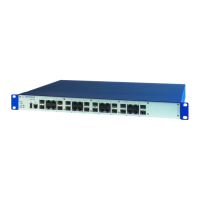
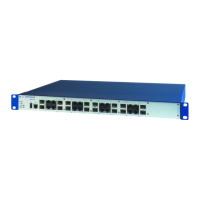
position on the device: See “Front view” on page 17.
A serial interface is provided on the RJ45 socket (V.24 interface) for the local
connection of an external management station (VT100 terminal or PC with
corresponding terminal emulation). This enables you to set up a connection
to the Command Line Interface CLI and to the System Monitor.
The socket housing is electrically connected to the front panel of the device.
The V.24 interface is electrically insulated from the supply voltage.
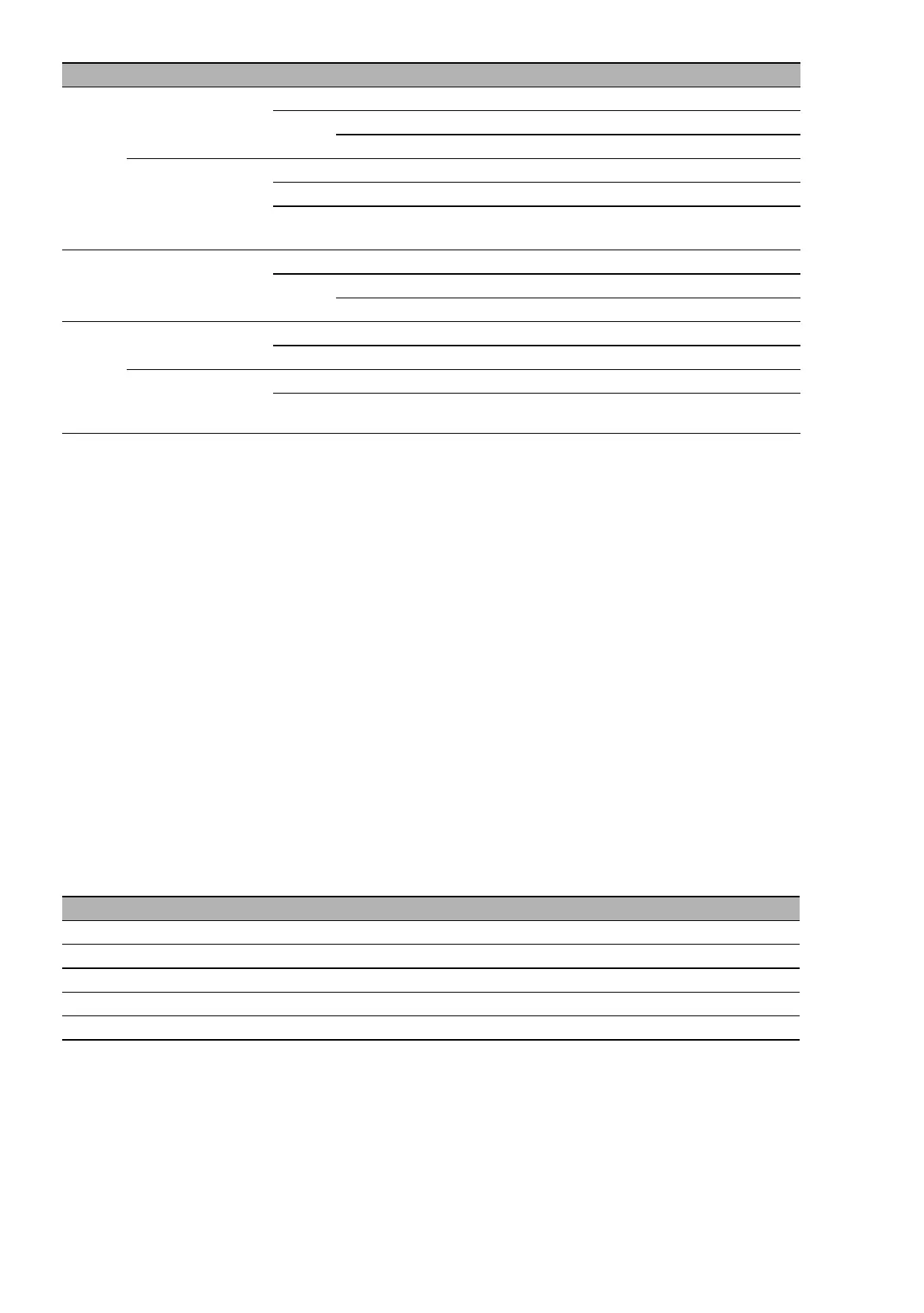
LAN Link status
(LED on the left)
— None No link is established.
Yellow Lights up Link has been established.
Flashing The connection is active.
Speed
(LED on the right)
— None Operating as a 10-Mbit/s connection
Green Lights up Operating as a Gigabit connection
Yellow Lights up Operating as a 100-Mbit/s connection
(1000 Mbit/s)
Fiber Fiber connection — None No link is established.
Yellow Lights up Link has been established.
Flashing The connection is active.
COM TX activity
(LED on the left)
— None No data activity
Yellow Lights up Device is transmitting data
RX activity
(LED on the right)
— None No data activity
Yellow Lights up Device is receiving data
VT 100 terminal settings
Speed 115200 Baud
Data 8 bit
Stopbit 1 bit
Handshake off
Parity none
LED Display Color Activity Meaning



 To Next Page