Installation EAGLE40
Release
02
08/2020
29
Note: The overall shield of a connected shielded twisted pair cable is
connected to the ground connector on the front panel as a conductor.
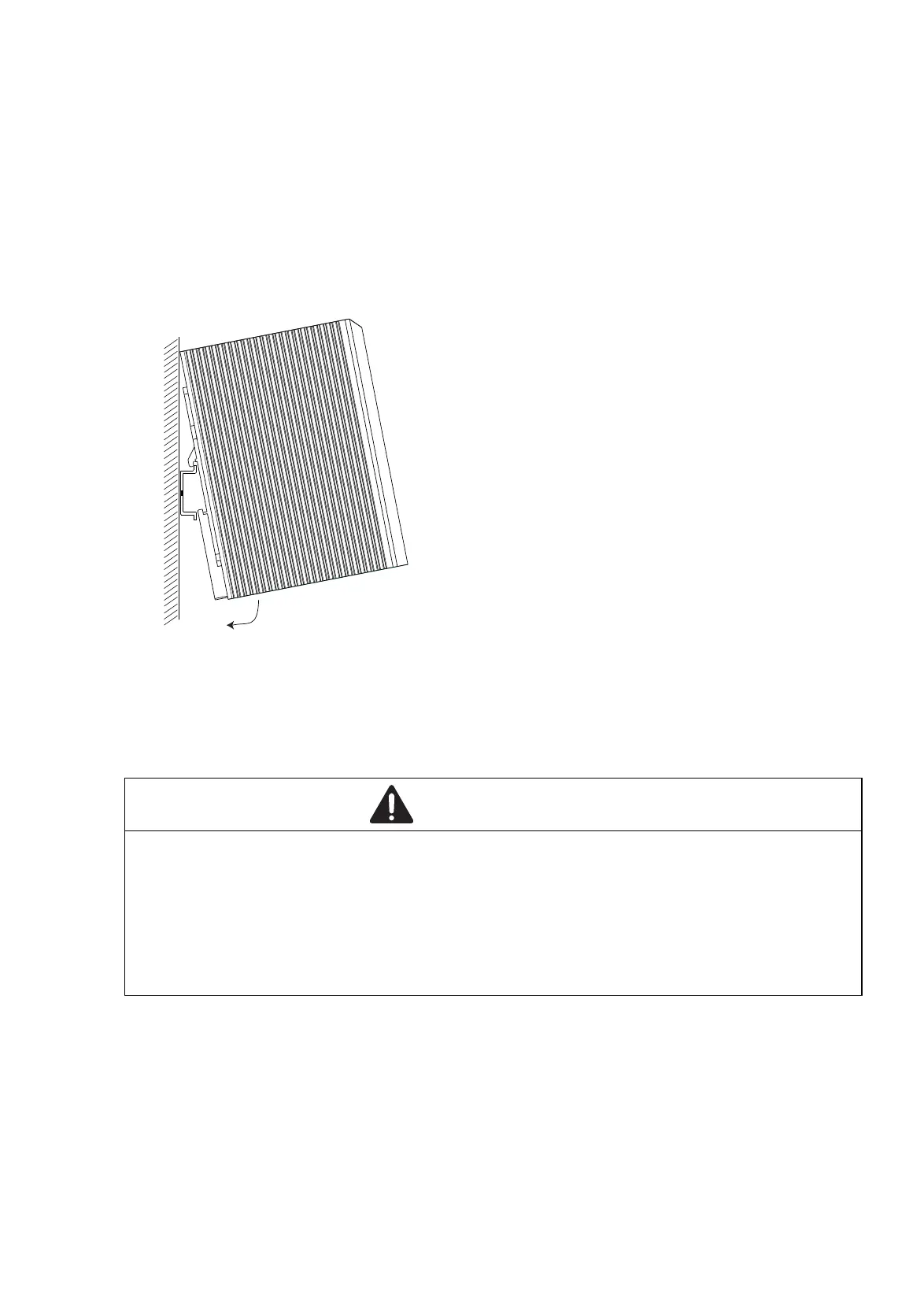
To mount the device onto a horizontally mounted 35 mm DIN rail according
to DIN EN 60715, proceed as follows:
Slide the upper snap-in guide of the device into the DIN rail.
Press the media module downwards onto the clip-in bar.
Snap in the device.
Figure 3: Mounting on the DIN rail
2.2.2 Grounding the device
The device has a functional ground connection.
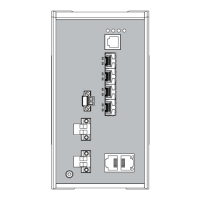
The casing is grounded via the separate ground screw on the bottom right of
the front panel.
Ground the device via the ground screw.
WARNING
ELECTRIC SHOCK
Ground the device before connecting any other cables.
Failure to follow these instructions can result in death, serious injury,
or equipment damage.



 To Next Page