28
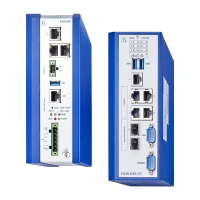
Installation EAGLE40
Release
02
08/2020
2 Installation
The devices have been developed for practical application in a harsh
industrial environment.
On delivery, the device is ready for operation.
Perform the following steps to install and configure the device:
Checking the package contents
Installing and grounding the device
Installing an SFP transceiver (optional)
Connecting the terminal blocks
Operating the device
Connecting data cables
Filling out the inscription label
2.1 Checking the package contents
Check whether the package includes all items named in the section
“Scope of delivery” on page 47.
Check the individual parts for transport damage.
2.2 Installing and grounding the device
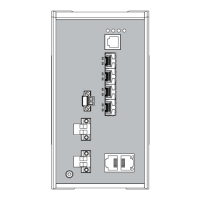
2.2.1 Installing the device onto the DIN rail
Note: Verify that there is at least 4 in (10 cm) of space above and below the
device.
WARNING
FIRE HAZARD
Install the device in a fire enclosure as per EN 62368-1 or EN 60950-1 if you
are connecting it to a power supply >100 W (PS3) or >NEC Class 2.
Failure to follow these instructions can result in death, serious injury,
or equipment damage.



 To Next Page