Changing Light Bulbs
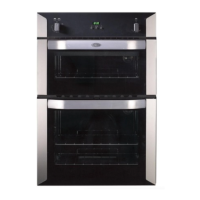
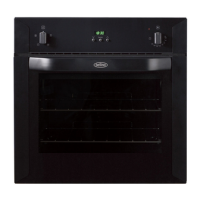
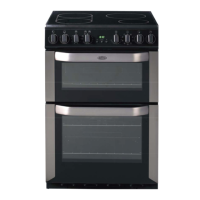
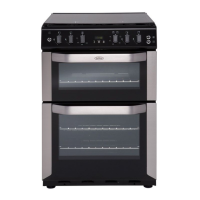
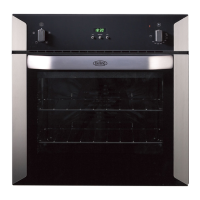
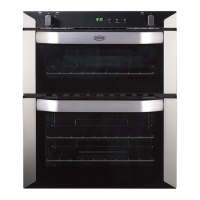
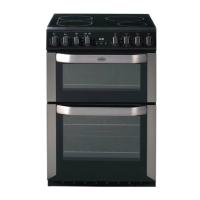
Not all appliances have the same number and type of bulbs. Before replacing
your bulb, open the top/main oven door and see which type you have.
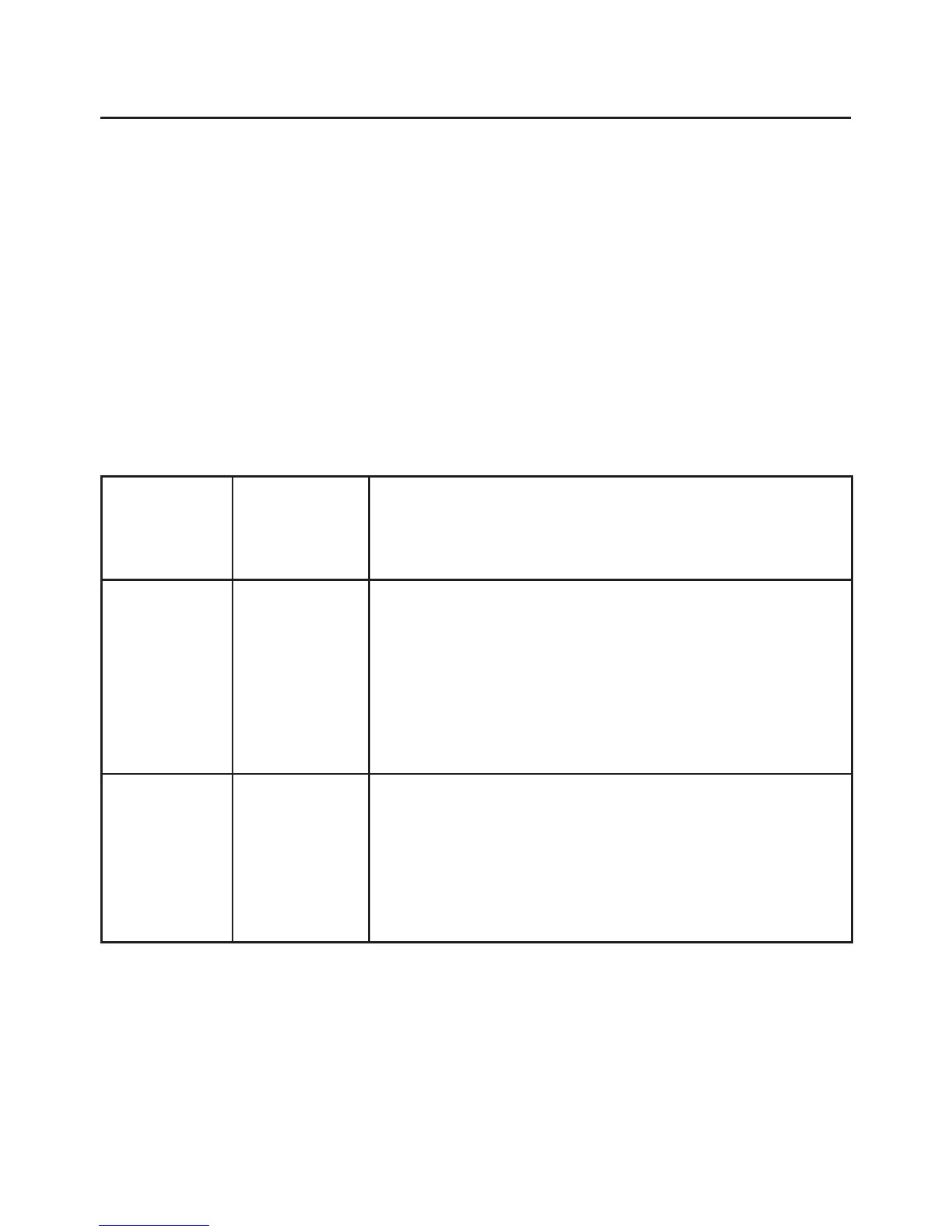
Then use the table below to help you change your bulb correctly.
Please remember that bulbs are not covered by your warranty.
Bulbs can be purchased from hardware stores (always take the old bulb with
you), or you can call the Spares Sales team on 0870 458 9961.
Warning: there is a danger of electric shock. Always make sure that the appli-
ance has been switched off and unplugged before changing a light bulb.
33
Number
of bulbs
Position Changing instruction
1 Rear
l Switch off the electricity supply, and make sure the
oven cavity is cool and remove the shelves.
l Unscrew the lens cover (anti clockwise), unscrew the
bulb and replace the bulb.
l Replace the lens cover.
2 Sides
l Switch off the electricity supply, and make sure the
oven cavity is cool and remove the shelves.
l Grasp the lens cover and pull away from the side of
the oven. Unscrew the bulb and replace.


 To Next Page