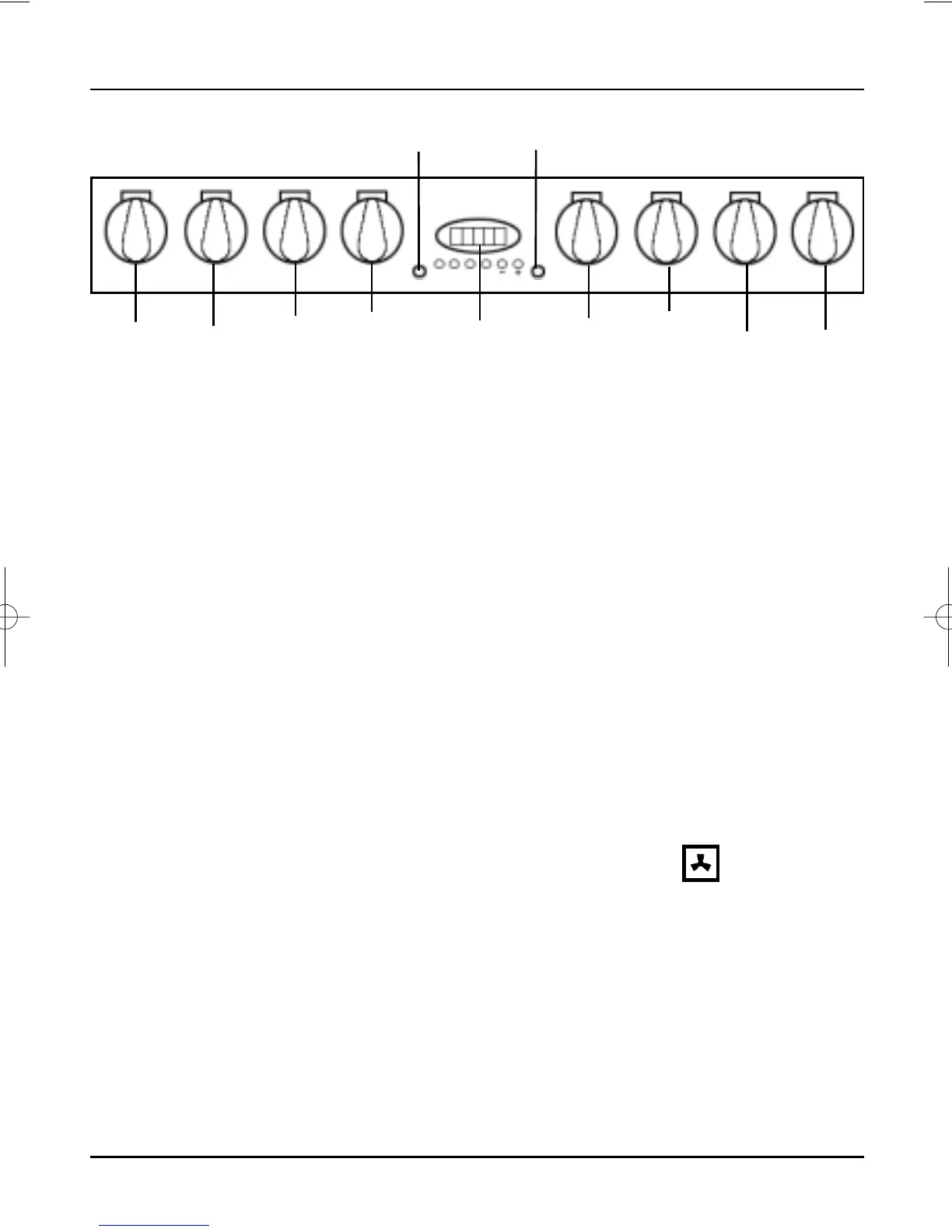
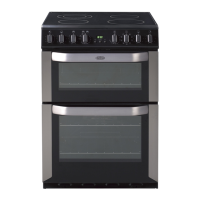
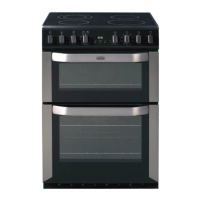
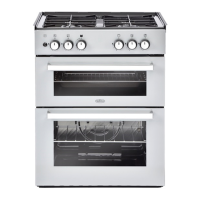
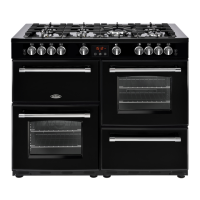
Control Panel
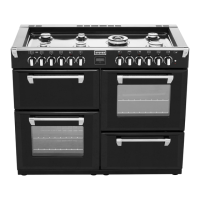
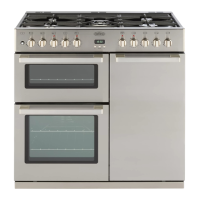
The control knobs have been designed to be easy grip.
The control knobs for the hob elements, grill and multifunction
selector can be operated in a clockwise or anti-clockwise direction.
The control knobs for both ovens can only be turned in a clockwise
direction from the off position.
Note: Always make sure that all controls are switched off after
cooking and that nothing is left on the hob.
In common with all cookers having controls sited above the grill
compartment, care must be taken when setting the controls, due to
the hot air expelled from the grill compartment.
A gentle flow of air will be blown below the control panel when
grill/oven controls are in use.
The oven lights will illuminate when the appropriate oven controls
are operated. The light will remain on during the cooking period.
(NB. some Models have no oven light).
The main oven has a Slow Cook setting specially designed to reduce
energy usage.
To operate turn main oven thermostat to 90
o
C and turn the main
oven selector switch to the correct function i.e.
Control knobs
Cooling fan
Economy Setting
Main and top
oven light
Operating
controls when the
grill is in use
Front
left
Rear
left
Twin
Circuit
Grill
Top
Oven
Stat
Main
Oven
Stat
Rear
right
Front
right
Main
Oven
Selector
Switch
Clock Autotimer &
Minute Minder
Top
Oven
Neon
Main
Oven
Neon
9



 To Next Page