11 Data Editing
In practical applications, it is sometimes useful to edit the data scanned before sending it to
the computer to facilitate data differentiation and processing.
This data edition includes:
• Prefix
• Suffix
• Identification Code (ID)
• RF message (Incorrect reading)
The default output order of the processed data is as follows:
[Prefix] [Identification Code] [Code Data] [Suffix] [Tail]
11.1 Prefix
The prefix is a user-customized string to be presented before the code scanned. The “Add
Prefix” setting code can be added by scanning:
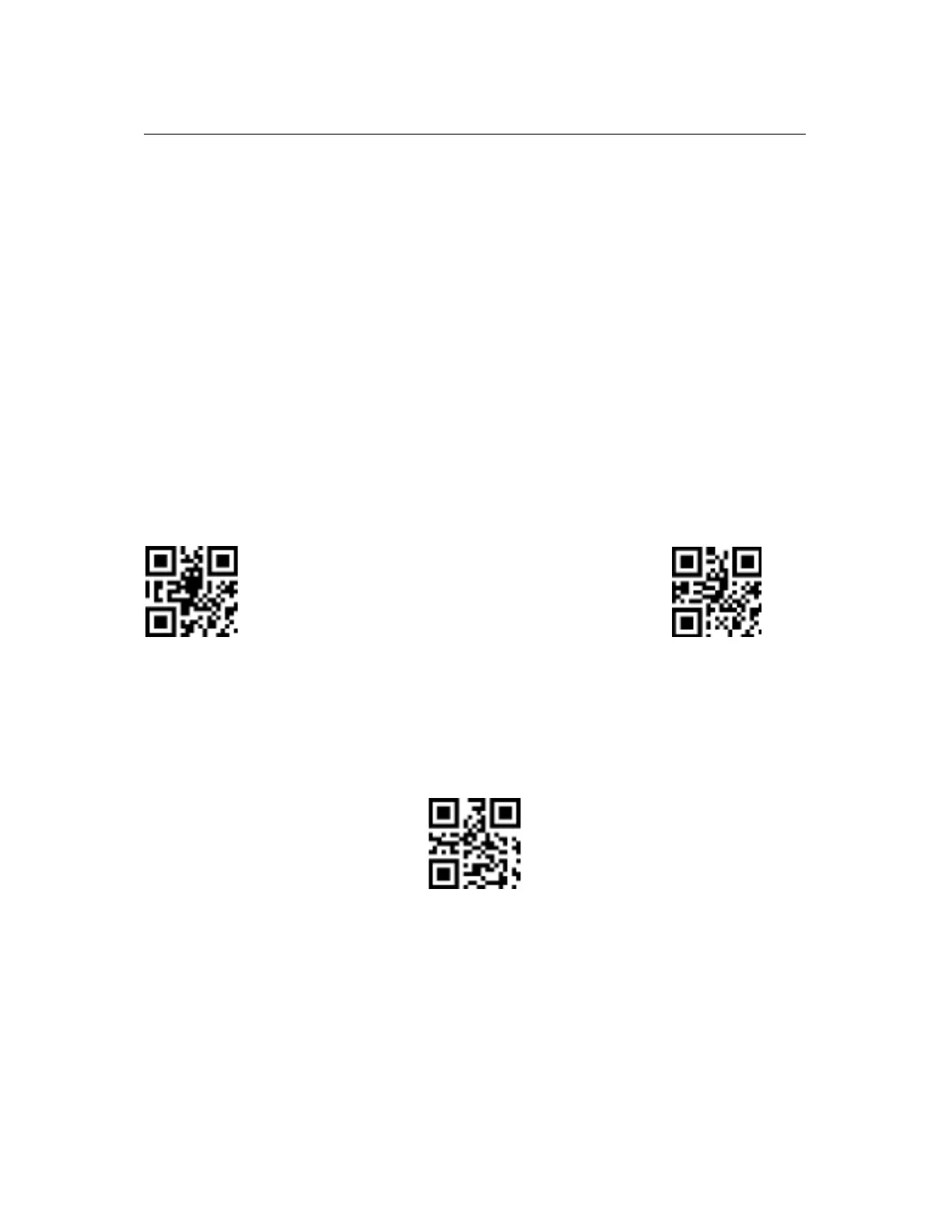
Add Prefix Not Add Prefix
11.1.1 Modify Prefix
To set or modify the prefix, you need to scan the "Modify Prefix" code and follow the steps
below.
Modify Prefix
The prefix allows up to 15 characters, per Appendix B hexadecimal character value
conversion table.
Example: Modify User-Defined Prefix to "DATA":
a) Check the Appendix B character table for the hexadecimal value of the four
characters of "DATA": "44", "41", "54", "41".
b) Confirm that the setting is enabled. If it is not enabled, scan the setting code “Enable
Setting” (see section 4.1).


 To Next Page