11.3 Identification Code (ID)
Users can use identification code (ID) to identify different types of barcodes. The character
table can be found in Appendix A. However, the user can modify the character ID (ID)
corresponding to each type of barcode.
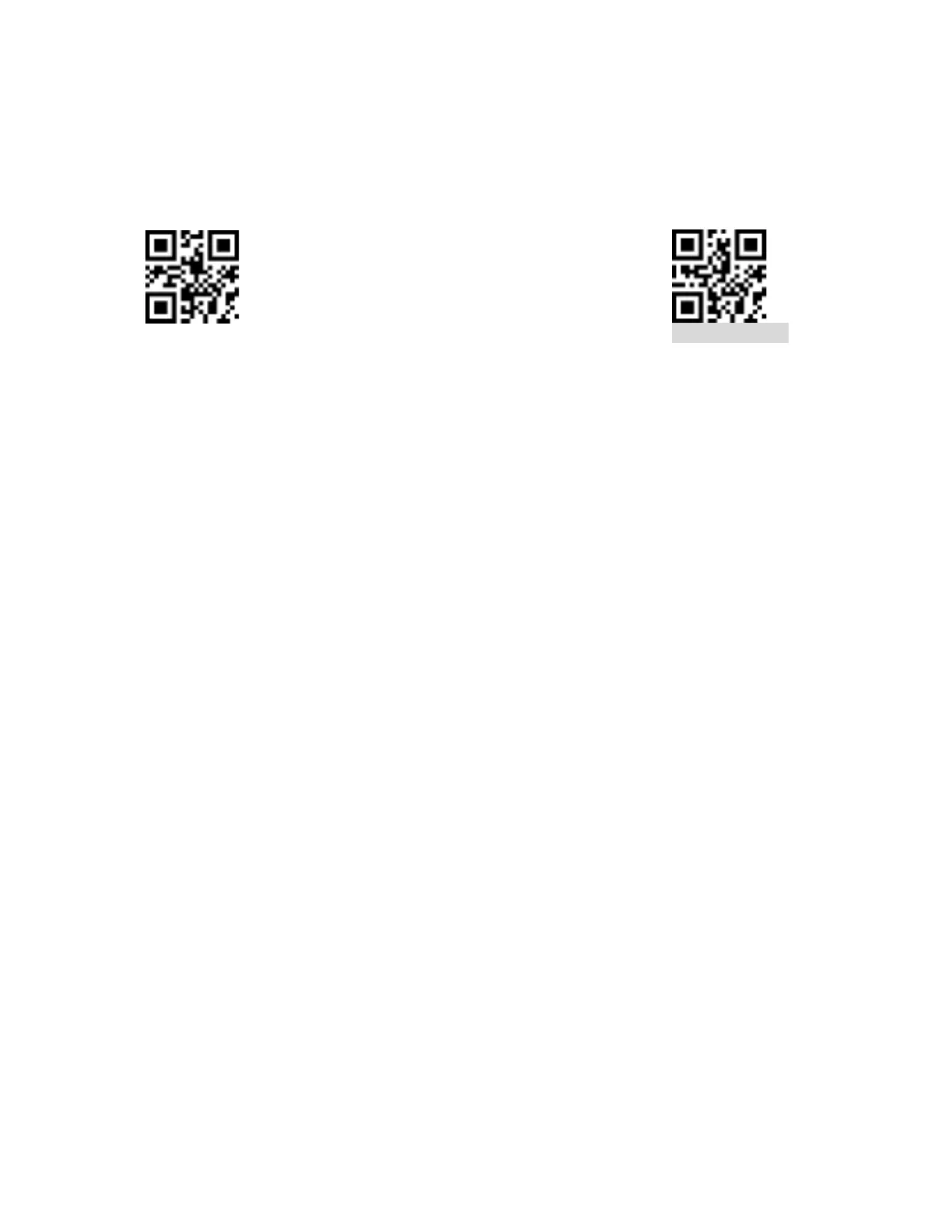
Active ID code Inactive ID code
11.3.1 Modify Identification Code (ID)
The identification code corresponding to each barcode can be freely modified by scanning
the corresponding setting code and matching the scan data setting code. This is because each
barcode corresponds to a hexadecimal identification character, the value of the hexadecimal
character can be checked in Appendix B.
Example: Modifying Code 128 ID Code to "A"
a) Check Appendix B for hexadecimal value of character "A": "41".
b) Confirm that the setting is enabled. If it is not enabled, scan the setting code “Enable
Setting” (see section 4.1).
c) Scan the setting code “Modify ID from Code 128”.
d) Scan the data setting code “4” and “1” from Appendix C.
e) Scan the "Save" setting Code at the End of Appendix D.


 To Next Page