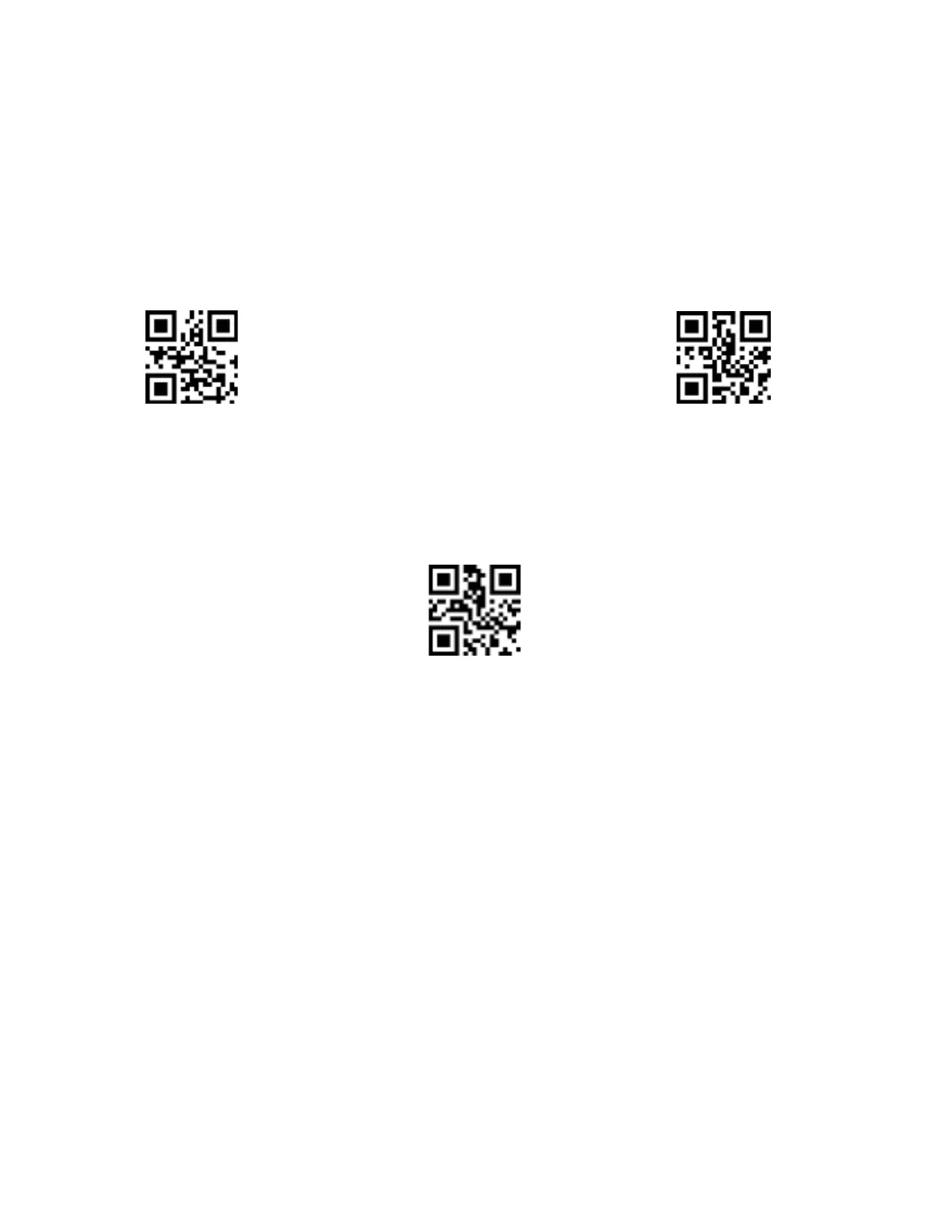
c) Scan the "Modify Prefix" setting code.
d) Scan the data definition code "4", "4", "4", "1", "5", "4", "4", "1" from Appendix C.
e) Scan the "Save" setting code at the end of Appendix D.
11.2 Suffix
The suffix is a user-customized string to be presented after the code scanned. You can add
scanned setting code “Add suffix”.
Add Suffix Not Add Suffix
11.2.1 Modify Suffix
To set or modify the suffix, you must scan the "Modify Suffix" code and follow the steps
below.
Modify Suffix
The suffix allows up to 15 characters, per Appendix B hexadecimal character value
conversion table.
Example: Modify User Defined Suffix as "DATA":
a) Check the Appendix B character table for the hexadecimal value of the four
characters of "DATA": "44", "41", "54", "41".
b) Confirm that the setting is enabled. If it is not enabled, scan the setting code “Enable
Setting” (see section 4.1).
c) Scan the "Modify Suffix" setting code.
d) Scan the data definition code "4", "4", "4", "1", "5", "4", "4", "1" from Appendix C.
e) Scan the "Save" setting Code at the End of Appendix D.


 To Next Page